EasyManua.ls Logo

Cassida C 200 - User Manual

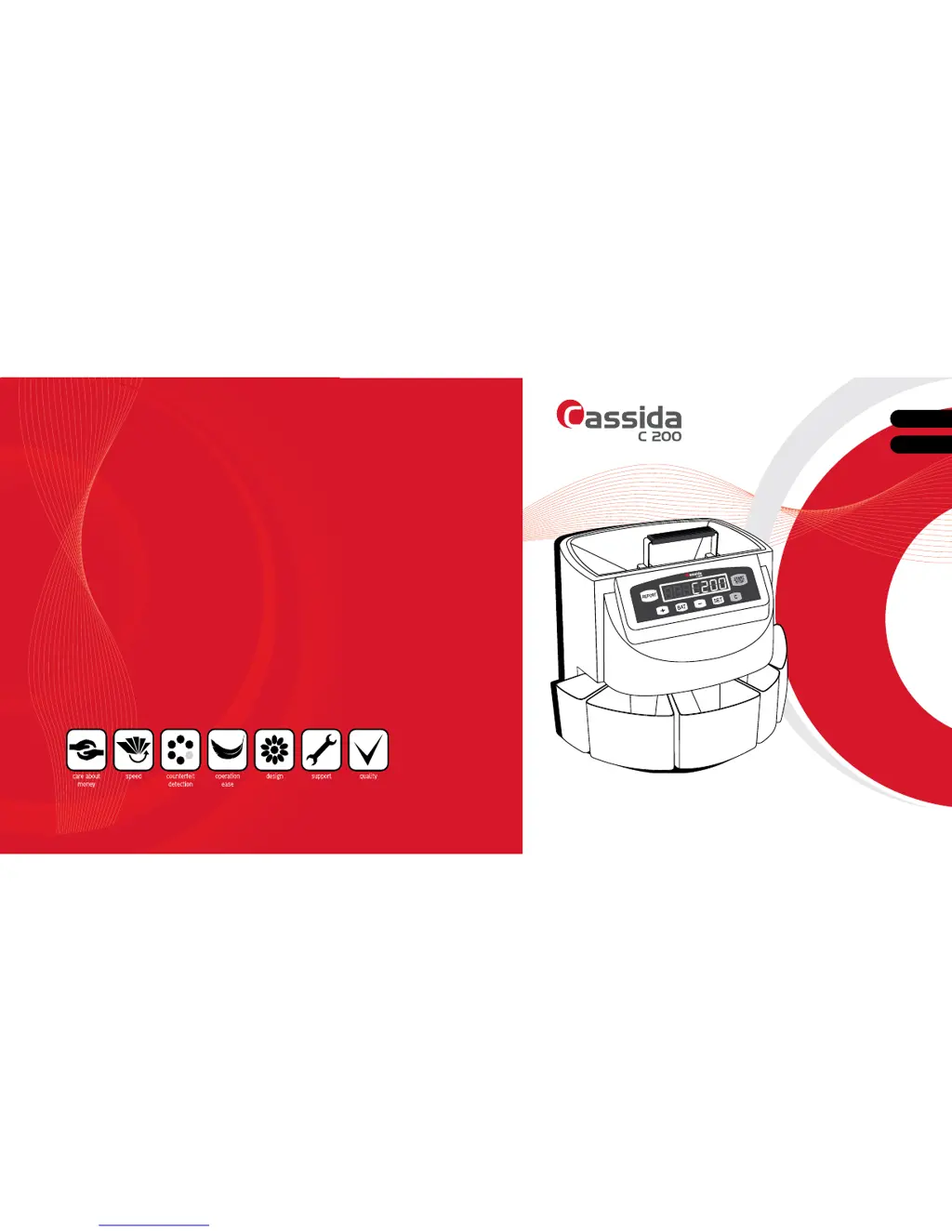
Cassida C 200
20 pages
Print Icon
To Next Page IconTo Next Page
Loading...
Made in China / Hecho en China
Cassida Corporation - North America
Moving money forward
ENGLISH
ESPAÑOL
USER MANUAL
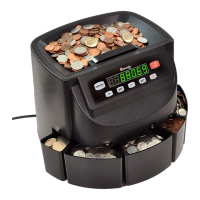
CASSIDA C200 COIN COUNTER/SORTER/WRAPPER
MANUAL DEL USUARIO
CONTADOR/CLASIFICADOR/EMPAQUETADOR DE MONEDAS CASSIDA C200

Questions and Answers

  • J
    jamiejohnsonJul 27, 2025
    What to do if Cassida Cash Counters & Coin Sorters display error EA?
    • P
      patricia39Jul 27, 2025
      If your Cassida Cash Counters & Coin Sorters display error code EA, it could be due to a couple of reasons. First, it might be that there were coins in the hopper when the machine was turned on. To fix this, press the “START/STOP” button to clear the error, then empty any coins from the coin trays back into the hopper.
  • G
    gainesryanAug 6, 2025
    How to fix E1-E8 error on Cassida C 200?
    • G
      gsullivanAug 6, 2025
      The E1-E8 error code on Cassida Cash Counters & Coin Sorters indicates that a counting sensor may have collected dust or is obscured by a foreign object. To resolve this, clean the counting sensor using a Cassida air duster and CleanPro swab. Also, inspect coin outlet openings for any foreign material (like rubber bands or paper).
  • D
    Dean GlennAug 15, 2025
    Why does my Cassida C 200 show error E9?
    • A
      amy94Aug 16, 2025
      The E9 error on your Cassida Cash Counters & Coin Sorters means the running sensor isn't detecting the coin platter's rotation. Try cleaning the running sensor. Also, check inside the machine for anything that might be stopping the coin platter from turning.

Summary

Introduction

About the Cassida C200

Overview of the Cassida C200 coin counter/sorter/wrapper and its features.

Box Contents

Lists all items included in the Cassida C200 package.

Front and Rear Views

Control Panel Overview

Specifications

Important Safety Notes

Getting Started

Powering Up

Instructions for safely turning on the Cassida C200 coin counter.

Counting Coins

Step-by-step guide on how to operate the Cassida C200 for counting coins.

Adding Mode

Explanation of the ADD mode function for accumulating counts.

Setting Batch Quantities

Guide to setting specific batch counts for coin denominations.

Using Coin Tube Attachments

Maintenance and Troubleshooting

Maintenance Procedures

Recommended procedures for cleaning and maintaining the Cassida C200.

Troubleshooting Common Errors

Lists common error codes, their causes, and corrective actions.

Warranty Information

Information on warranty registration and how to get warranty service.

Contact Information

Provides contact details for Cassida technical support and customer service.

Cassida C 200 Specifications

General IconGeneral
BrandCassida
ModelC 200
CategoryCash Counters & Coin Sorters
LanguageEnglish

Related product manuals