ENGLISH
System Parameters Setup menu
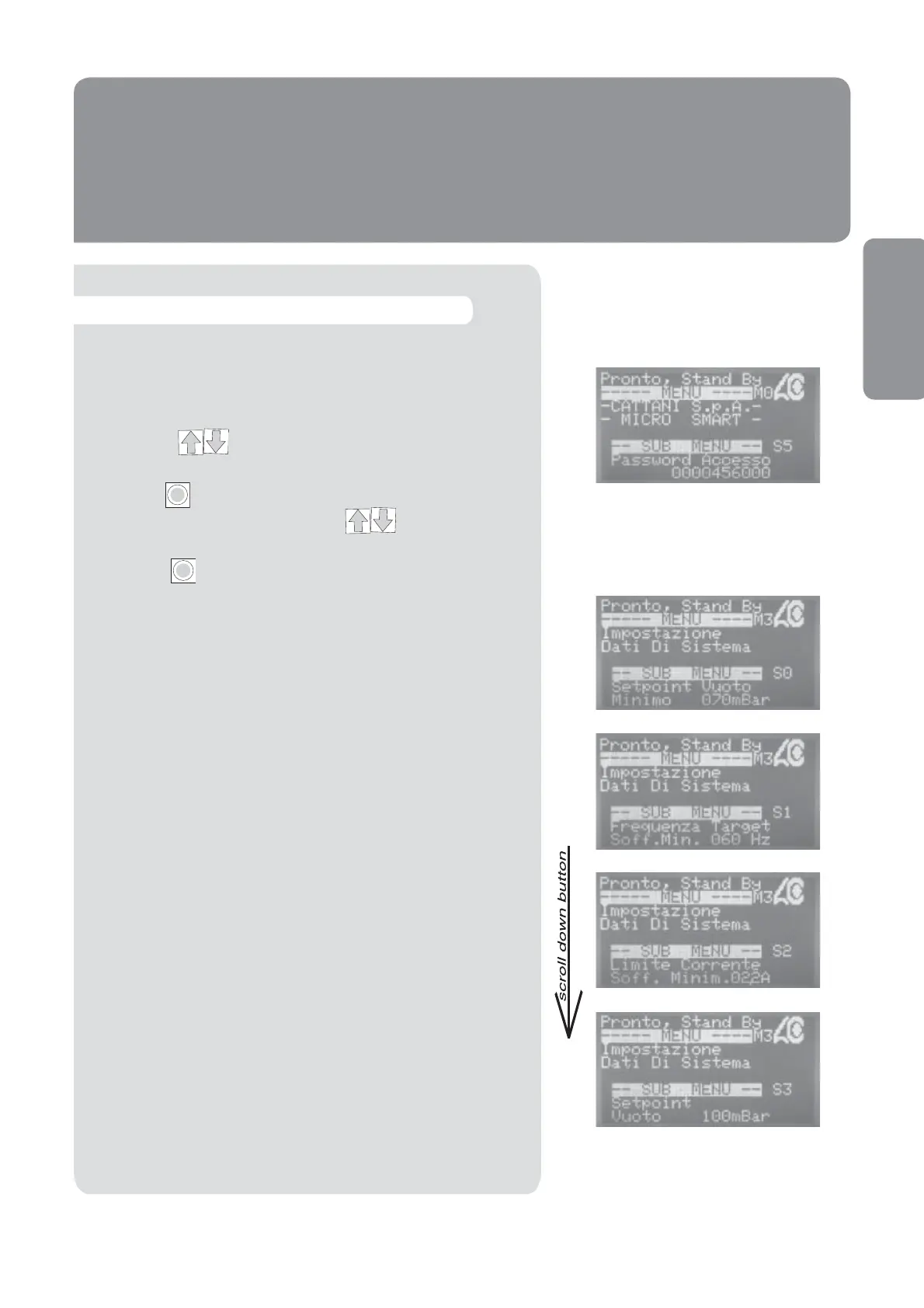
To access this menu and/or make any changes, you are
required to enter the access password 0000456000 (see
instructions on page 35).
To change any parameters in this menu:
Scroll with through to display the required para-
meter.
Press the Enter Key to enable the cursor. The gure can
be changed using the arrow keys .
Once the gure has been set to the desired gure, press the
Enter Key again to con rm and continue.
All the parameters can be regulated.
Min. Vacuum Setting
Max. Blower Output Frequency at the Min. Vacuum Setting
Blower Current limit at the Min. Vacuum Setting
Medium Vacuum Setting
I
I
39


 To Next Page