16
7. Test function:
Afterinstallation,andatleastonceperquarter,testallofyouralarmstoensure
they are operating correctly and are within range of each other.
ItisrecommendedtocheckvisuallyeveryweekiftheLEDashescorrectly
(every 48sec.)
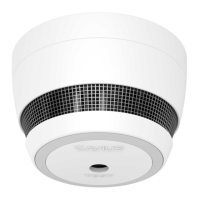
Press the test button on any alarm for at least 6.5 seconds (count 2 sets of
3soundsweeps).Thiswillsendoutatestsignalfromthealarm;allother
connected alarms should receive the signal within a short time. The alarms will
emitashortbeepandtheLEDwillashevery8secondsfor2minutes.
You can also conduct the interconnection test through the CAVIUS App
(if you have the GATEWAY HUB and App set up).


 To Next Page