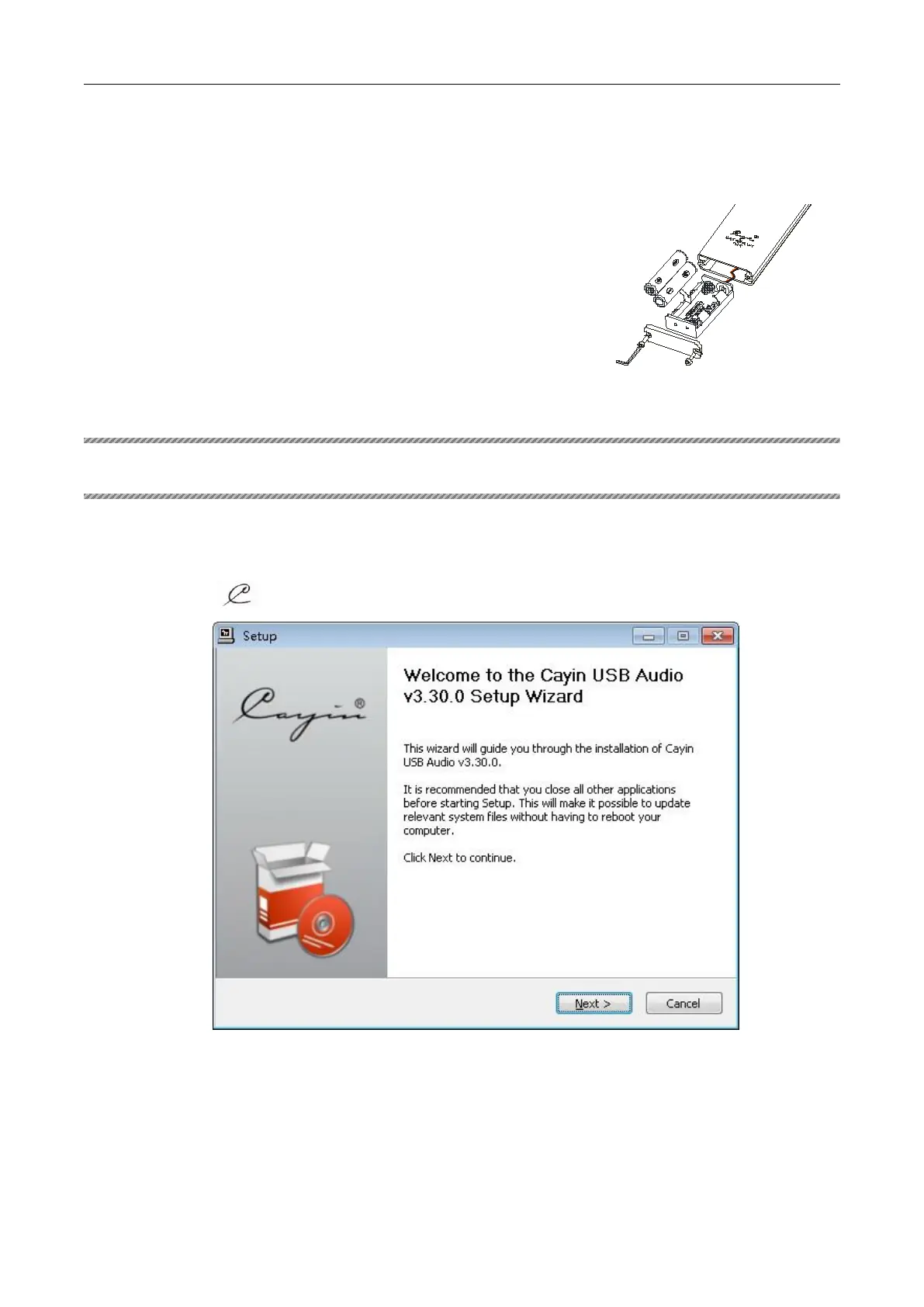
Point the Remote Control Unit at the Remote
Sensor on the front panel within about 8 m and
within about 30 .
Do not drop or damp your remote control.
The life of the batteries is about one year. Please
replace the batteries in time.
Do not mix new and old batteries, or different
brands of batteries.
Remove batteries when this unit is not in use
for a long period of time.
We suggest you to use good quality and high-energy batteries.
Ⅶ INSTALLING DRIVER SOFTWARE
If your computer operation system is Windows, you should install driver to get the function of USB audio
before using it.
1. Connect the computer to the unit with USB cable.
2. Double-click “
”
to run the diver installer
,
As below:
3. Choose the install location,as below:


 To Next Page