31
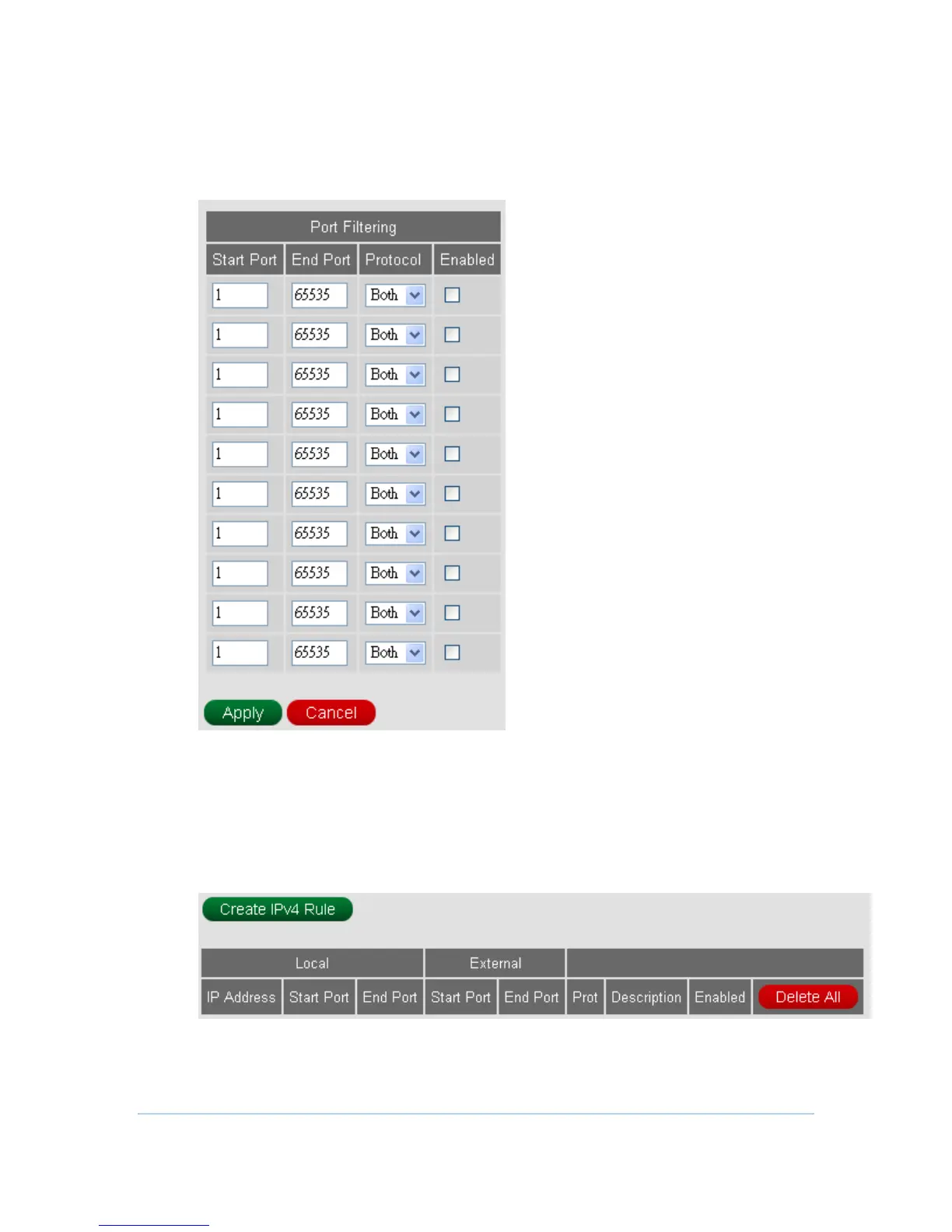
Port Filtering
This page allows you to specify the IP packet filtering rules to prevent the service
accessed from the Internet hosts or limit the Internet access for local hosts.
Port Forwarding
This allows for incoming requests on specific port numbers to reach web servers, FTP
servers, mail servers, etc. so they can be accessible from the public Internet.
1. Press Create IPv4 Rule button to add new rules.



 To Next Page