38
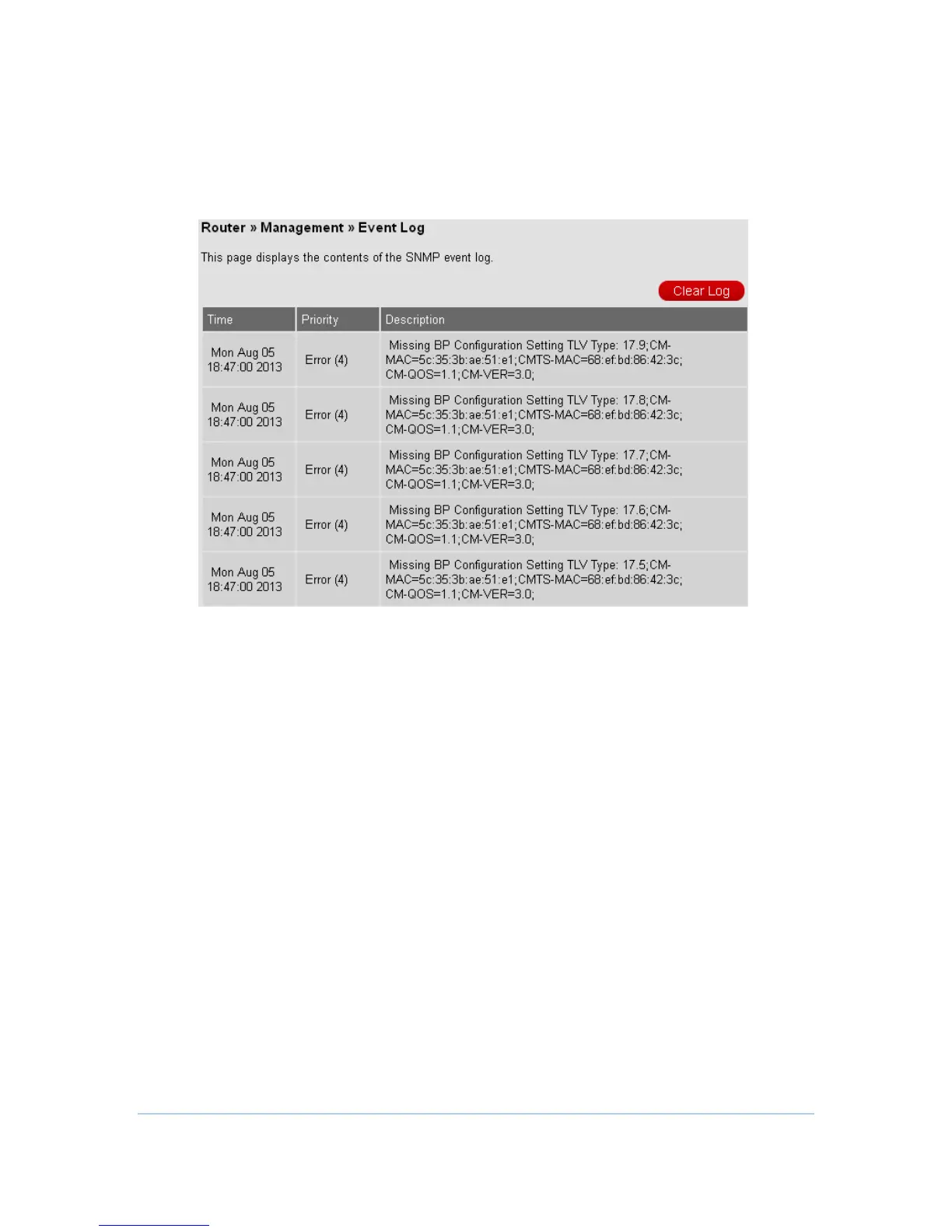
Event Log
CH7486E allows users to review critical system events in chronological order in the
SNMP event log. Also, users can press Clear Log button to clean all records.
Diagnostics
CH7486E allows users to ping diagnostics (LAN) and traceroute (WAN) to help with
IP connectivity problems. And the FTP speed test tool can help to measure the
bandwidth of your downstream Internet connection. You can fill in the IP to the
Target and Start Test.



 To Next Page