CCTV tester PRO User’s Manual
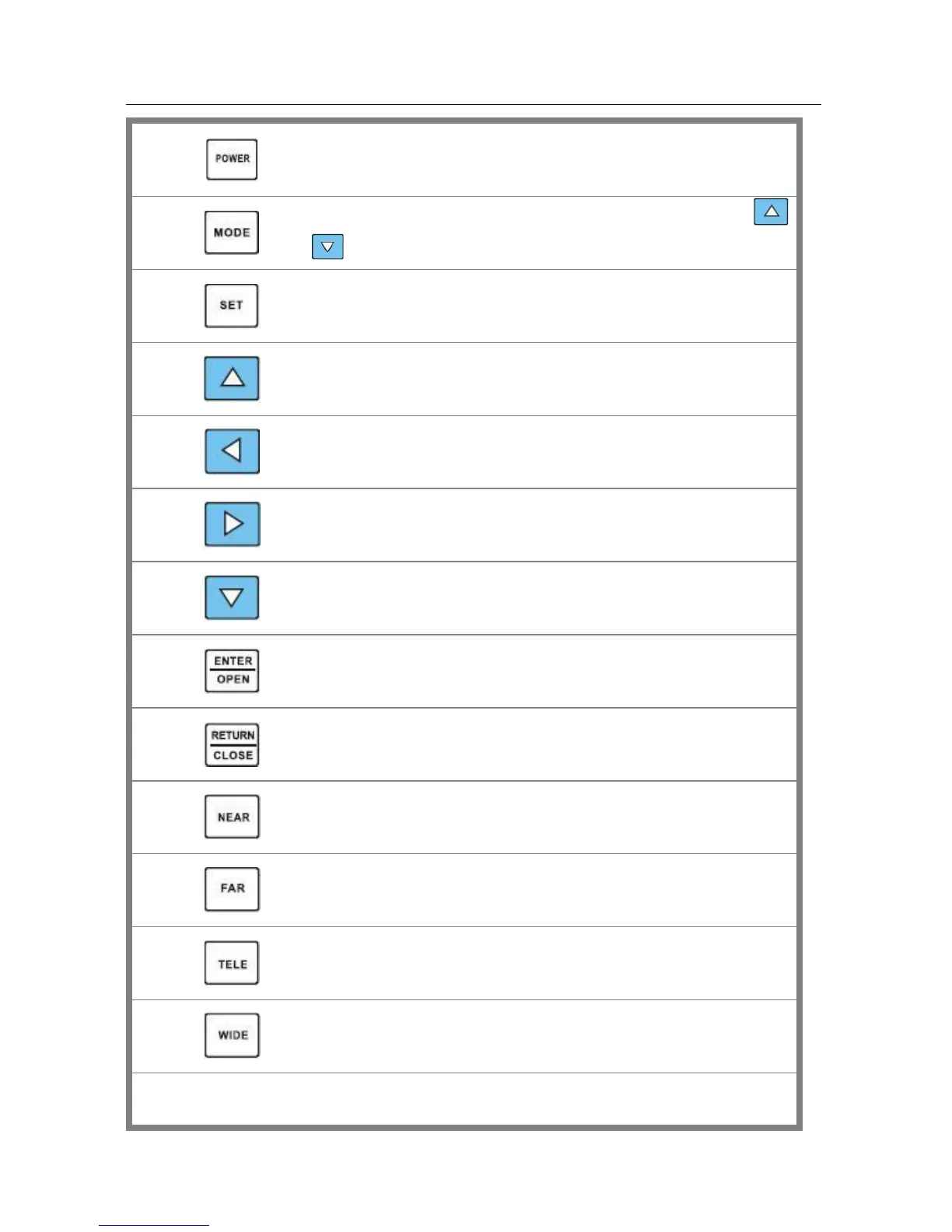
Long-pressing it more than 2 seconds to turn on/off the tester;
short-pressing to turn on/off the PTZ controller menu displaying.
Menu key: it pops up the main-menu; constant-press it or press the
or key can shift between functions
Setup key : press it or press left or right key to enter sub-menu to set the
parameters of functions.
Upward : Select the item which will be set or add the value of the
parameter. Tilt the PTZ upward.
Leftward : Enter the sub-menu or select the parameter whose value will be
changed. Reduce the value of the parameter. Pan the PTZ left.
Rightward : Enter the sub-menu or select the parameter whose value will
be changed. Add the value of the parameter. Pan the PTZ right.
Downward : Select the item which will be set or reduce the value of the
parameter. Tilt the PTZ downward.
Confirm/Open : Confirm the setting of parameters; open the aperture.
Return/Close : Return or cancel while setting parameters of the menu;
close the aperture
Near focus: Focus the image nearby.
Far focus: Focus the image faraway.


 To Next Page