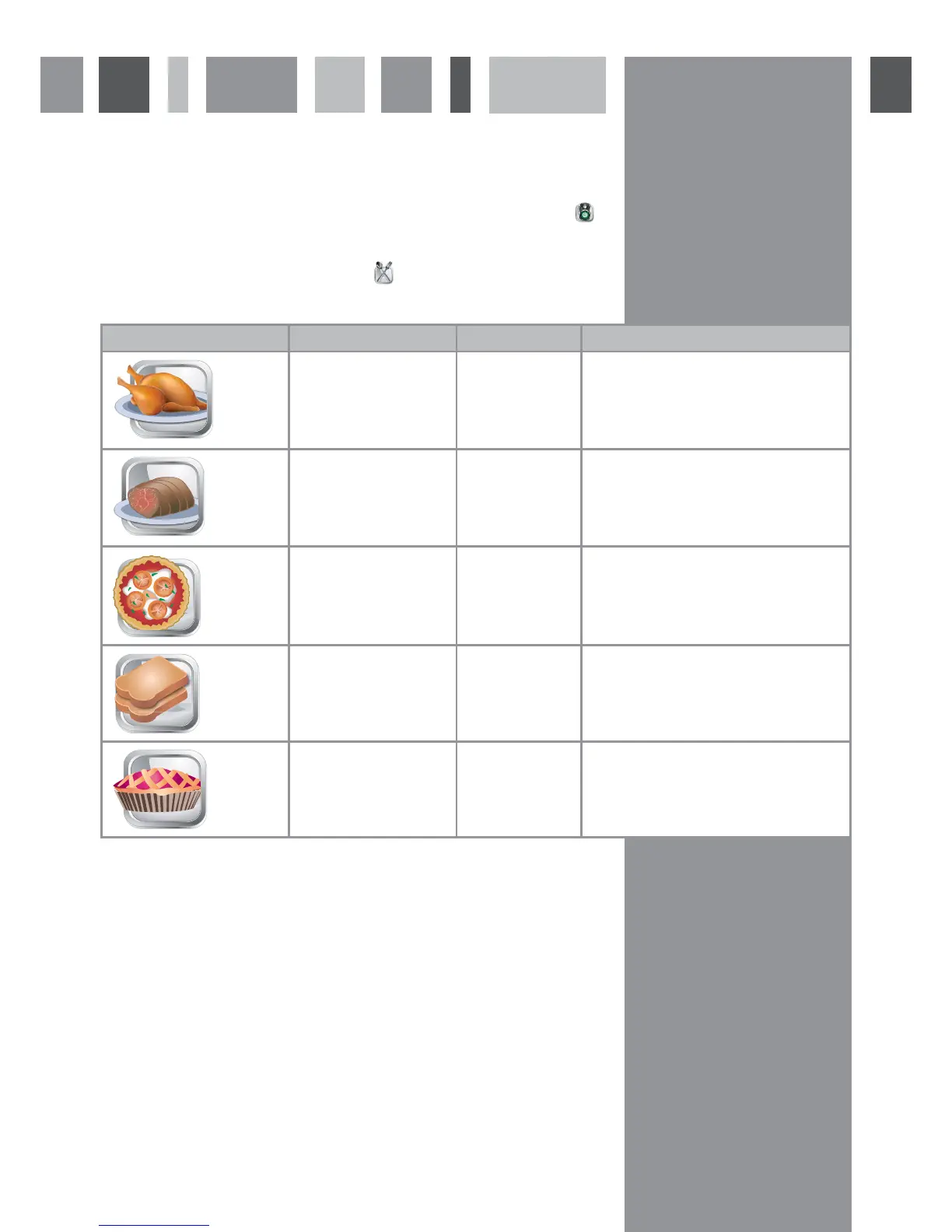
Auto cooking menu screen
The auto cooking programmes are designed to make cooking even easier. Just touch the icon of the food to be
cooked, confirm the weight of the meat or the preferred level for toasting, touch
and the oven will set the
programme for you.
To open the auto cooking menu screen, touch
from the front menu screen.
Please note: If you change the temperature on an auto cooking programme, the oven will store the new setting for
the next time the programme is used.
Icon Programme Options Programme alerts
Roast chicken Weight between
0.8-2.5 kg
Preheat complete - Add chicken
Add vegetables
Turn food
Programme complete
Roast meat Weight between
0.8-2.5 kg
Preheat complete - Add meat
Add vegetables
Turn food
Programme complete
Pizza None Preheat complete - Add pizza
Add seasoning/cheese
Programme complete
Toast 3 levels of toast-
ing
Turn toast
Programme complete
Cake None Preheat complete - Add cake
Programme complete
10



 To Next Page