Minute minder menu screen
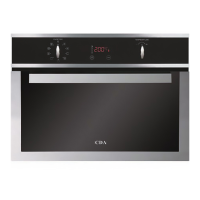
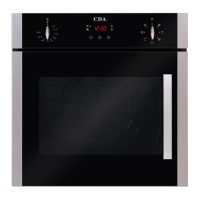
The oven is equipped with a minute minder that can run independent of any cooking programmes. The timer can be
set to a maximum of 199 minutes.
To set the minute minder, touch
from the cooking menu screens or the front menu screen.
The minute minder menu screen will open. Then touch
or until the display shows the required countdown time.
Then touch
.
To check on the countdown, touch
from the front menu screen. Alternatively, the countdown is also shown the
bottom right hand corner of the cooking screen. When the minute minder is running, the symbol will look like this:
At the end of the countdown the oven will beep for approximately one minute. To stop the beep before the end of the
minute, touch
.
Please note:
When the minute minder finishes, the oven will not switch off. Remember to turn off the oven after use.
14



 To Next Page