13
ashing, use the “+” and “-” buttons to set the alarm time: Once the
separator dot stops flashing the alarm time is set and the countdown
starts.
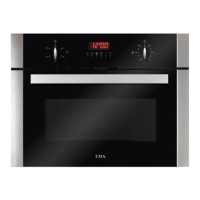
During the countdown the display switches back to showing the time
of day. If you want to see how much time is left before the beeper
sounds, press the “Timer” button
briefly and the time remaining
will show on the display for approximately 5 seconds.
At the end of the set time the beeper will sound. Press either the “+”
or “-” button to cancel the beep.


 To Next Page