EN EN
10
CDV-T5
2EASY 2-wire Touchscreen Video Door Station
6] DOOR STATION OPERATIONS
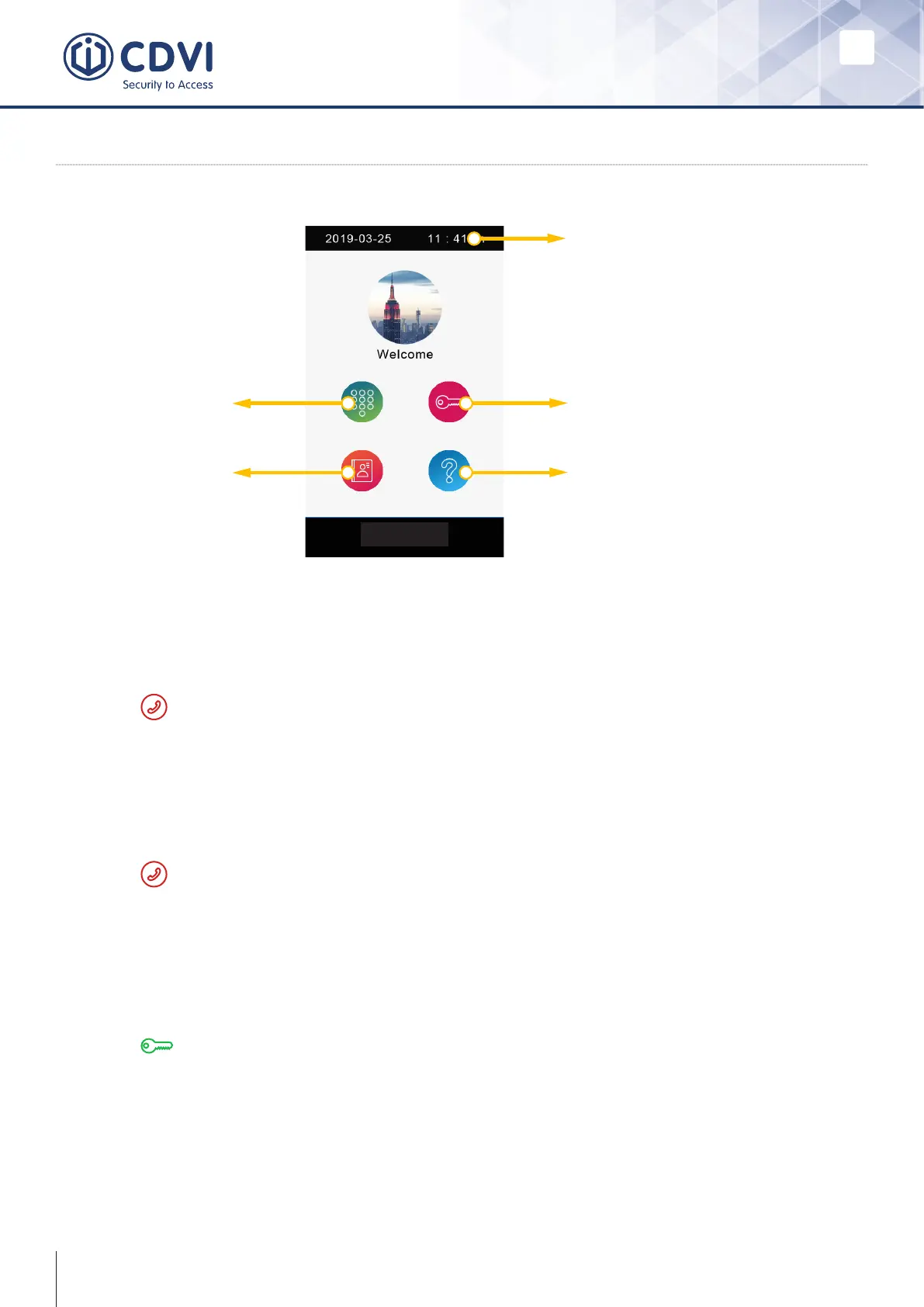
Main Menu
Calling a resident via room number input
1. Press the keypad button to enter the keypad page.
2. Input the room number.
3. Press to call.
Calling a resident via namelist
1. Press the namelist button to enter the namelist page.
2. Select the desired name from the list.
3. Press to call.
Opening the door by entering password
Opening the door by using an access card
Touch your access card to the card reader area of the door station.
1. Press the unlock button to enter the keypad page.
2. Input your unlock password.
3. Press to open the door.



 To Next Page