EN EN
11
CDV-T5
2EASY 2-wire Touchscreen Video Door Station
In order to update the CDV-T5 door station to the latest rmware, follow these steps:
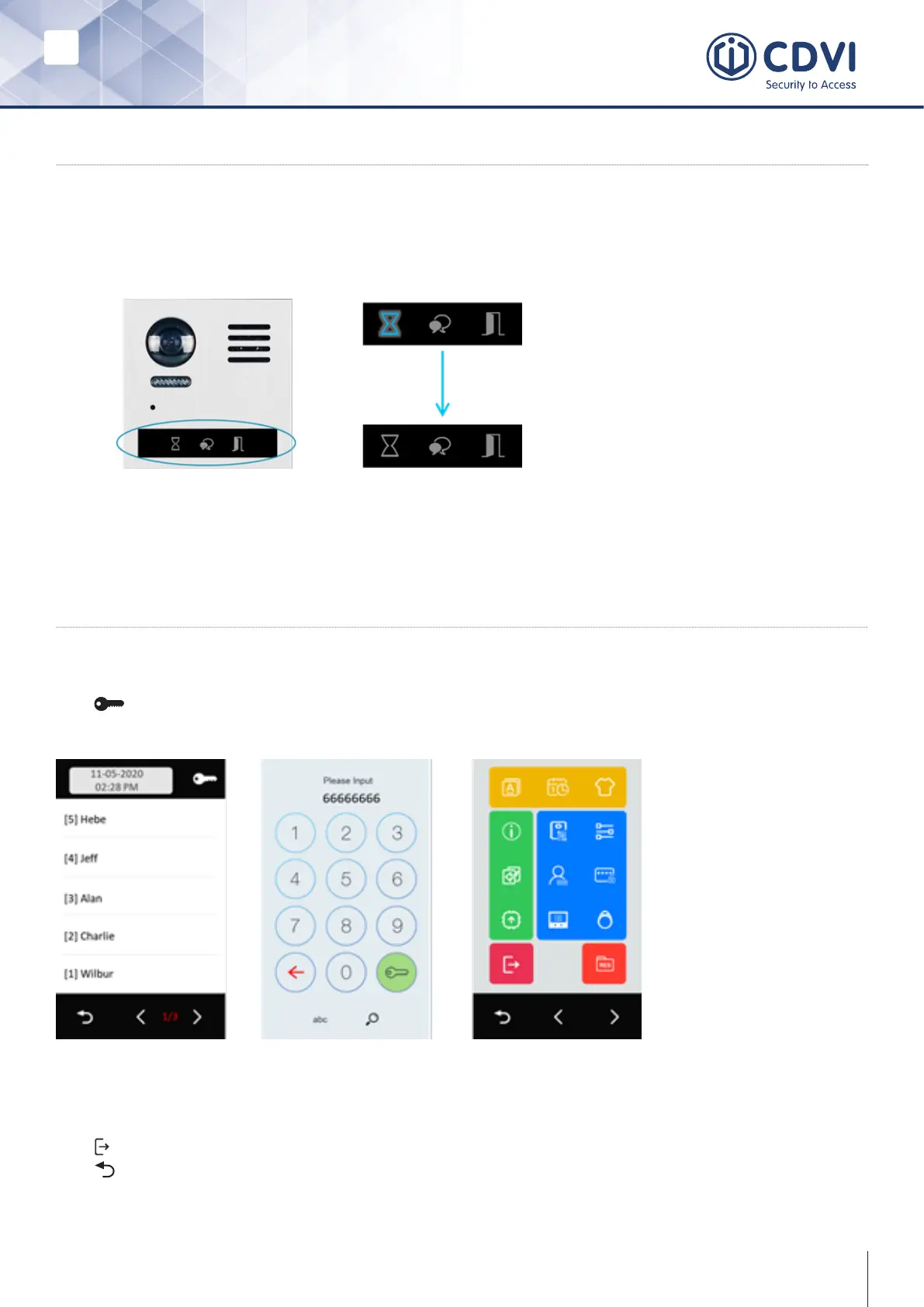
• During power up, the “Busy/ Sandclock” LED will light up until the touchscreen
module booting is nished:
8] INSTALLER MODE
Entering The Menu
Tap and enter the installer password on the screen.
Default installer password: 66666666
NOTE: In order to exit Installer mode, you will have to manually exit or power off the
door station and restart.
Tap to exit Installer mode.
Tap to return to the main menu.
7] FIRMWARE UPDATE NOTICE
• After the rebooting of the door station is nished, the screen will light up.
• All card and password information is stored in the touchscreen module.



 To Next Page