EN EN
5
CDV-T5
2EASY 2-wire Touchscreen Video Door Station
1 2 3 4 5
6 7
IN
OUT
IN
OUT
CN/KMB
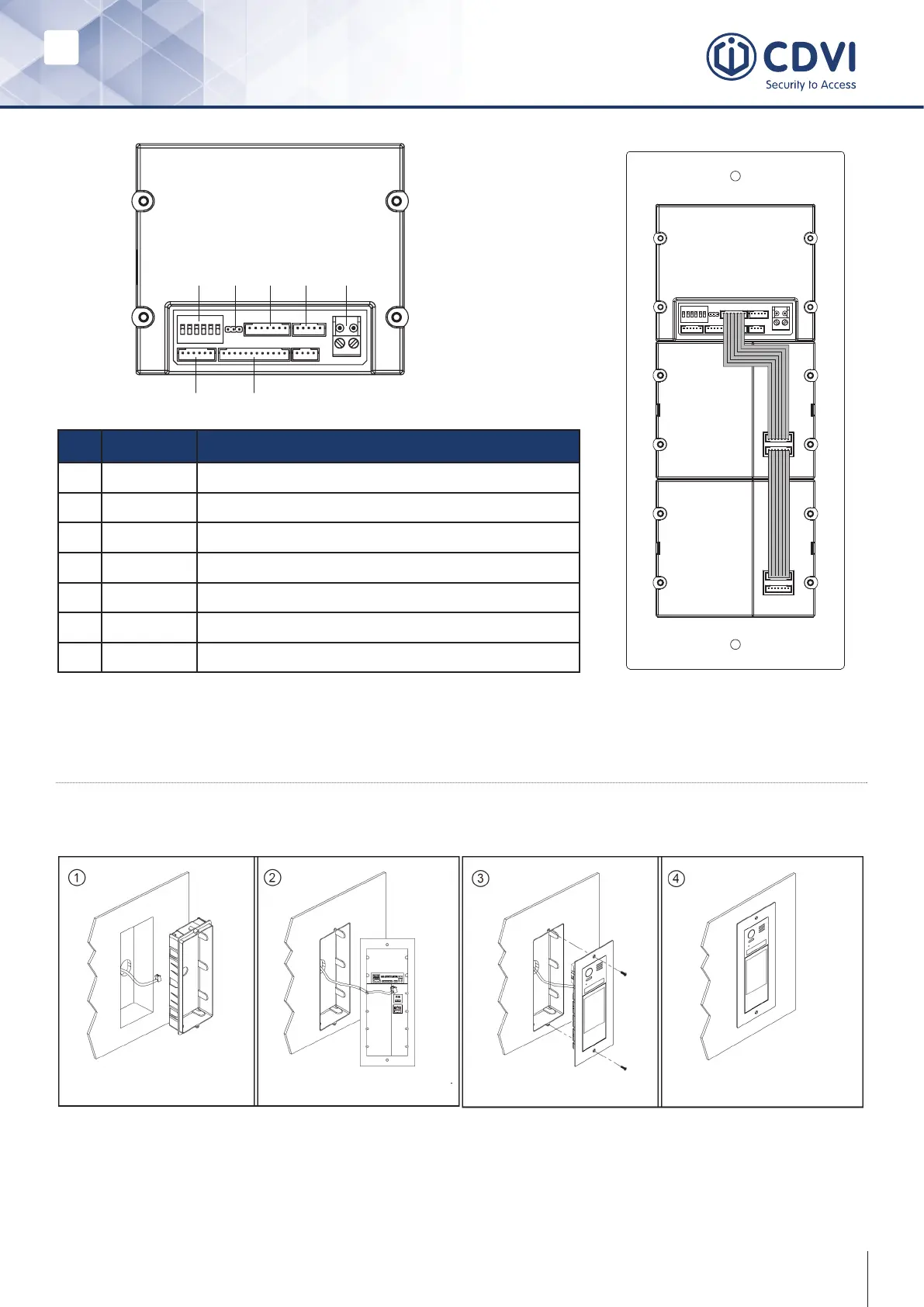
No. Name Description
1 SET DIP switch for system congurations
2 JP-LK For electric lock safety type setting
3 CN/KMB Touchscreen module connection port
4 CN/T-COIL Reserved
5 Bus No polarity bus line. Connect to power combiner unit
6 CN-LK Electric lock and exit button connection port
7 CN/FUN TFT display module connection port
3] INSTALLATION
Flush Mount
Drill a hole in the wall and
attach the ush housing to it.
Wire correctly and plug in the
bus line connector.
Use the screws to x the
panel to wall.



 To Next Page