EN EN
17
CDV-T5
2EASY 2-wire Touchscreen Video Door Station
View Cards
Room
-
Name
-
Card ID
-
Date
-
View card
Seach
Tap “View Cards” to display card information.
• Hold the card to the reader of which the card information you
want to check
• Enter or select a room
• Enter card holder’s name
• Enter card ID
• Enter Date (YYYYMMDD)
Or tap “Search” to display all cards.
Delete Cards
WFF
15654646516dgdsg
4546466304164611
Name
fdfd1546462+89363
kkK
FAIJCP16456461319
MADF
lkkjioh16546466560
fdsac
Card List
Delete single item
1/2
Delete all item
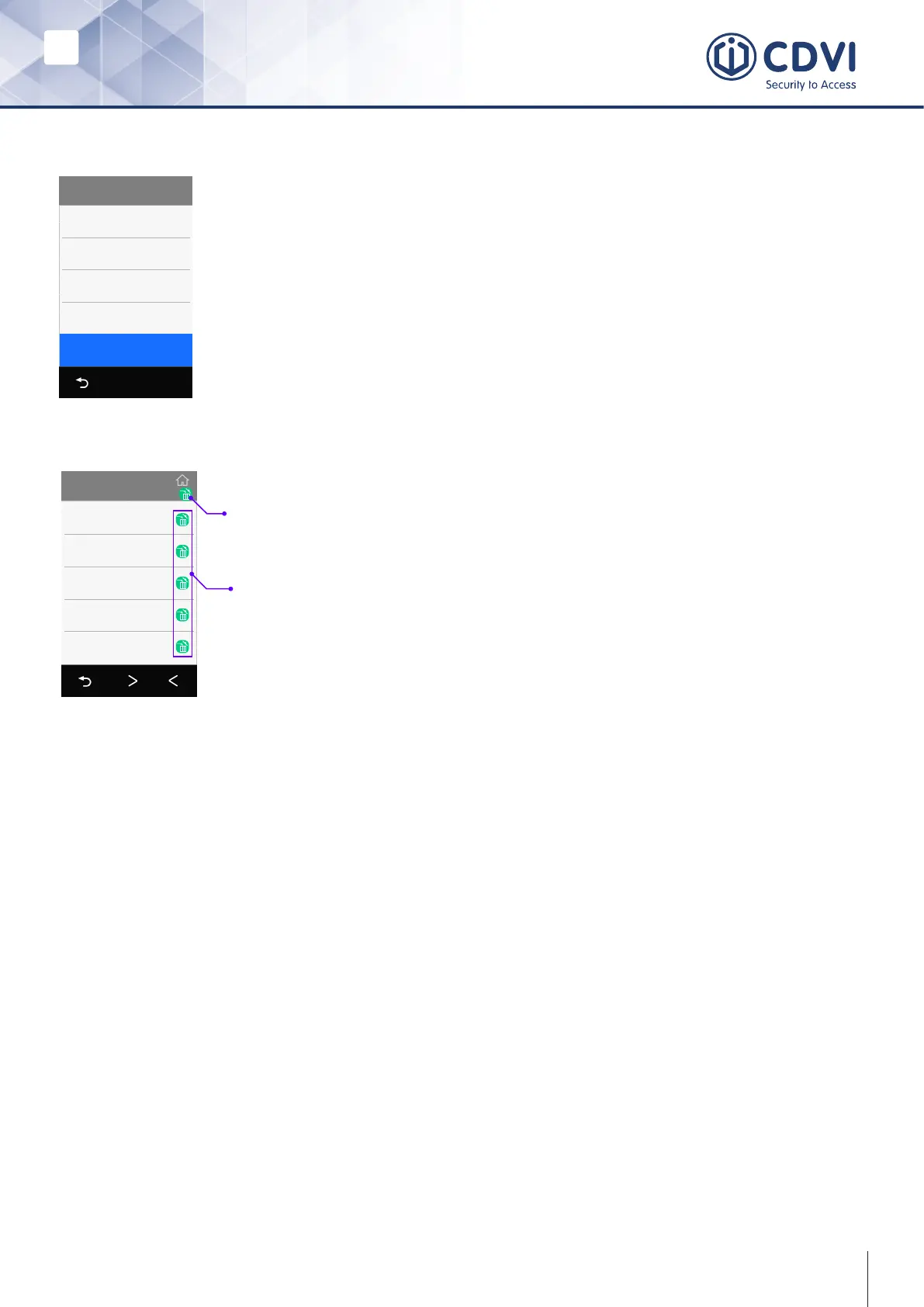
In the card display list,
• Tap the “bin” icon on the top to delete all cards.
• Tap the “bin” icon next to single items to delete
a single card.
Card Data
Tap “Card data”,
• Backup to SD: Backup card data to SD card. (the card in T5 module).
• Restore from SD: Restore a backup from SD card.
• Clear RES Data: Delete all cards.
10. Device Information
• Firmware version
• Up time (running since power up)
• SN number
11. Backup & Restore
• Backup: Backups include system settings, other settings, namelist (including private
password) and call records.
• Restore from backup: Restore from a backup.
• Restore factory settings: Restores all settings, cards, namelist and password back
to default.
s



 To Next Page