15
0.1 to 10 seconds (default 0,5 sec.). The switching time
(Slope Time) between the starting current (Start Curr)
and the welding current may also be adjusted from 0.1
to 10 seconds (default 0.5 seconds.).
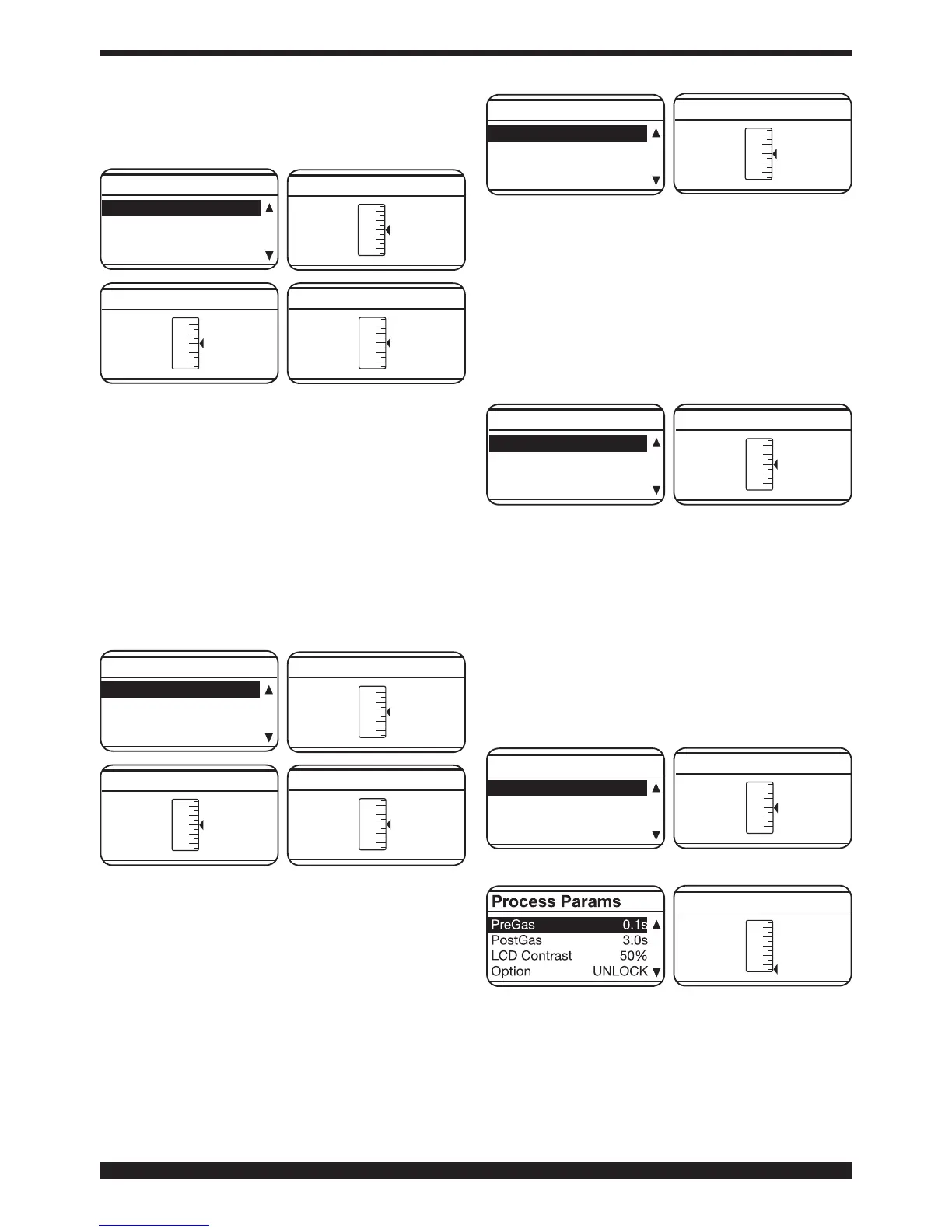
HSA ON
Start Curr. 135%
0,5sS.C. Time
Slope Time 0,5s
Process Params
• CRA (crater ller - nal crater lling).
This function is blocked when function 3L is activated.
It is working during welding 2T, 4T and also in
combination with function HSA.
After activating the function, the operator may adjust
the connection time (Slope Time) between the welding
currentandthecraterllingcurrent(Crater Curr.) from
0.1 to 10 seconds (default 0.5 seconds.).
Theoperatormayalsoadjustthecraterllingcurrent
(Crater Curr.) from 10 to 200% of the welding current
(Default 60%).
The time (C.C. Time)ofthecraterllingdurationmay
also be adjusted from 0.1 to 10 seconds (default 0.5
seconds).
CRA ON
Slope Time 0,5s
Crater Current 60%
C.C. Time 0,5s
Process Params
• Inductance
Adjustment can vary from -9.9 to +9.9. Factory setting
iszero.Ifthegureisnegative,theimpedancedrops
and the arc becomes harder, while if it increases, the
arc is softer.
To access this function, simply highlight it using the
knob B and press it for less than 2 seconds. The display
screen Ashowstheadjustmentbar.Thegurecanbe
changedandconrmedbypressingtheknobB for less
than 2 seconds.
Inductance 0.0
Burn Back Auto
Soft Start Auto
Pre Gas 0,1s
Process Params
• AUTO burnback
The adjustment can vary from -9.9 to +9.9. Its purpose
is to adjust the length of the wire coming out of the gas
nozzleafterwelding.Apositivegurecorrespondsto
greater wire burning.
Default is Auto (preset function). To access this
function, simply highlight it using the knob B and
press it for less than 2 seconds. The display screen A
showstheadjustmentbar.Thegurecanbechanged
andconrmedbypressingtheknobB for less than 2
seconds.
Burn Back Auto
Soft Start Auto
Pre Gas 0,1s
Post Gas 3,0s
Process Params
• Soft Start AUTO
Adjustment can vary from 0 to 100%. This is the wire
speed expressed in percentage of the speed set
for welding, before the wire touches the piece to be
welded.
This adjustment is important to always obtain good
starts.
Default is Auto (preset function).
To access this function, simply highlight it using the
knob B and press it for less than 2 seconds. The display
screen Ashowstheadjustmentbar.Thegurecanbe
changedandconrmedbypressingtheknobB for less
than 2 seconds.
Soft Start AUTO
Gas 0,1sPre
Post Gas 3,0s
LCD Contrast 50%
Process Params
The adjustment can vary from 0 to 10 seconds.
To access this function, simply highlight it using the
knob B and press it for less than 2 seconds. The display
screen Ashowstheadjustmentbar.Thegurecanbe
changedandconrmedbypressingtheknobB for less
than 2 seconds.




 To Next Page