EasyManua.ls Logo

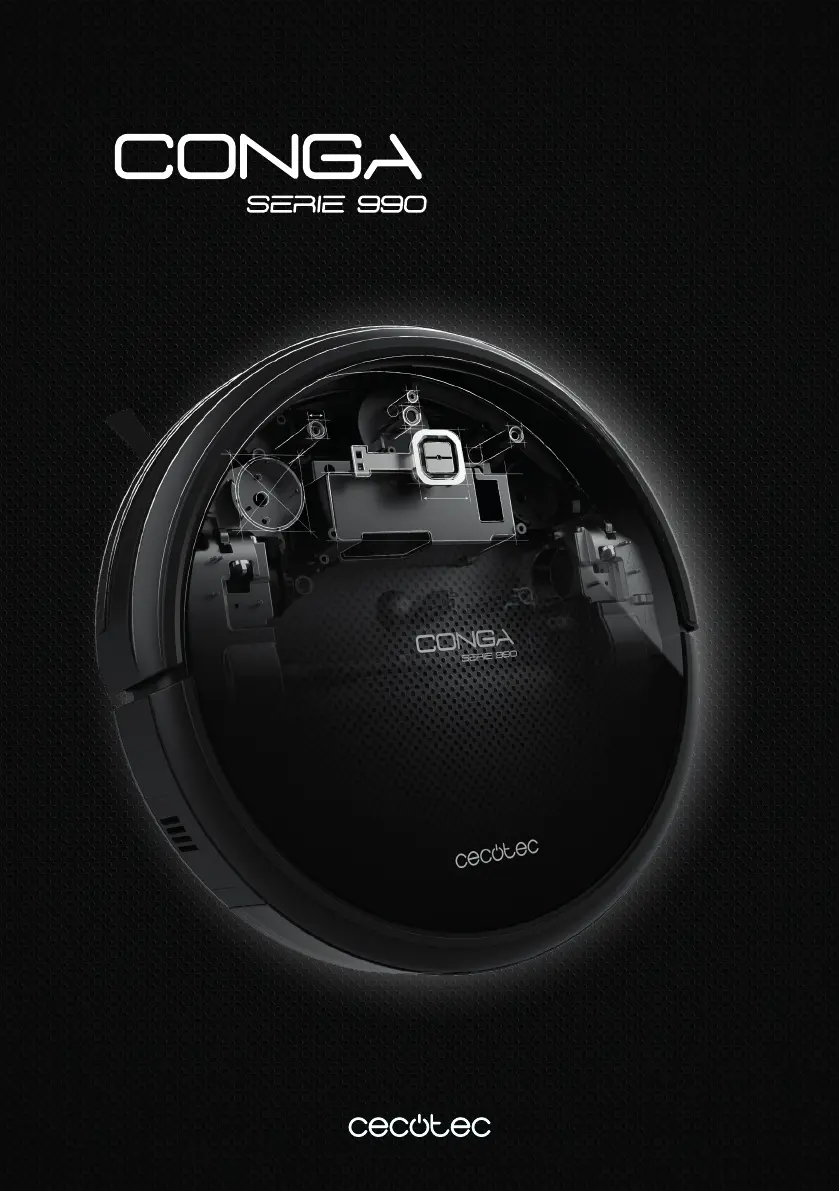
cecotec CONGA 990 Excellence - User Manual

cecotec CONGA 990 Excellence
100 pages
Go to English
Print Icon
To Next Page IconTo Next Page
Loading...
Manual de instrucciones
Instruction manual
Manuel d’instructions
Bedienungsanleitung
Manuale di istruzioni
Manual de instruções

Questions and Answers

  • S
    Shirley GonzalezAug 17, 2025
    Why is my cecotec CONGA 990 Excellence remote control not working?
    • T
      tammytuckerAug 17, 2025
      If your Cecotec Vacuum Cleaner's remote control isn't working, first replace the batteries with new ones. If that doesn't work, ensure the robot is turned on and fully charged. Also, clean the infrared transmitter on the remote and the reception sensor on the robot with a soft cloth. Finally, avoid using the remote near equipment that produces infrared signals.
  • B
    badamsAug 20, 2025
    What to do if my cecotec CONGA 990 Excellence Vacuum Cleaner returns to base too soon?
    • R
      Raymond TorresAug 20, 2025
      If your Cecotec Vacuum Cleaner returns to the charging base before finishing cleaning, it's likely because its battery is low. To resolve this, allow the robot to charge fully.
  • R
    Richard SalinasAug 22, 2025
    Why didn't my Cecotec Vacuum Cleaner start automatically?
    • R
      robin80Aug 22, 2025
      If your Cecotec Vacuum Cleaner isn't operating automatically at the scheduled time, first ensure the robot's power switch is turned on. If it still doesn't work, allow the robot to charge on the charging base while it is not operating. Also, make sure that the robot is not tangled or stuck; if it is, turn it off, empty the dust container, and clean it.
  • N
    Nancy WatsonAug 26, 2025
    How to fix a charging error on my Cecotec Vacuum Cleaner?
    • E
      evansjenniferAug 26, 2025
      If you are experiencing a charging error with your Cecotec Vacuum Cleaner, clean the charging terminals on both the robot and the charging base to ensure they make good contact. If the charging base is turned off but the robot is on and has low battery, allow the robot to charge on the charging base while it is not operating.
  • R
    rsmithAug 28, 2025
    What to do if my cecotec CONGA 990 Excellence shows a motor fan error?
    • S
      sandrawallaceAug 28, 2025
      If your Cecotec Vacuum Cleaner displays a motor fan error, clear the dust from the dust tank and clean the suction channel.
  • A
    Allison WhiteAug 31, 2025
    How to fix a main brush error on cecotec CONGA 990 Excellence Vacuum Cleaner?
    • B
      brandisimmonsAug 31, 2025
      If your Cecotec Vacuum Cleaner's main brush has an error, check if the main brush is tangled and clear it.
  • F
    Frank MooreSep 2, 2025
    What to do if my cecotec CONGA 990 Excellence has a side brush error?
    • R
      Richard TuckerSep 2, 2025
      If your Cecotec Vacuum Cleaner displays a side brush error, check if the side brush is tangled and clear it.
  • K
    Kelly RodriguezSep 5, 2025
    How to resolve an omnidirectional wheel error on a cecotec CONGA 990 Excellence?
    • M
      Monique PachecoSep 5, 2025
      If your Cecotec Vacuum Cleaner displays an omnidirectional wheel error, check if the omnidirectional wheel is tangled and clear it.
  • T
    Tiffany DaltonSep 8, 2025
    What to do if my Cecotec Vacuum Cleaner is trapped?
    • B
      Benjamin MaynardSep 8, 2025
      If your Cecotec Vacuum Cleaner is trapped or the wheels are off the ground, move the robot to a new position and restart it.
  • E
    Eric EscobarSep 12, 2025
    What to do if my cecotec CONGA 990 Excellence Vacuum Cleaner has anti-collision sensors error?
    • J
      Joanna LloydSep 12, 2025
      If your Cecotec Vacuum Cleaner shows an anti-collision sensor error, check if the anti-collision sensors are stuck, and unblock and clean them.

Summary

Safety Instructions

Operation

Auto Mode Cleaning

Explanation of the automatic cleaning mode and its behavior.

Spot Mode Cleaning

Details on how to use the spot cleaning mode for specific areas.

Scrubbing Mode Operation

Guide on activating and using the scrubbing function for mopping.

Cleaning and Maintenance

Dust Tank and Filter Cleaning

Instructions for cleaning the dust tank and its filters.

Troubleshooting

Troubleshooting Red Light Blinking

Solutions for errors indicated by a blinking red light and beeps.

Troubleshooting Red Light Steady

Solutions for errors indicated by a steady red light.

cecotec CONGA 990 Excellence Specifications

General IconGeneral
ModelConga 990 Excellence
CategoryRobot Vacuum Cleaner
Suction Power1400 Pa
Battery Capacity2600 mAh
Runtime160 minutes
Dust Container Capacity0.3 L
Weight3.5 kg
Dimensions32 x 32 x 8.2 cm
Noise Level64 dB
Operating ModesAuto, Spot, Edge, Manual
Mop FunctionYes
Battery TypeLithium-ion
Battery Voltage14.4 V
Charging Time4 hours
FilterHEPA
App ControlYes
ProgrammableYes
Dust Capacity0.3 L
NavigationSmart Mapping
Voice ControlYes
SensorsAnti-collision, Anti-drop
Cord LengthNot applicable

Related product manuals