49
NL
Als u er niet aan denkt dat de weegschaal moet worden gebruikt met het deksel ontgrendeld,
verschijnt er automatisch een herinnering.
Ontgrendel het deksel en wacht tot de waarschuwing vanzelf verdwijnt, door op “Begrepen” te
drukken wordt het standaard weegschaalscherm gesloten.
PL
Jeśli zapomnisz, że waga musi być używana z odblokowaną pokrywą, automatycznie pojawi się
ostrzeżenie przypominające o tym.
Odblokuj pokrywę i poczekaj, aż ostrzeżenie samo zniknie, jeśli naciśniesz „zrozumiano”, domyślny
ekran wagi zostanie zamknięty.
CZ
Pokud si nezapamatujete, že váha se má používat s odemčeným víkem, automaticky se zobrazí
připomenutí.
Odemkněte víko a počkejte, dokud varování samo nezmizí, stisknutím tlačítka “Rozumím” zavřete
výchozí obrazovku váhy.
4. PANTALLA AJUSTES/ SETTINGS DISPLAY/ ÉCRAN PARAMÈTRES/ BILDSCHIRM EINSTELLUNGEN/
DISPLAY IMPOSTAZIONI/ ECRÃ DE DEFINIÇÕES/ INSTELLINGEN SCHERM/ USTAWIENIA/
OBRAZOVKA NASTAVENÍ.
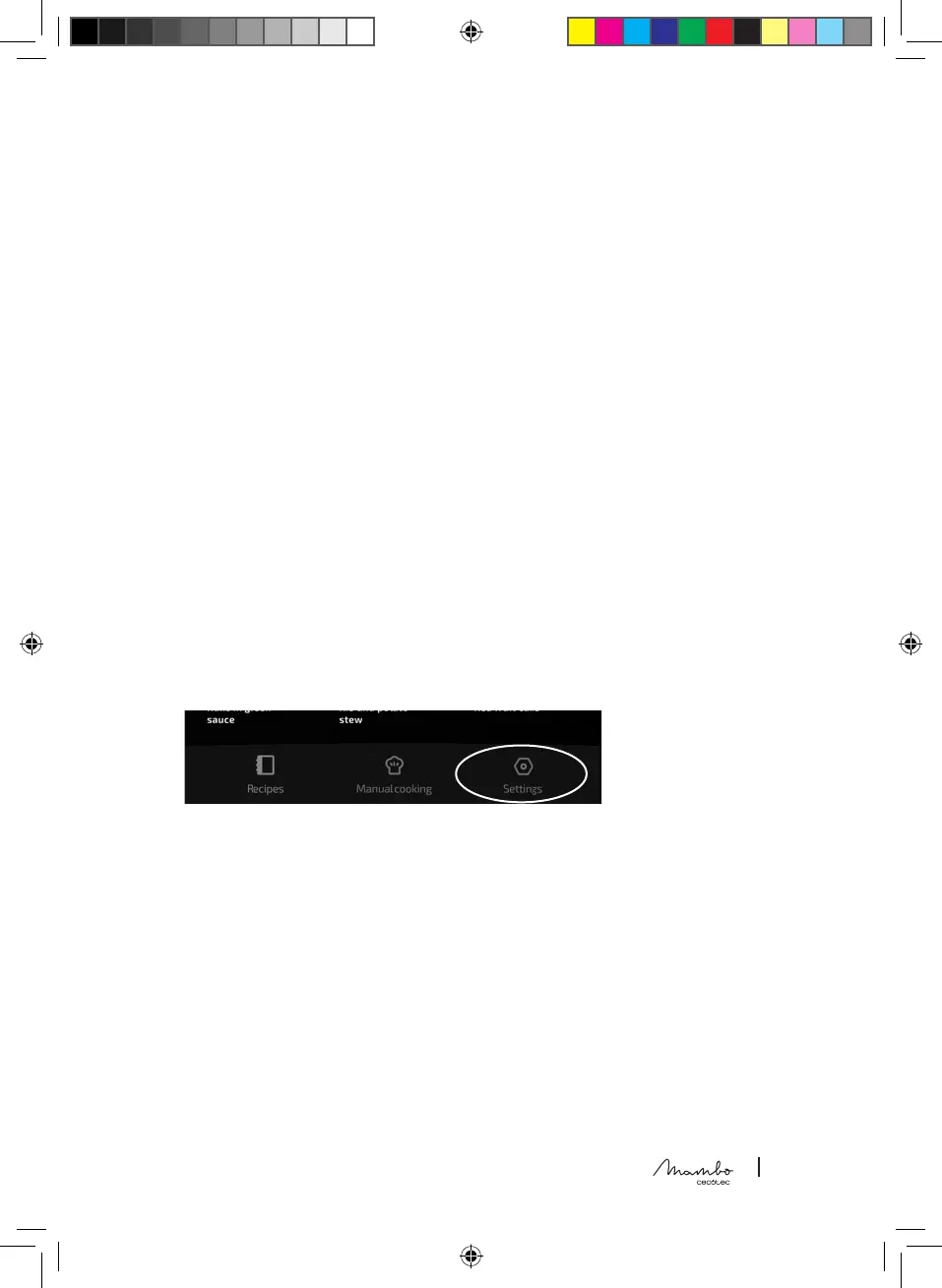
ES • Esta pantalla se sitúa en la parte inferior derecha:
EN • This display is in the bottom right corner:
FR • Cet écran est situé en bas à droite :
DE • Dieser Bildschirm bendet sich unten rechts:
IT • Questo display è collocato in basso a destra:
PT • Este ecrã está localizado no canto inferior direito:
NL • Dit scherm bevindt zich rechts onderaan:
PL • Ten ekran znajduje się w prawym dolnym rogu:
CZ • Tato obrazovka se nachází vpravo dole:
ES
- En esta pantalla podrá vincular o desvincular el dispositivo de la red Wi-Fi, gestionar los datos
de usuario, gestionar el almacenamiento de recetas, congurar el idioma y actualizar su robot.
Además, podrá encontrar fácilmente nuestro teléfono y correo electrónico del soporte técnico para
cualquier duda.
- En caso de no estar conectado el dispositivo a la red Wi-Fi, esta pantalla se reducirá únicamente a
las opciones de gestión de almacenamiento e idiomas.
EN
- On this display you can link and unlink the device from the Wi-Fi network, manage your user data,
manage your recipe storage, set the language and update the processor. Moreover, you can easily
nd our technical support phone number and email address if you have any questions.
- If you have not linked the device to the Wi-Fi network, the display will only show the storage
management and language options.




 To Next Page