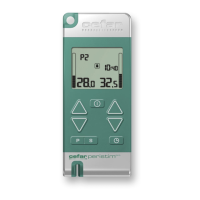
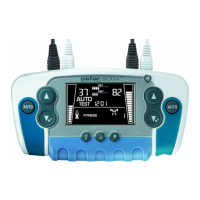
If you press AUTO too late, or want to start again for any reason, press and
hold the AUTO button for 2 seconds to start over.
9. The AUTO on the other channel starts flashing.
· If you only use one channel: Wait a few seconds and the AUTO stops flas-
hing.
· If you use both channels: Press the other channel’s
, to confirm
the two channel use. The other channel’s auto test starts. Repeat step 8 to
set the amplitude.
The amplitude is now optimized for you and the training program will start
after a few seconds. When the program is finished the timer flashes ”00:00”.
can be used to increase or decrease stimulation amplitude at
any time until the stimulation feels pleasant, presumed that the key lock is
inactivated. If doing so, the Automatic Amplitude Setting is lost and the stimu-
lator goes to Manual Amplitude Setting.
MANUAL AMPLITUDE SETTING
Prepare the equipment as described in
Step-by-Step Use
, step 1-6
7. Press
to set the amplitude and start the stimulation.
8. Increase or decrease the amplitude using
until you reach a
comfortable level. Always increase the amplitude cautiously.
When the program is finished the amplitude automatically returns to 0, and
the timer flashes ”00:00”.
Note: Do not forget to set the amplitude for the Active Rest (in manual mode
only), see section
Active Rest.
2526_CEFAR_MYO.ACTIV_X2__ENG_3-18 8 2006-07-07 11:09:58



 To Next Page