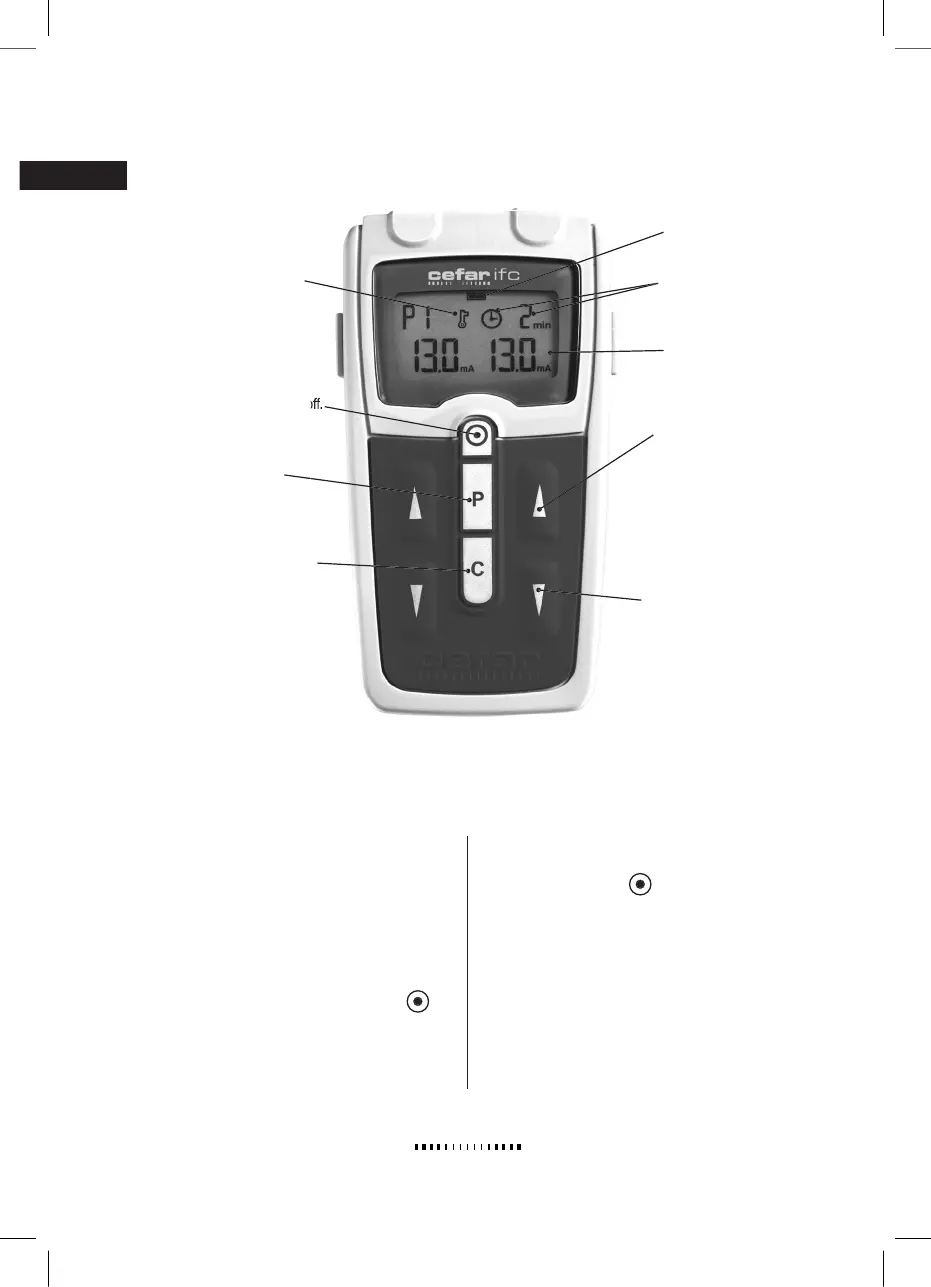
Turns the stimulator on and off.
Turns the stimulator on and off.
Programming button for P7.
continuously. Also deacti-
Indicates that the keylock
1. Connect the electrodes to the cables.
Wash and dry the skin well before
applying the electrodes. If the skin is
hairy, it may need to be shaved.
2. Place the electrodes in the area to
be treated. See the Programs and
Electrode Placement chapter.
3. Switch the stimulator on with .
4. Select a program using P.
5. Increase the amplitude with
.
6. When the program time runs out,
the stimulation switches off and the
timer symbol blinks. Switch the sti-
mulator off with
. If you do not
switch the stimulator off, it turns off
automatically after 5 minutes to spare
the batteries.
STARTING TREATMENT
2470-200509_CEFAR_IFC_manual_inlaga_outline.indd 2005-09-14, 15:186


 To Next Page
 Loading...