ENGLISH 5
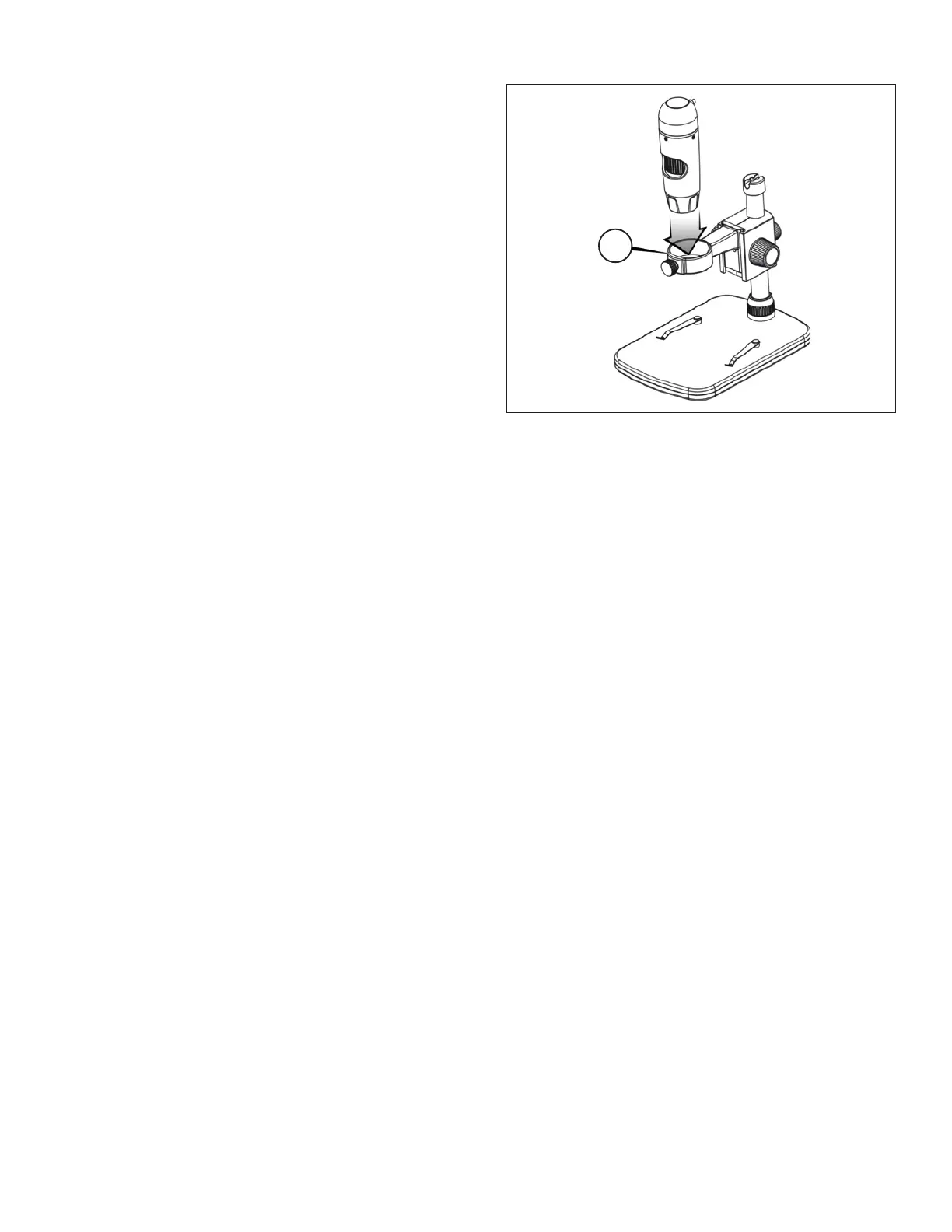
B. ATTACH MICROSCOPE
+
Insert the microscope in the Microscope Holder
and tighten the Lock Nut (5) to secure it in place.
5.
C. INSTALL SOFTWARE —
WINDOWS
+
Install the latest Windows software by downloading from the
website and following the on-screen prompts. This ensures the
latest version of the software is being downloaded.
+
Click the “Install Capture Pro” button and follow the Setup
Wizard as it guides you through the installation.
D. INSTALL SOFTWARE —
MACINTOSH
+
Install the latest Mac software by downloading from the website
and following the on-screen prompts. This ensures the latest
version of the software is being downloaded.
+
Plug in the Handheld Digital Microscope Pro and open the
Celestron Micro Capture Pro software. Your microscope is
now ready to use.
NOTE: The software install wizard will differ slightly from Windows to Mac.















 To Next Page