ENGLISH 5
B. attaCh MiCrosCoPe
+
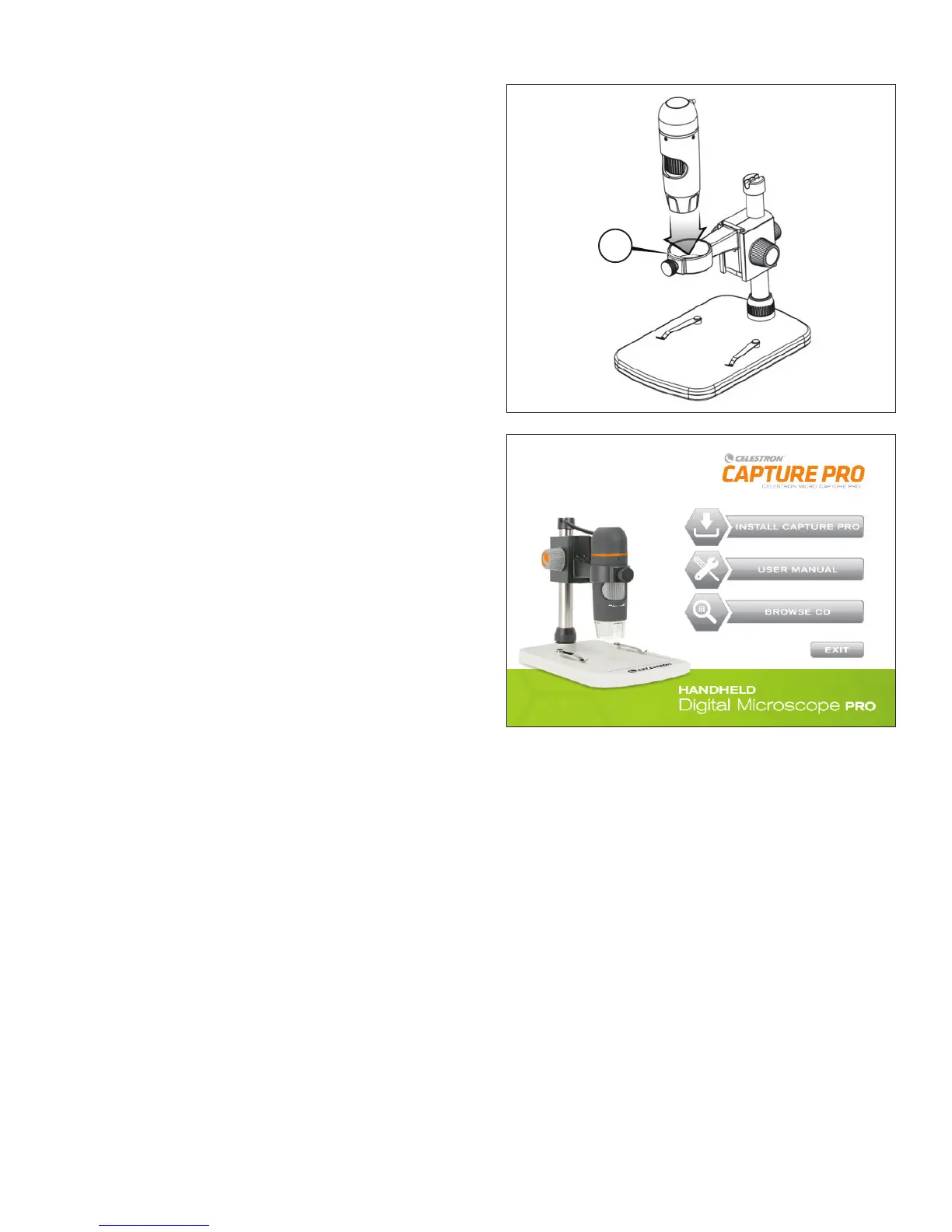
Insert the microscope in the Microscope Holder
and tighten the Lock Nut (5) to secure it in place.
5.
C. install soFtWare—WindoWs
+
Insert the Micro CapturePro CD into CD-ROM Drive.
The following interface will display automatically:
+
Click the “Install Capture Pro” button and follow the Setup
Wizard as it guides you through the installation
d. install soFtWare—MaCintosh
+
Open the MAC folder on the included CD and install following
on-screen prompts
+
To begin recording video, click on the Capture menu and scroll
down to Video. Repeat to stop recording.
+
Plug in the Handheld Digital Microscope Pro and open the
Celestron Micro CapturePro software. Your microscope is now
ready to use.
NotE: The software interface is the same as the PC version, but will look slightly different.















 To Next Page