ENGLISH 7
4. USING THE SOFTWARE
+
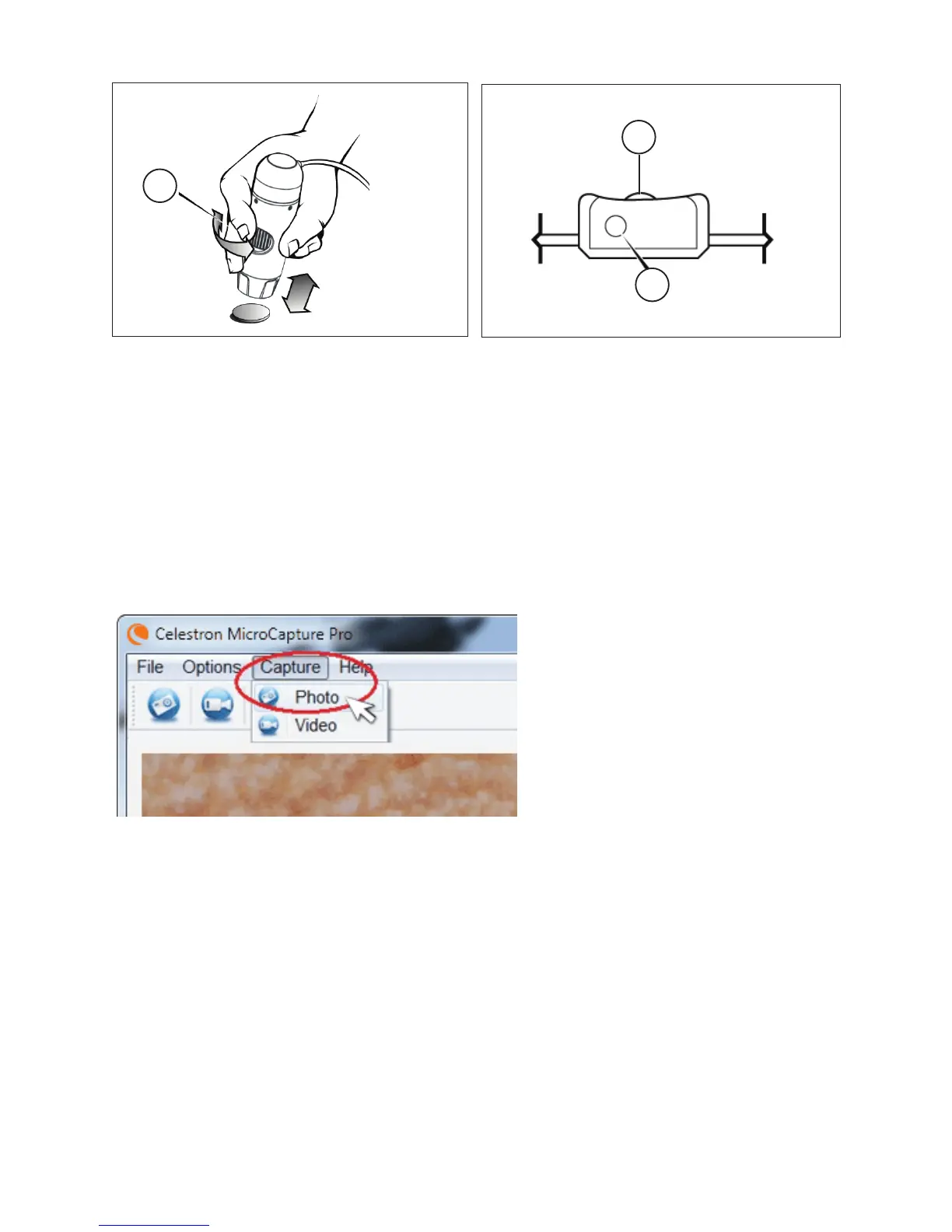
The Shutter Trigger (7) and the Illuminator Adjustment
Wheel (8) are located on the cord.
+
When using the microscope in handheld mode, adjust
the coarse focus by changing the distance between the
microscope and your subject. Adjust fine focus with the
Focus Wheel (3).
a. CaPture a Photo/video
+
To capture a photo, click on the Capture menu and scroll down to Photo.
+
To begin recording video, click on the Capture menu and scroll down to Video. Repeat to stop recording.
8.
7.
3.
B. other Menu iteMs
FiLE: Under the File menu item, you will find:
1. Photos Directory: Directs you to designate a folder on your hard drive for photo storage.
2. Videos Directory: Directs you to designate a folder on your hard drive for video storage.
3. Exit: Closes the Micro CapturePro software.















 To Next Page