6 I ENGLISH
a. ConneCtinG
+
Connect the microscope to your computer via the USB
2.0 cable.
+
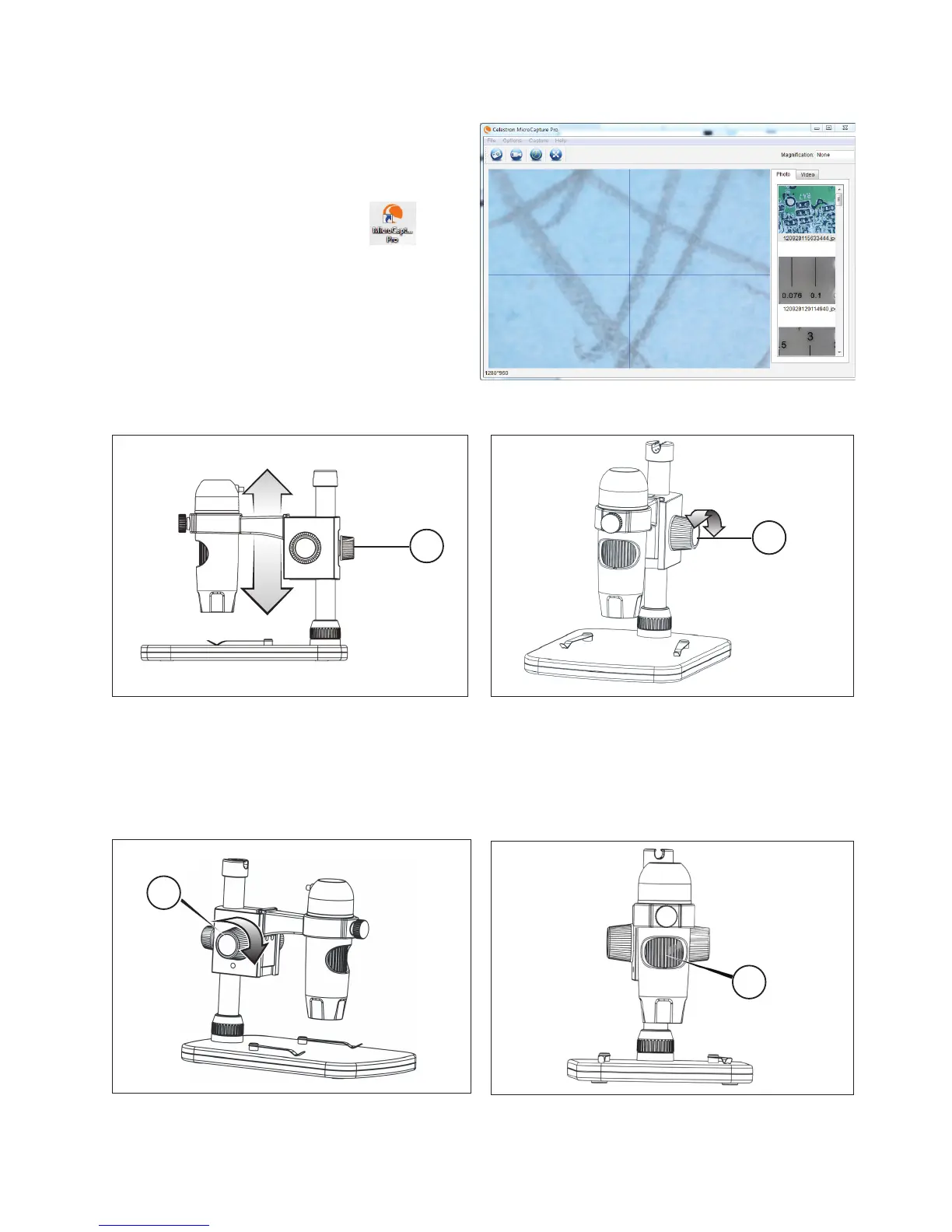
Click on the Micro CapturePro desktop icon
to launch the software.
+
Your microscope should automatically connect and begin
streaming images.
NotE: If the microscope is not connected to the USB port, the following error message
will be displayed: “No device detected. Please connect your microscope directly
to an open USB port.”
B. FoCusinG
+
Now, rotate the Focus Wheel (3) to set the fi ne focus.
3. USING yOUR MICROSCOPE
1.
3.
4.
2.
+
Turn the Height Adjustment Wheel (2) to set the coarse focus.
+
To focus on an image using the included stand:
+
Adjust the height of the carriage holding the microscope.
+
Tighten the Carriage Height Adjustment Lock Nut (4) to
hold in place.
+
Once satisfi ed with the position, tighten the Lock Wheel
(1), securing the carriage in place.















 To Next Page