ENGLISH I 9
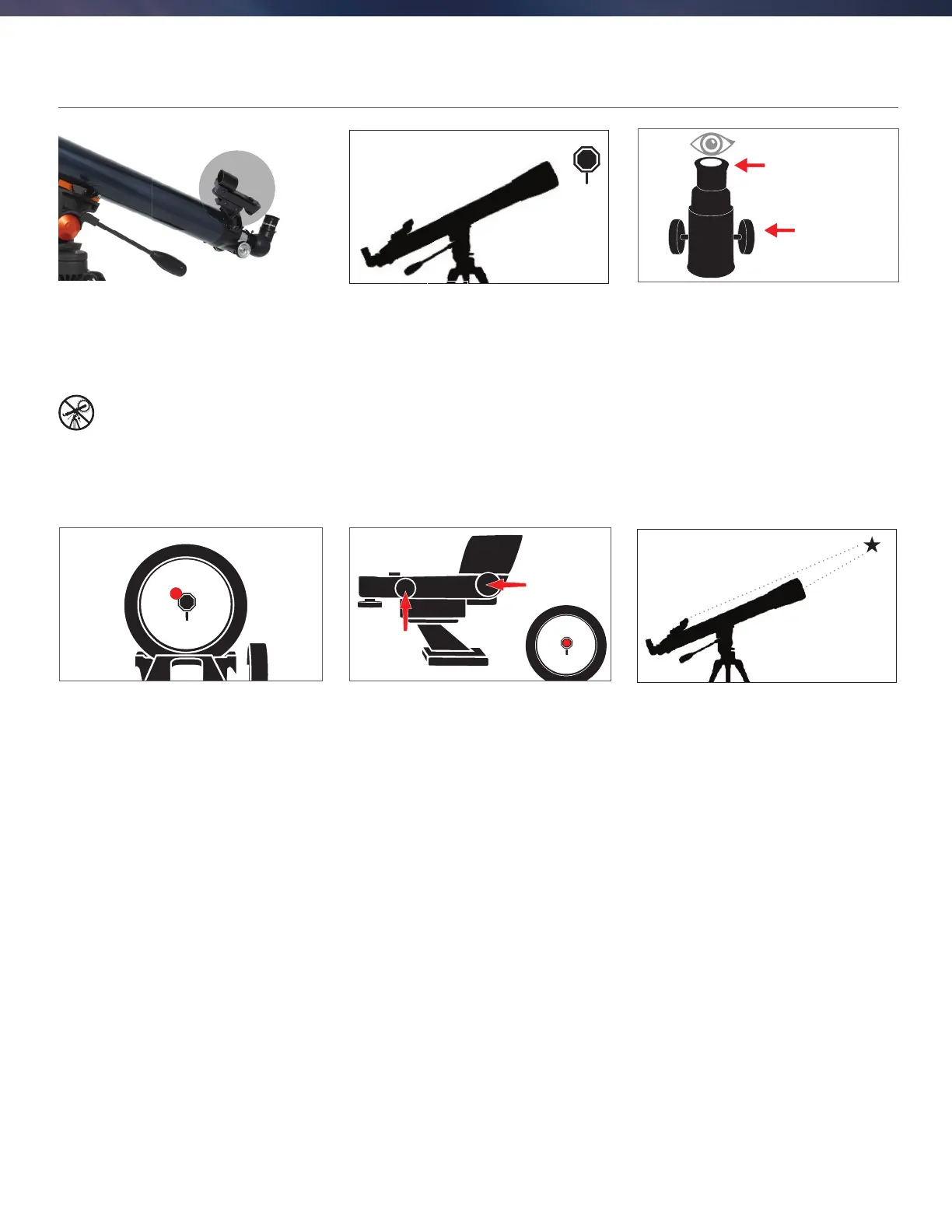
ALIGNING THE RED DOT FINDERSCOPE
11
CENTER THE TARGET
IN THE EYEPIECE
Look through the telescope using your lower powered
eyepiece. Move the telescope until the object you
chose lies in the center of the view. If the image is
blurry, gently turn the focus knobs on either side of the
telescope until it comes into sharp focus.
NOTE: The image in your telescope may appear
inverted. This is perfectly normal in astronomical
telescopes.
The fi nder is one of the most important parts of your
telescope. It helps you locate objects and center them
in the eyepiece. The fi rst time you assemble your
telescope, you need to align the fi nder to the telescope’s
main optics. It’s best to do this during the day*.
* SOLAR WARNING! Never attempt to view
the Sun through any telescope without a
proper solar fi lter!
CHOOSE A TARGET
Take the telescope outside during the day and fi nd an
easily recognizable object, such as a streetlight, car
license plate or sign. The object should be as far away
as possible, but at least a quarter mile away.
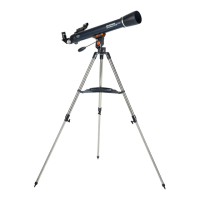
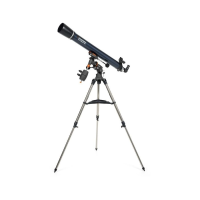
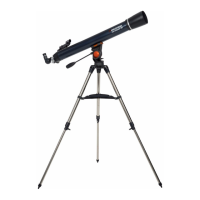
22
20mm Eyepiece
Focus Knobs
55
LOOK THROUGH
FINDERSCOPE
Once the object is centered in your 20mm eyepiece,
look through the fi nderscope and locate the red dot.
33
ADJUST THE FINDERSCOPE
Without moving the telescope, use the two
adjustment knobs to move the fi nder around until
the red dot appears over the same object you are
observing in the telescope’s 20mm eyepiece.
YOUR FINDERSCOPE IS
NOW ALIGNED!
It should not require realignment unless it is bumped
or dropped.
44
adjustment knob
(side-to-side)
adjustment knob
(up-and-down)






 To Next Page