16
17
STEP 2:
INSTALLING THE LITHIUM ION
SMART BATTERIES
The G200 runs on either outlet power or
Lithium Ion Smart Batteries, which are
included with your G200 purchase.
These batteries are hot swappable,
which means you can remove either of
them without shutting down the G200
or interrupting air purification.
The expected life of each
Celios Lithium Ion Smart Battery is
approximately 2-3 years. To purchase
additional batteries, please visit our
website at www.Celios.com.
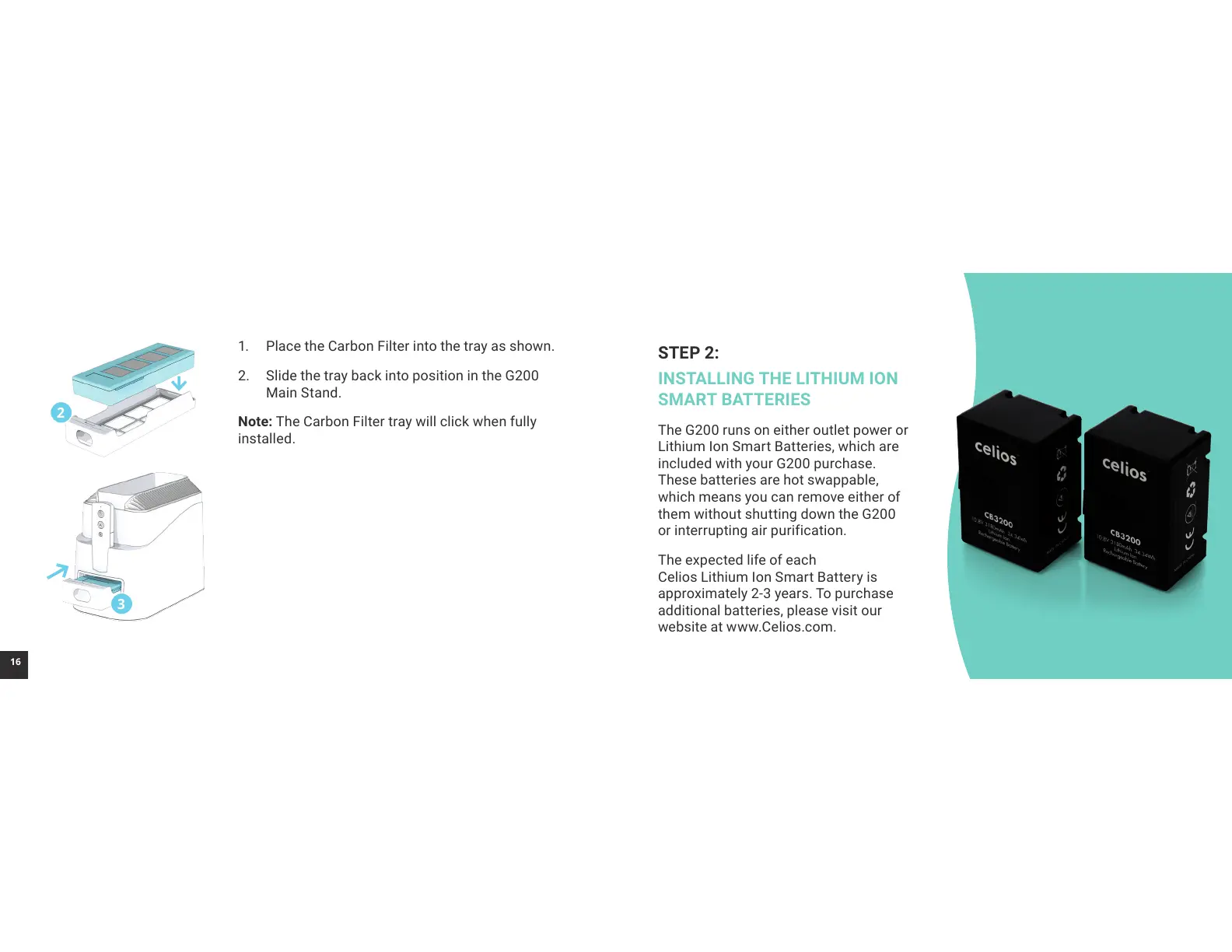
1. Place the Carbon Filter into the tray as shown.
2. Slide the tray back into position in the G200
Main Stand.
Note: The Carbon Filter tray will click when fully
installed.
3
2



 To Next Page