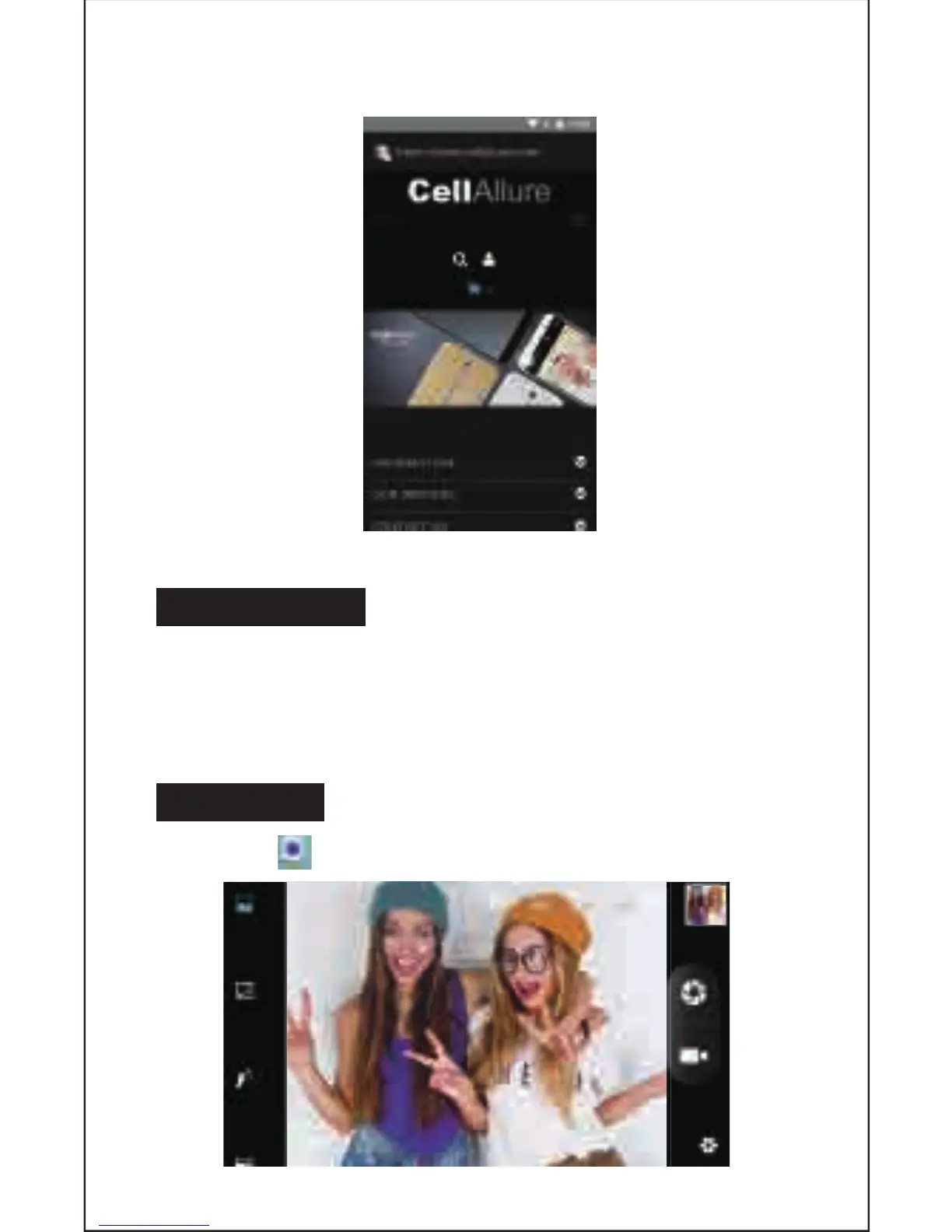
Web Browsing
Connect to the Internet and launch the browser.
16. BLUETOOTH
Select “Sengs”, select Bluetooth from “OFF” to “ON.”
Search for the device you would like to pair with and select “PAIR.”
You will see a message “Connected Successfully.”
17. CAMERA
Touch the icon to enter camera mode and the interface is shown as follows:
12


 To Next Page