The status bar displays system informaon, such as current me, wireless
connecvity and baery charge status.
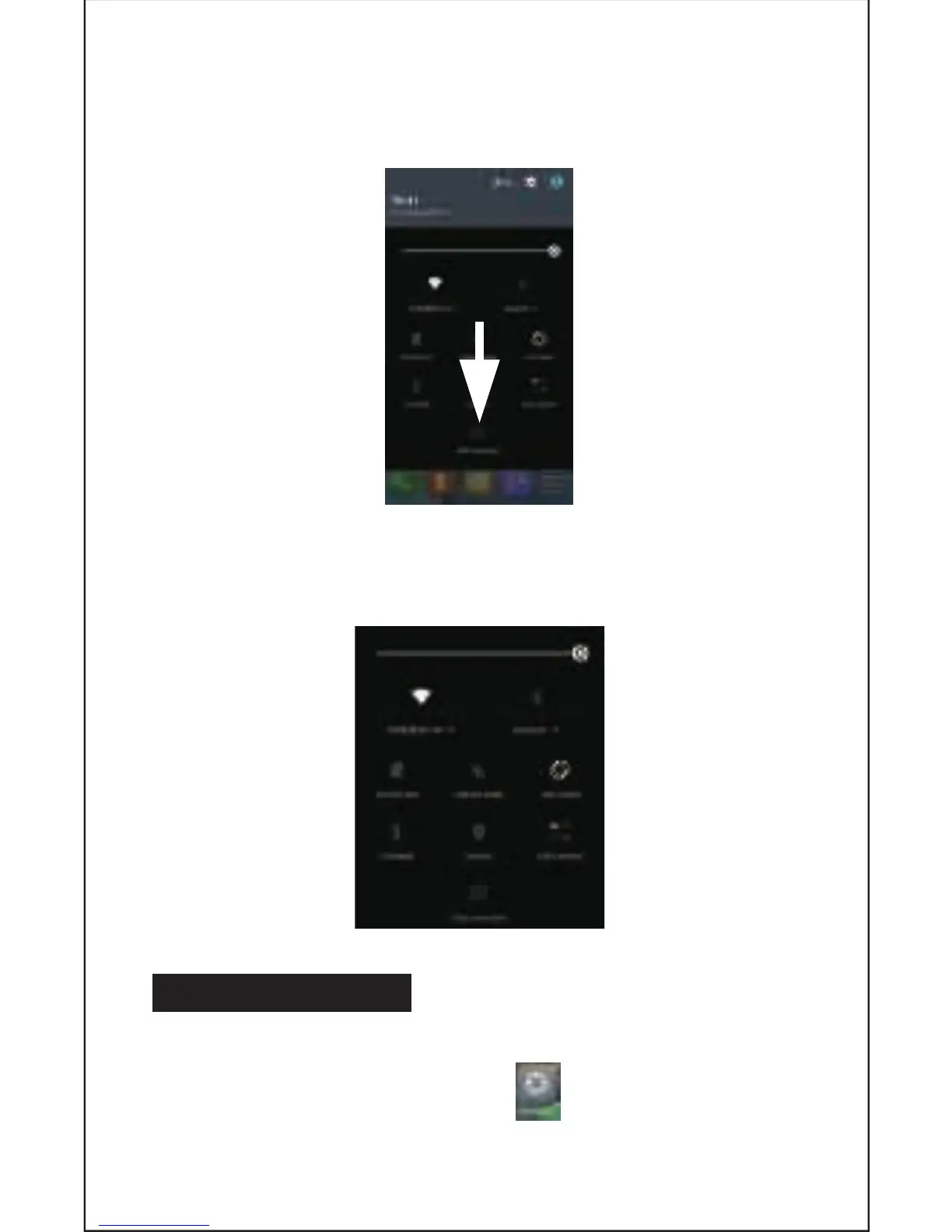
From the home screen, slide your finger from the top of the screen down
to the centre to access the noficaon panel as illustrated below.
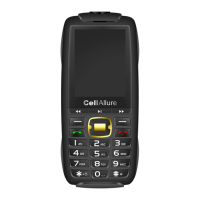
Drag the noficaon menu down to display the second fast access menu.
Through this menu it is possible to modify the funcons such as brightness, auto
rotaon, Wi-Fi, Bluetooth and more as displayed below.
7. SETTINGS MENU
The sengs menu allows you to adjust your phone’s system configuraon.
• To change sengs first press the Sengs icon.
• Touch a category tle to view further opons on the right side of the screen.
7


 To Next Page