Inserng/Removing TF Card
• The TF card slot is located next to the SIM card slots near the baery terminals
as indicated on the phone itself.
• Gently insert the TF card nong the correct direcon as indicated on the
phone and push unl the TF card clicks in place.
• To remove simply pull gently.
Power ON/OFF
ON
Press the POWER buon for a connuous 5 seconds unl the phone turns “ON.”
OFF
Press the POWER buon for a connuous 5 seconds. A selecon menu will
appear.
Select “OFF” to power “OFF.”
Other selecons are “REBOOT” to restart the mobile and “AIRPLANE MODE” to
put the mobile in flight mode.
4. GETTING STARTED
Charging the Baery
The mobile has a rechargeable Li-ion baery.
1. To charge, connect the AC power adapter to the micro USB jack on the top
side of the mobile.
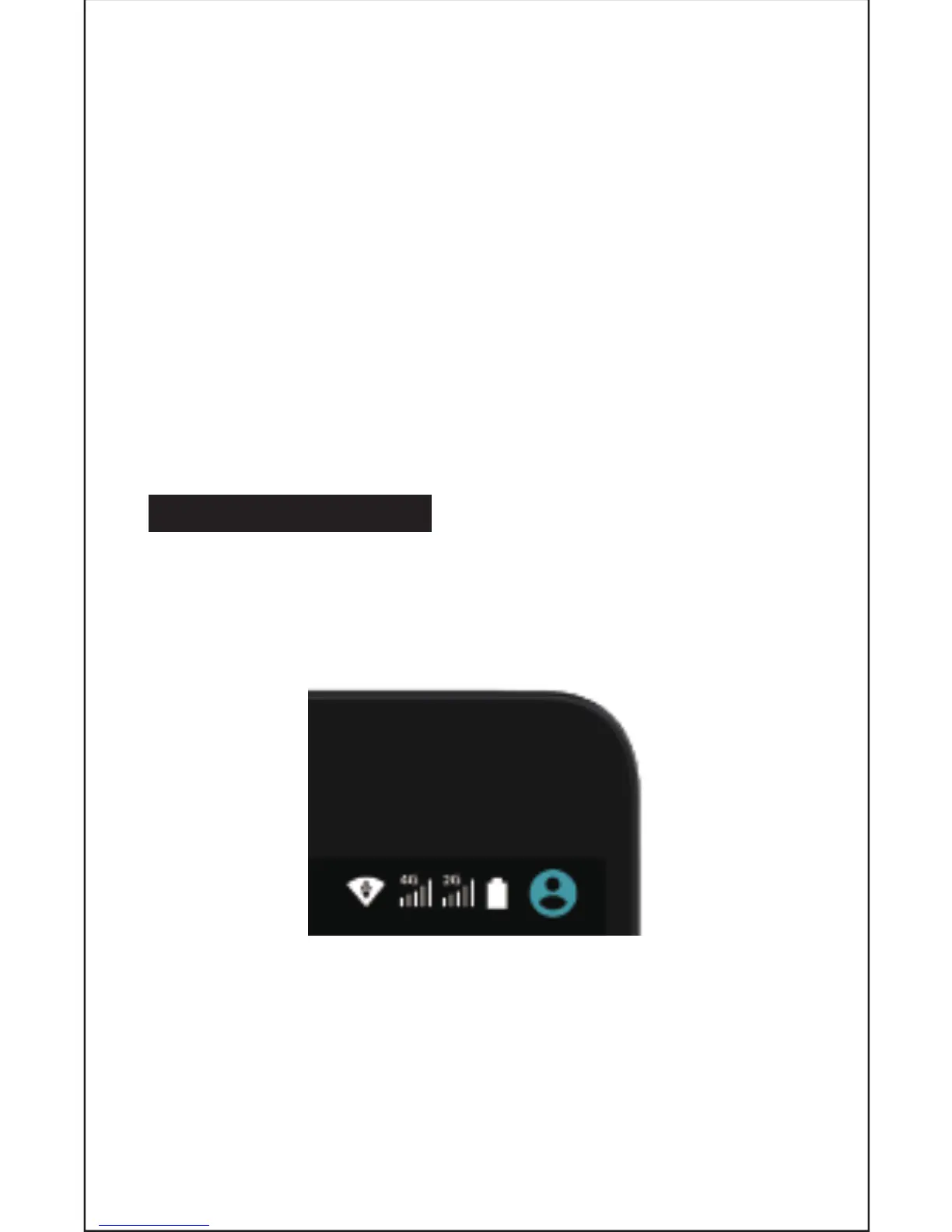
2. The baery icon shows the baery status and charging status.
3. The mobile can be used even if the baery is being charged.
4. Recharge the baery for at least half an hour if it has been idling for a long
me and fails to start itself.
5. Regularly recharge the phone at least once a month.
Disposal of Baeries
The baery contains pollung material. Please hand it in to a recycling centre to
dispose of.
5


 To Next Page