Language
Press ▲/▼ button to select Language, then press ENTER or ► button to enter the sub menu, then press ▲/▼
button to select, then press ENTER or ► button to confirm.
Sleep Timer
Press ▲/▼ button to select Sleep Timer, then press ENTER button to enter and press ▲/▼ button to select off,
10mins,20mins,30mins,60mins,90mins,120mins,180mins,240mins.
Auto Power Off
Press ▲/▼ button to select Auto Power Off, then press ENTER to enter the sub menu,Then Press ▲/▼ to select off,
1 hour,2 hours,4 hours then press ENTER to confirm. (When the PC signal is connected).
Hearing Impaired
Press ▲/▼ button to select Hearing Impaired, then press ENTER button to enter and press ▲/▼ button to select
off or on.
CI Info
Press ▲/▼ button to select CI info, then press ENTER button to display the CI slot Information.
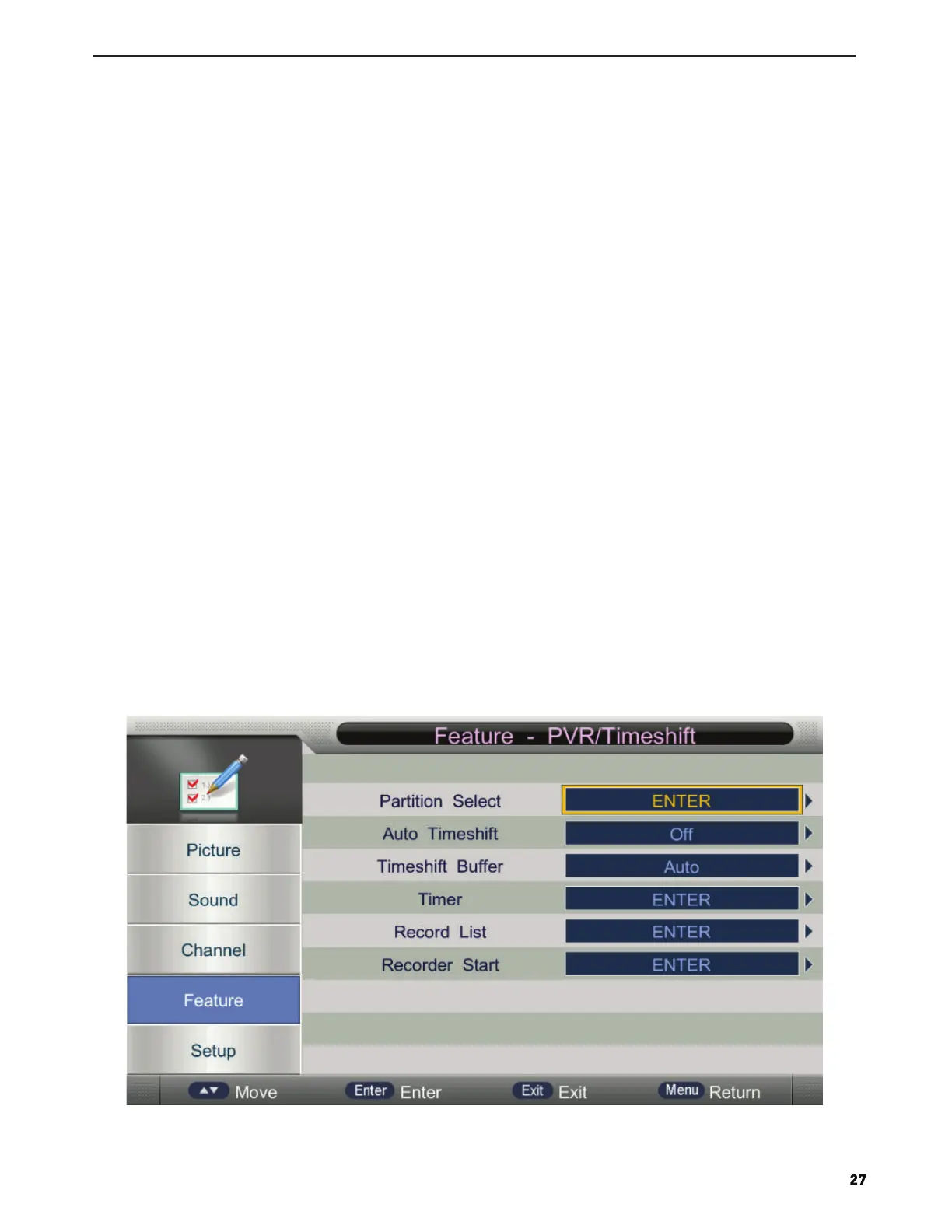
PVR/TimeShift
Press ▲/▼ button to select PVR/TimeShift, then press ENTER button to open the sub-menu. As follows:
1. Press ▲/▼ button to select the option that you want to adjust in the PVR/TimeShift menu, then press ENTER or ►
button to enter.
2. After finishing your adjustment, press MENU button to save and return back to the previous menu and press EXIT
button to exit the entire menu.
Input old password at “Old Password”, (if the old password is incorrect, the password will not be allowed to modify.)
Input new password at “New Password”.
Input new password again at “Confirm New Password”, if new password and confirm new password consistent, the
successfully updated menu will appear a few second, otherwise,the menu will display the password mismatch.



 To Next Page