39
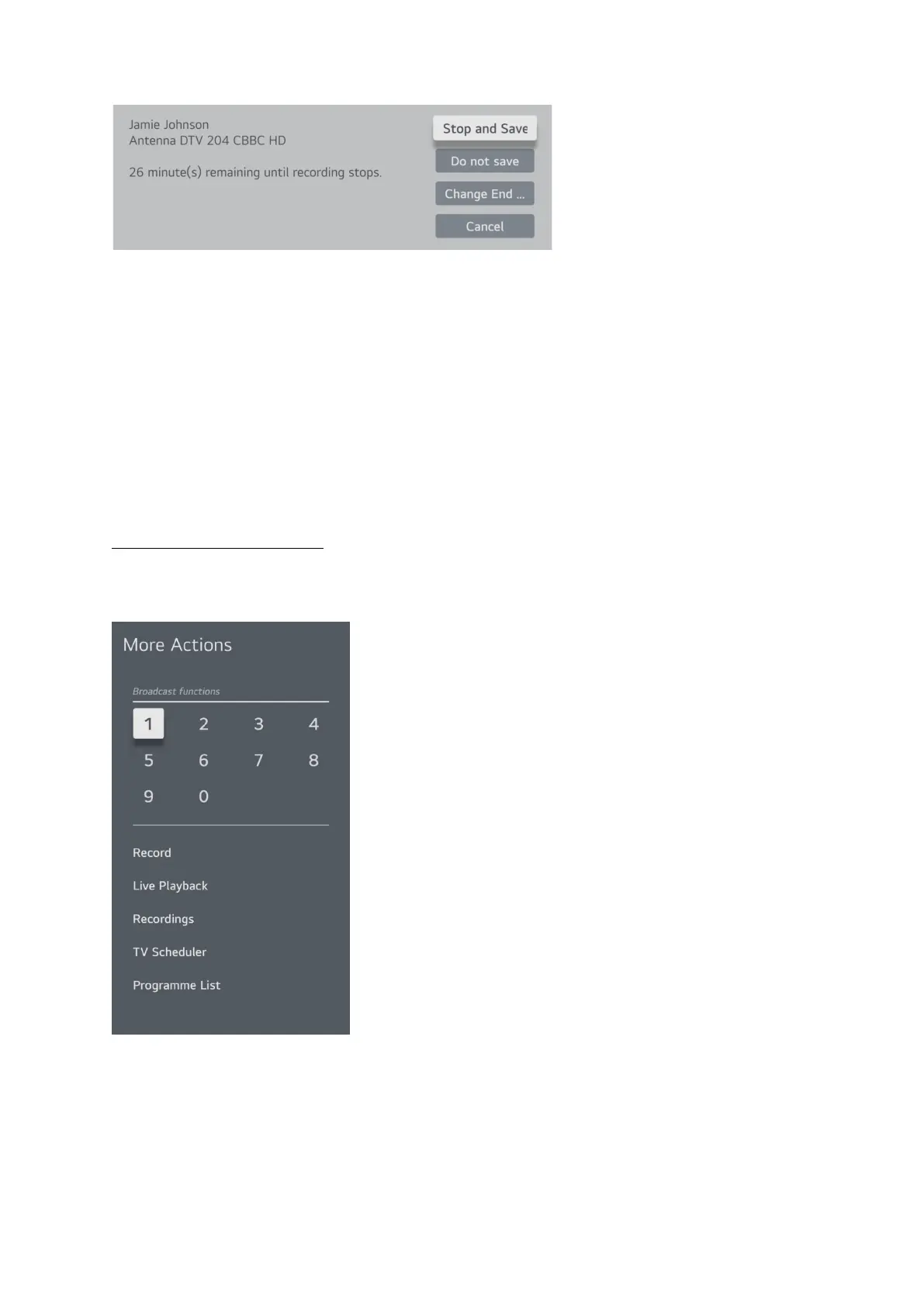
The top option is stop and save the recording to this point.
The second option is do not save, discard the recording.
3
rd
option is to change when the recording is scheduled to stop
And the last one cancels the stop request and continues recording until the original specified end
point.
Playing recorded programs will be covered in a later section as it is the same regardless of how you
recorded it.
Scheduling a Timed Recording
If you want to set a program to record in the future you can set the timer to start and stop the
recording. To schedule a timed recording press the 3 dots … button on the remote.
Select TV Scheduler from the list



 To Next Page