Menu Settings (continued)
23
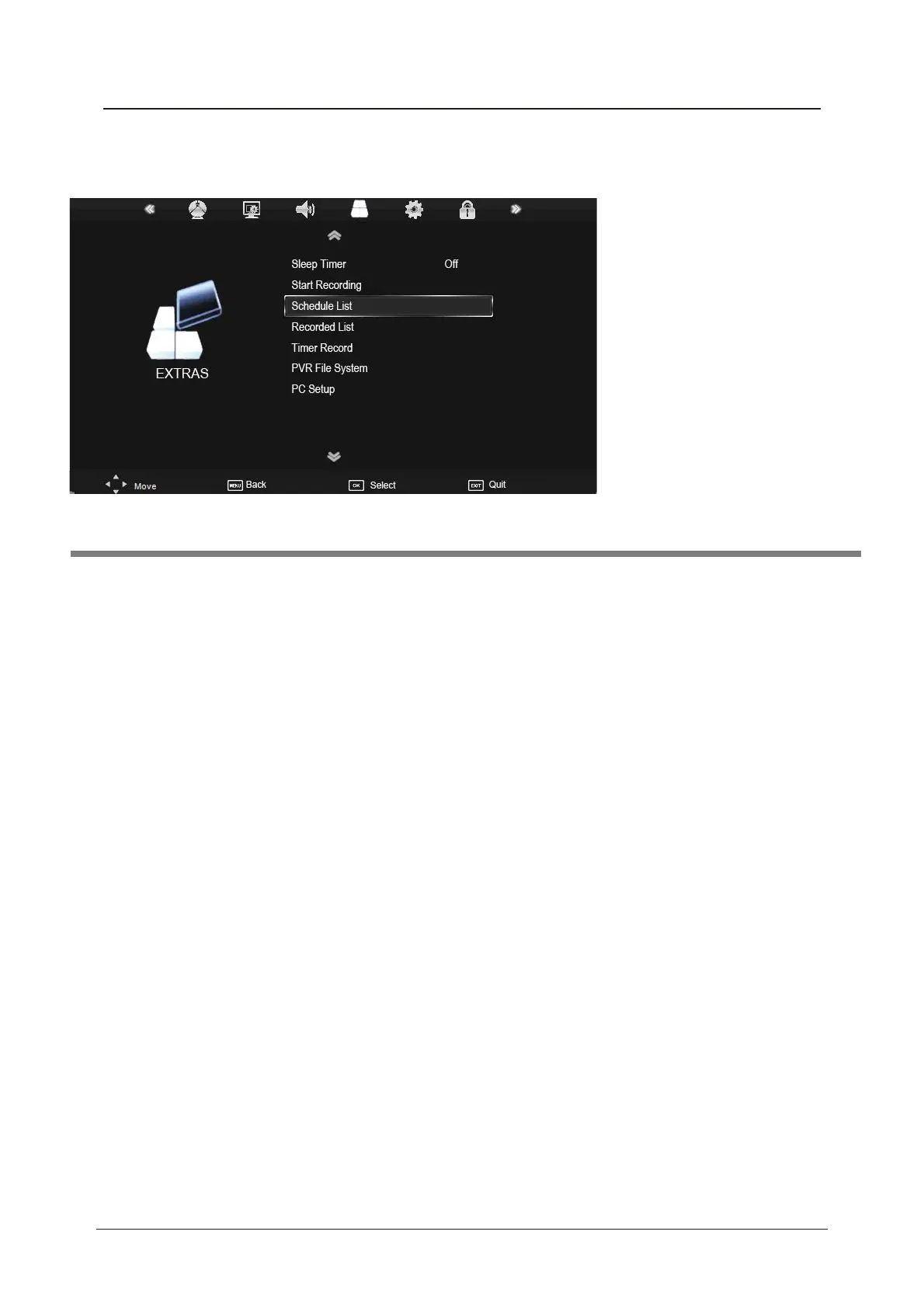
Sleep Timer: Allows you to setup the sleep timer among: 10min, 20min, 30min, 60min, 90min,
120min,180min, 240min and off.
PC Setup (PC mode only) : Press OK button to enter the submenu to adjust Horizontal / Vertical
position, Size or Phase of the picture.
Note: The options Schedule List, Recorded List, Timer Record and PVR File System are
described on pages 29 -31.
4. EXTRAS menu
Description



 To Next Page