Wall Mounting
35
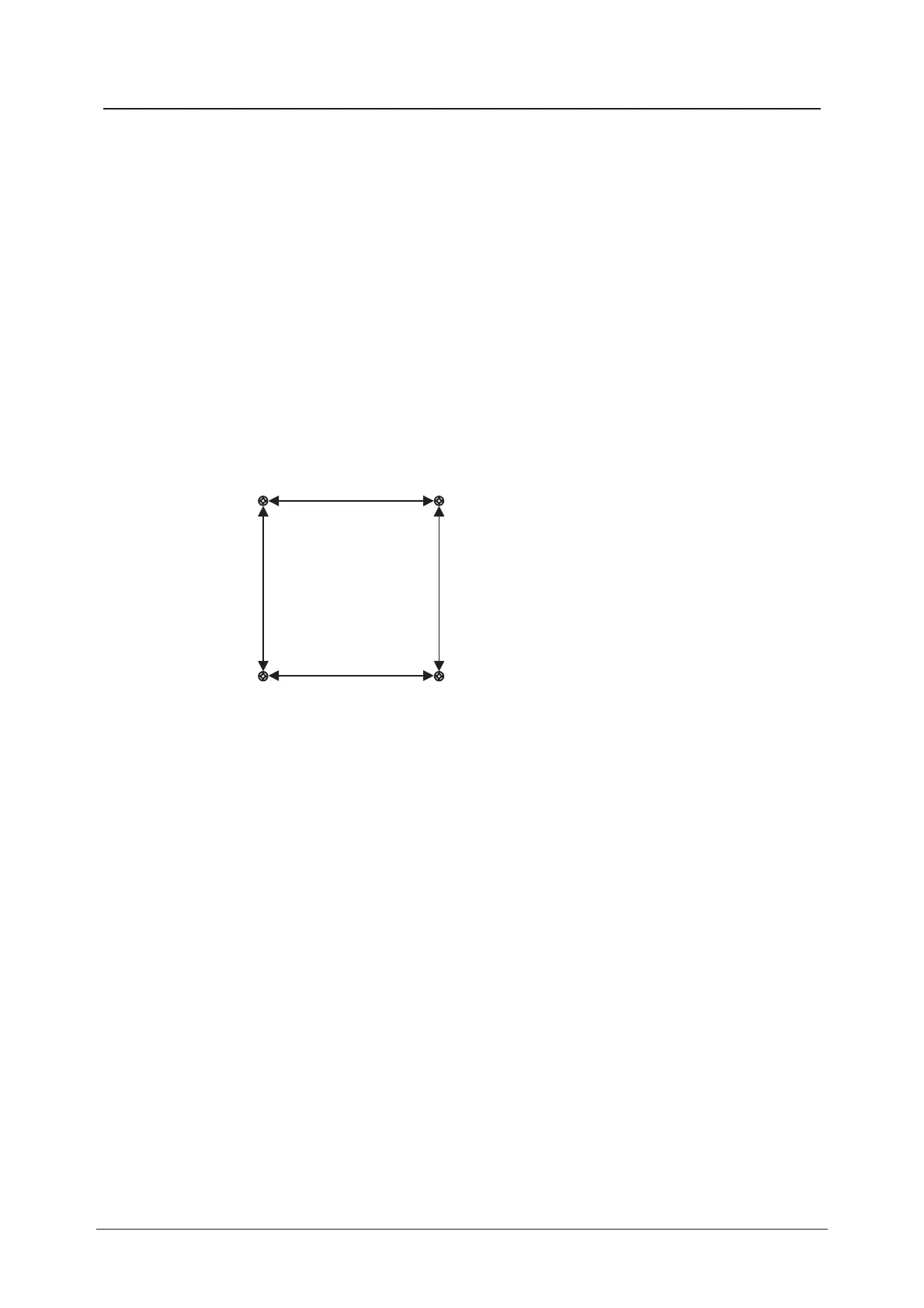
This unit is VESA-Compliant and designed to be wall mounted with a VESA-
Compliant 200mm x 200mm mounting kit. Mount this unit according to the
instructions of the wall bracket (not supplied)
200mm
200mm
4 Mounting holes
Screw size MB5 x25
1. The stand must first be removed. Place the TV face down.
2. Remove the five screws on the back of the TV to release the stand.
3. Remove and store the stand and screws.
4. Use four machine screws to mount the TV on the bracket.



 To Next Page