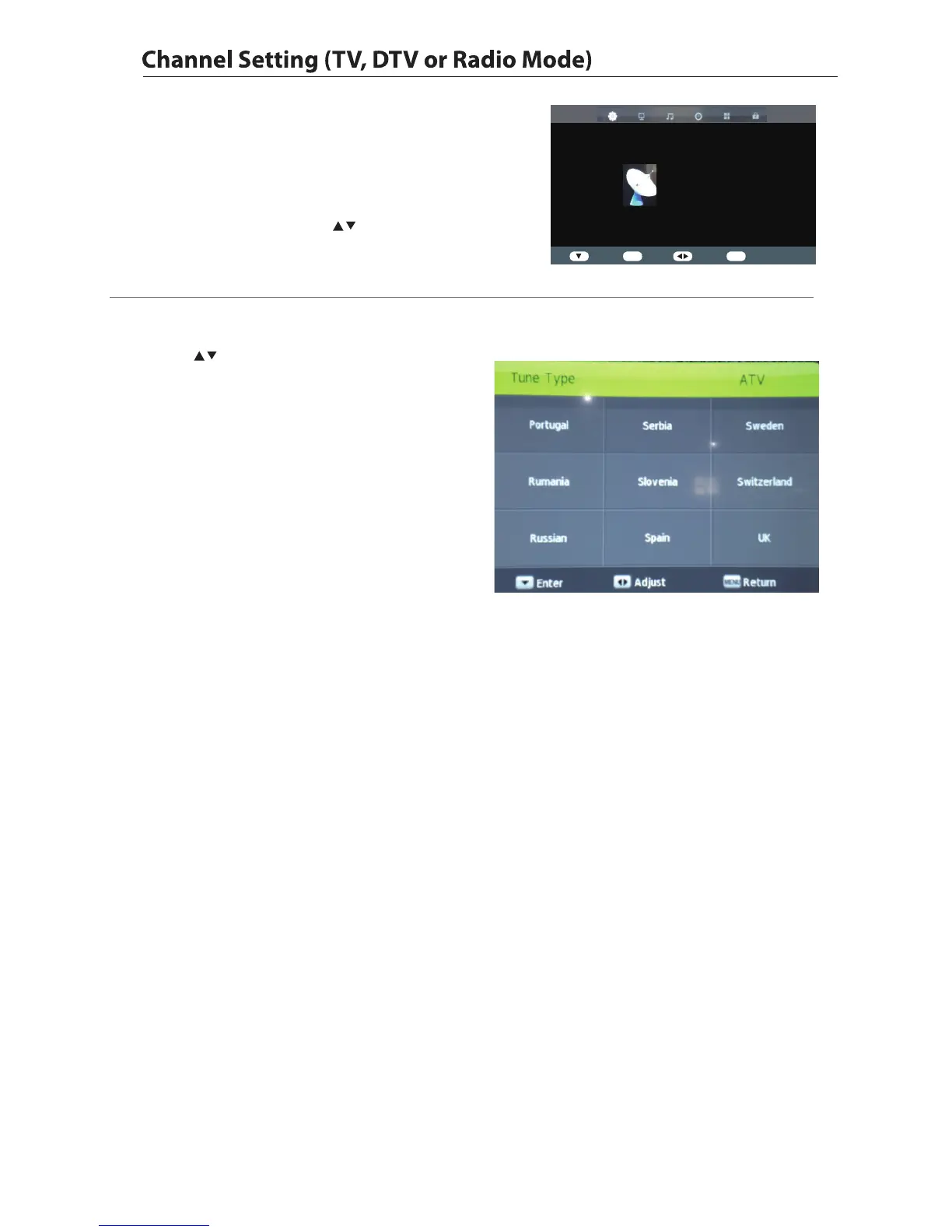
1. Press the Menu button and then press the buttons to select the
CHANNEL menu.
2. Press the OK buttons
and then p
and then press the to select
the following channel options ress the OK button.
Allows you to set up a variety of channel options.
17
CHANNEL
Auto Tuning
DVB-T Manual Tuing
ATV Manual Tuing
Programme Edit
Signal Information
Enter OK Enter Select
Exit
Exit
▲
▼
CI Information
Software Update(USB)
Auto Tuning
1.Press the buttons to Auto Tuning then press the
OK button to confirm.
2.In the Auto Tuing menu there are 2 options for you to
selet from:Tune Type and Country.
3.Press the Menu button to return back to the main menu.
4.Press the Exit button to exit the menu.



 To Next Page