25
Multimedia Operation
Basic Operation
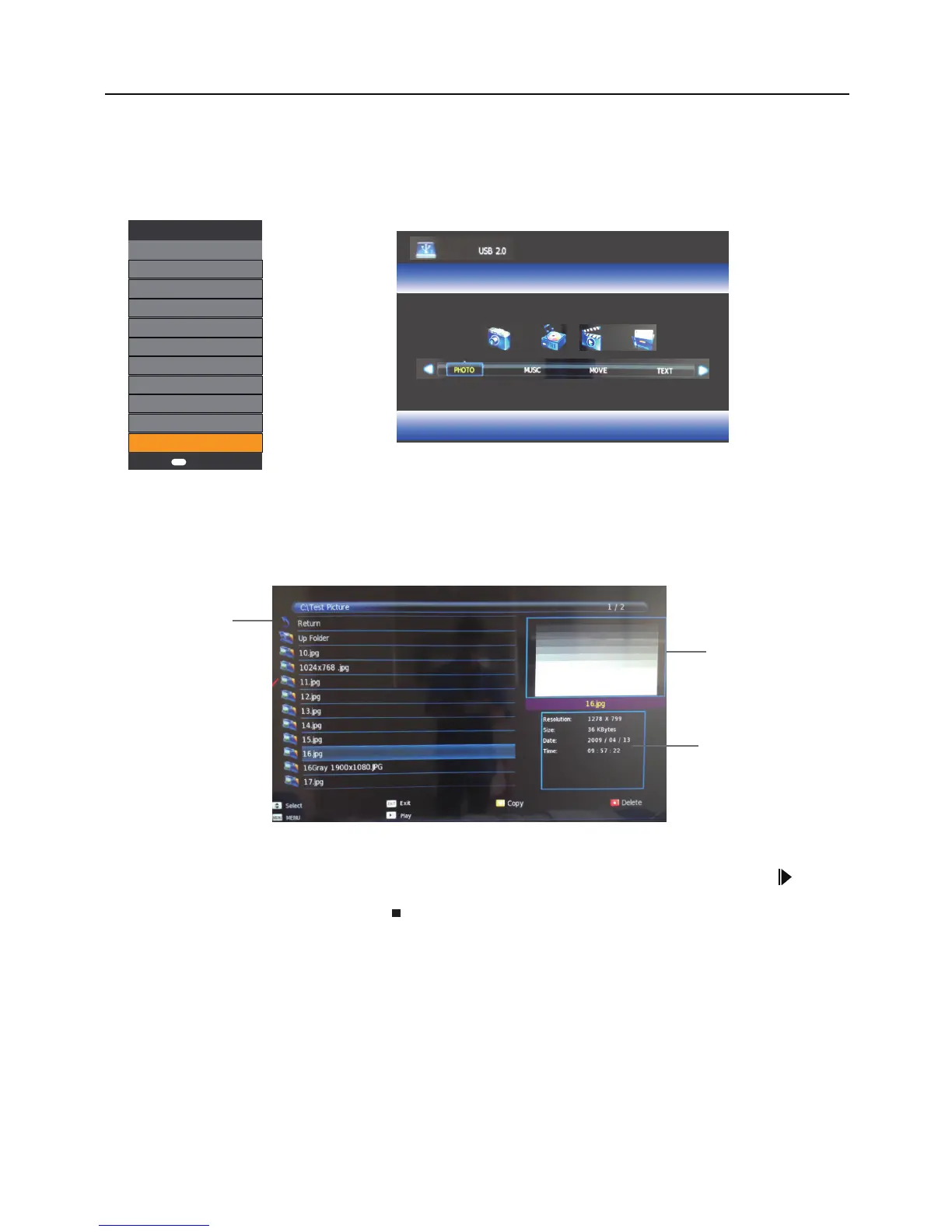
1.Press the SOURCE button on tje remote control to display the input source menu,select the USB source with
the up/down buttons and press the OK button to enter the Multimedia menu below.
Input Source
DTV
Cable
ATV
AV
SCART
YPbPr
PC
HDMI1
HDMI2
HDMI3
USB
OK OK
2.Press left/right buttons to select the files on the USB device(PHOTO,MUSIC,MOVIE,TEXT)to view or play.
Return to main menu
Preview
File Information
Press the up/down/left/right buttons to select and the OK button to activate the file or open folder.Press button
to play the files in full screen mode.When in full screen mode press the OK button to show the navigation option
menu on the bottom of the screen or press stop button to return to files.



 To Next Page