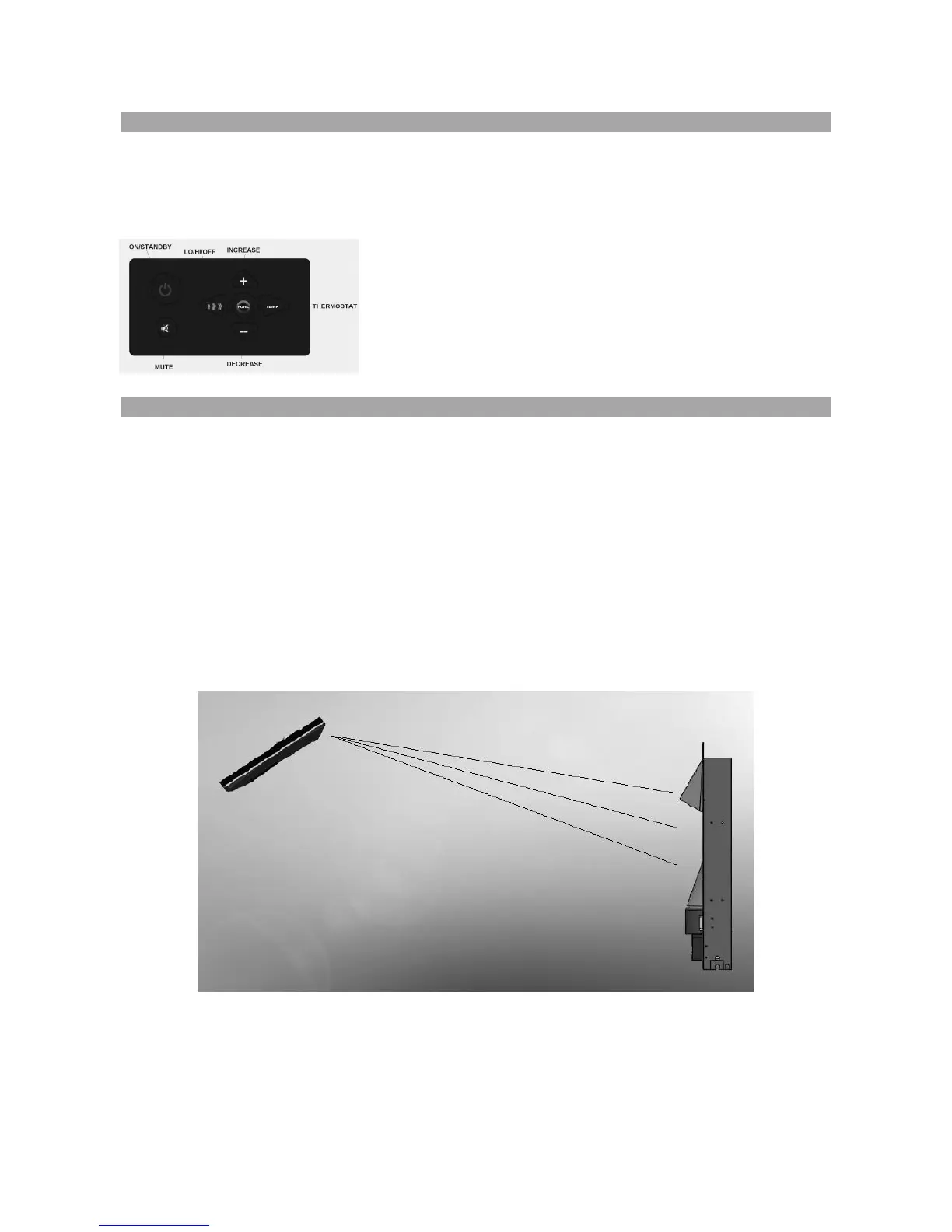
5.1 Operating the appliance using the Manual Keypad
MANUAL KEYPAD SWITCHES
These keypad switches provide identical functionality to the remote control handset. For a
detailed description of the function of each button see the section below titled ‘Operating by
Remote Handset’.
NOTE: The manual keypad on the appliance will provide
you with complete functional control of the unit. It is
intended however that this keypad is used only if you lose
the remote handset or the handset batteries have failed.
Please use the remote handset to carry out all functions
5.1.1 Operating by Remote Handset
Ensure the batteries are installed properly in the remote control handset.
The effective range of the remote control is up to 4 meters (13 feet).
The appliance must have completed the initial BOOT-UP sequence before the
remote will function.
IMPORTANT NOTE REGARDING THE USE OF THE REMOTE CONTROL HANDSET
The Celsi remote handset has been ergonomically designed to enable the operator to view
the keypad whilst transmitting signals to the appliance. Unlike most remote handsets which
require the tip of the handset to be pointed towards the appliance the Celsi handset
transmits from the underside as shown below. This prevents the requirement to rotate and
point the remote when the buttons are pushed.



 To Next Page