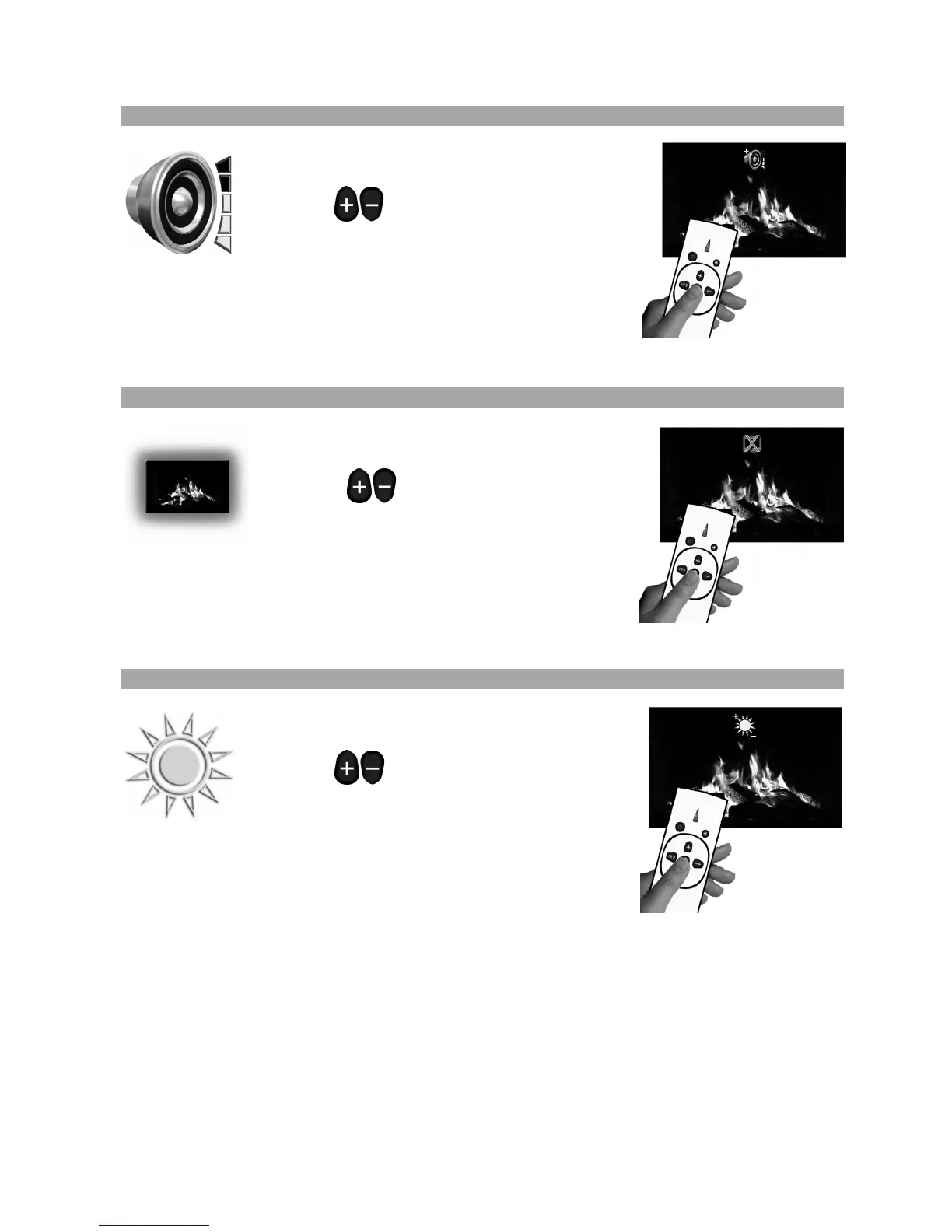
5.2.4.3 How to change the Volume
Press the ‘FUNC’ button as described above to
display the volume icon is on the screen.
Press the buttons to change the volume.
There are 6 volume settings to choose from
(including mute) and you will hear the volume
change as you scroll through the selections. Once the desired
volume is selected wait for 3 seconds for the on screen icon to
disappear.
The volume is now set.
5.2.4.4 How to change the Mood Lighting
Press the ‘FUNC’ button as described above to
display the mood lighting icon is on the screen.
Press the buttons to change the mood
lighting. There are 4 mood lighting settings to
choose from (including off) and you will see the
mood lighting change as you scroll through the options. Once the
desired volume is selected wait for 3 seconds for the on screen
icon to disappear.
The mood lighting is now set.
5.2.4.4 How to change the Brightness
Press the ‘FUNC’ button as described above to
display the brightness icon on the screen.
Press the buttons to change the screen
brightness. There are 3 brightness settings to
choose from and you will see brightness change
as you scroll through the selections. Once the desired brightness
is selected wait for 3 seconds for the on screen icon to disappear.
The brightness is now set.
NOTE: In daylight conditions this brightness change may appear quite subtle



 To Next Page