9. ERROR CODES
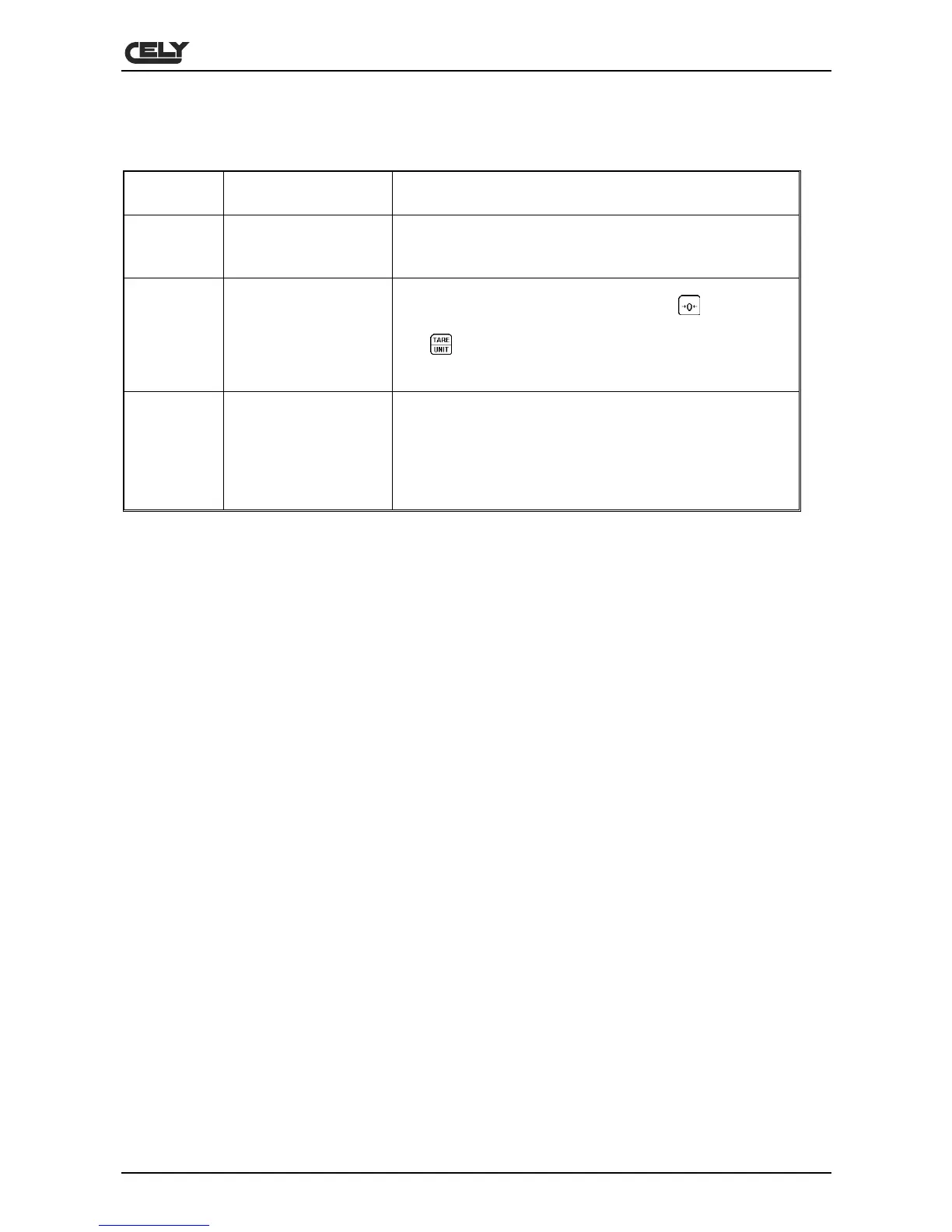
ERROR
CODES
DESCRIPTION SOLUTION
- -OL -
Above the range
Remove the weight from the scales.
If the problem continues, contact your distributor or CELY
for assistance.
Err 4
Zero setting error
The scales were not correctly set-up in the zero range, or
they were switched on when was pressed
.
Remove the weight from the scales and try again.
Use
to set the display to zero.
If the problem continues, contact your distributor or CELY
for assistance.
Err 6
A/D out of range
The A/D converter values are out of the normal range.
Remove the weight from the scales if there is excessive
weight and check that the platform is in position.
This error may indicate that the platform or electronics may
not be working correctly.
If the problem continues, contact your distributor or CELY
for assistance.


 To Next Page