emerald Quick Installation Guide
35
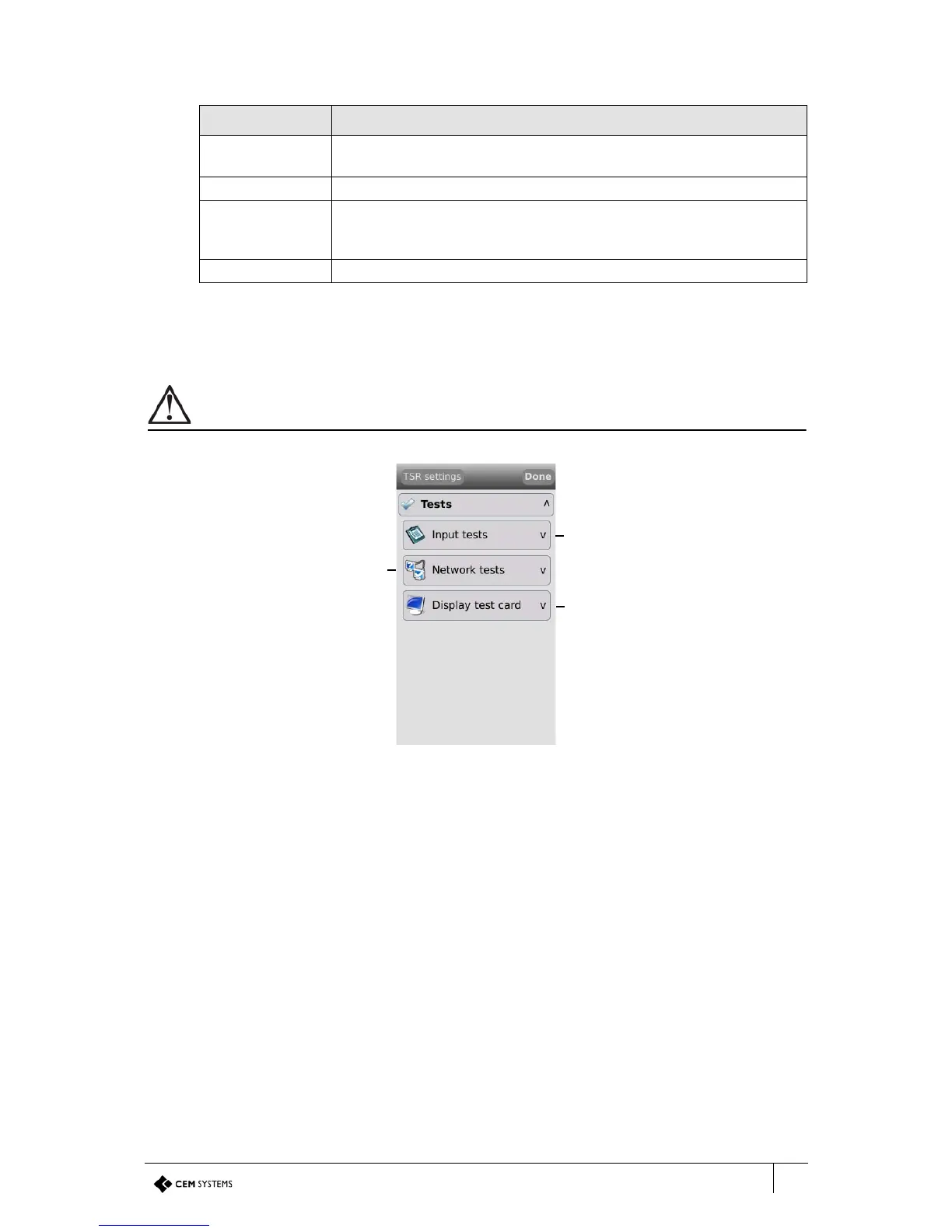
6.2.2 Tests menu
The emerald terminal has built in tests that can be performed to check specific functionality.
When contacting CEM support with any issues, these tests may be requested.
Figure 27 The tests menu
Local inputs Indicates the status of the local inputs such as door position, lock
sense etc.
Main reader Indicates the status of the emerald™ master terminal.
Door interface Indicates whether a door interface unit is currently connected to the
emerald™ terminal. The emerald™ is not UL evaluated with a Door
Interface Unit.
2nd reader Indicates whether an exit reader is currently connected to the terminal.
Info Description
Table 18: Terminal unit information descriptions



 To Next Page