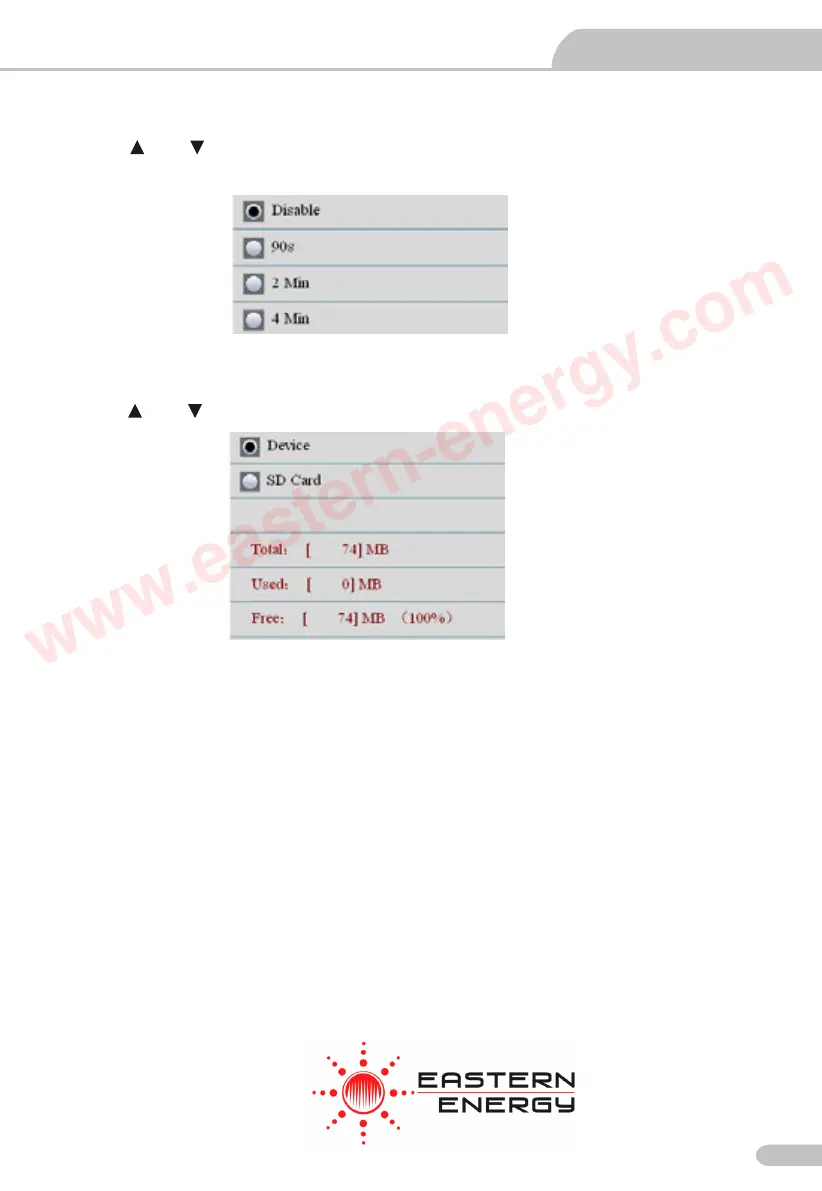
11.6 Display Timeout
Press the and button to select the Display auto off time or never Display auto off, press the
ESC button to esc and save.
11.7 Memory Status
Press the and button to select the memory (flash or microSD). Press the ESC button to
esc and save.
NOTE: If MicroSD card inserted, MicroSD card will be selected by default
Press the ENTER button to format the flash or MicroSD card, press F3 button to cancel format,
press F1 button to confirm format.
Video Borescope User Manual
Particle Counter User Manual
19
Eastern Energy Co., Ltd.
40/4 Vitoondumri Rd., Banbueng
Banbueng, Chonburi, Thailand
Tel: 66-3844-611
sale@ete.co.th
www.eastern-energy.com
www.eastern-energy.com



 To Next Page
 Loading...








