9
ENGLISH
B500
NR 13AJ002
RESET
SW:S1J41AH
Fm = 60.0 kN
Fp = 24.5 kN
F
m = 6.75 ton
Fp = 2.75 ton
P
m = 661 bar
Pp = 312 bar
1000
-19000
BATTERY
3 SEC.
ERROR
001
20001
BATTERY
Fm = 60.0 kN
Fp = 58.3 kN
P
m = 661 bar
Pp= 485 bar
F
m = 60.0 kN
OK
P
m = 661 bar
OK
P
m = 9587 psi
Pp = 4525 psi
002
003
BATTERY
004
LED
ON
LED
ON
max.
BATTERY BATTERY
min.
B500
NR 13AJ002
RESET
SW:S1J41AH
Fm = 60.0 kN
Fp = 24.5 kN
F
m = 6.75 ton
Fp = 2.75 ton
P
m = 661 bar
Pp = 312 bar
1000
-19000
BATTERY
3 SEC.
ERROR
001
20001
BATTERY
Fm = 60.0 kN
Fp = 58.3 kN
P
m = 661 bar
Pp= 485 bar
F
m = 60.0 kN
OK
P
m = 661 bar
OK
P
m = 9587 psi
Pp = 4525 psi
002
003
BATTERY
004
LED
ON
LED
ON
max.
BATTERY BATTERY
min.
B500
NR 13AJ002
RESET
SW:S1J41AH
Fm = 60.0 kN
Fp = 24.5 kN
F
m = 6.75 ton
Fp = 2.75 ton
P
m = 661 bar
Pp = 312 bar
1000
-19000
BATTERY
3 SEC.
ERROR
001
20001
BATTERY
Fm = 60.0 kN
Fp = 58.3 kN
P
m = 661 bar
Pp= 485 bar
F
m = 60.0 kN
OK
P
m = 661 bar
OK
P
m = 9587 psi
Pp = 4525 psi
002
003
BATTERY
004
LED
ON
BATTERY BATTERY
2.8) Battery status
The battery is equipped with LED indicators that indicate the remaining battery life at
any time by pressing the adjacent button (P) (Ref. to Fig. 5):
4 LEDs illuminated: fully charged
2 LEDs illuminated: 50 % capacity
1 LED flashing: minimum charge, replace the battery.
With the battery inserted into the tool, the remaining
battery life can also be checked on the display, via
touch button selection (Ref. to § 4).
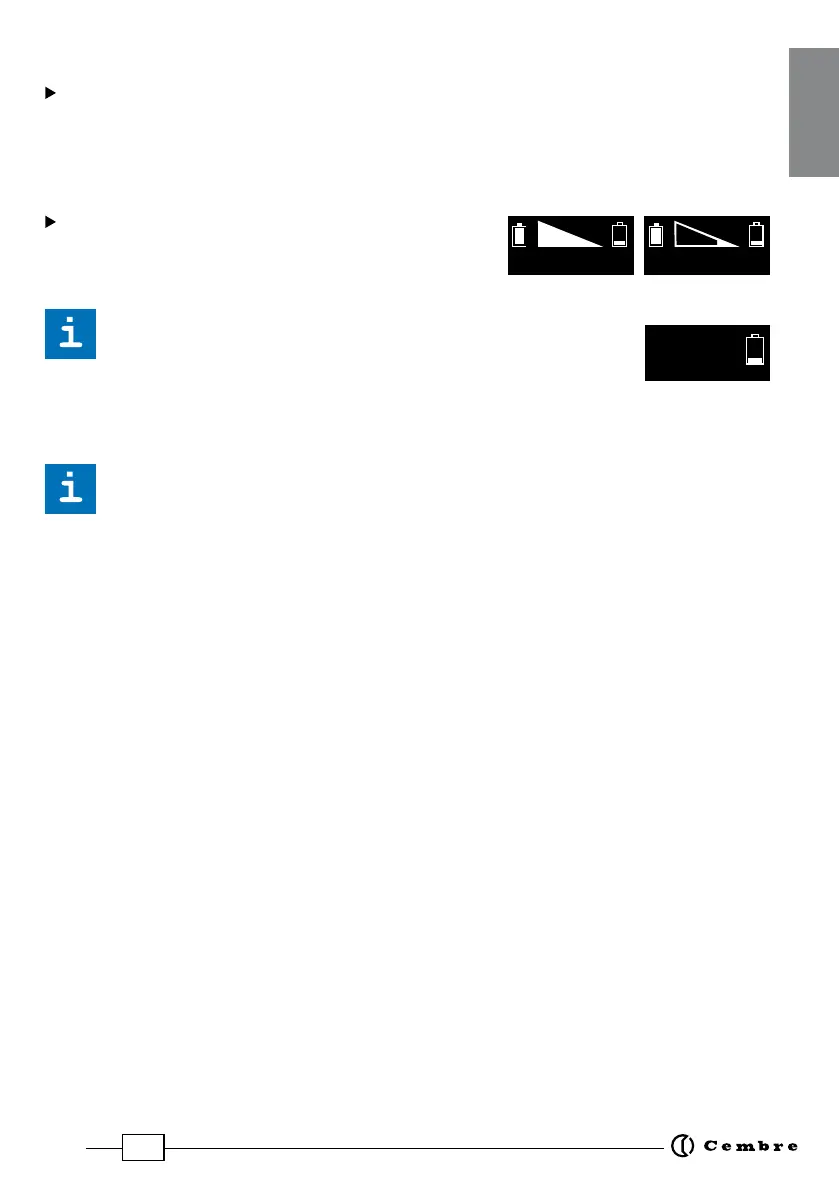
The screen shown alongside indicates that the battery Valtage
has dropped below a minimum safety threshold; under these
conditions the tool will not start, and it is necessary to recharge or replace
the battery.
The approximate time to fully recharge a battery is about 80 minutes.
After each working cycle, and after the extraction of the battery from the tool, an
integrated battery cut-o device will operate after 70 s approx.
Then the LED nearest to button (P) will ash 5 times each 14 s approx. The battery will
be reactivated when it is reintroduced into the tool and the operating button is pressed.
2.9) Using the battery charger
Carefully follow the instructions in the battery charger user manual.
3. MAINTENANCE
The tool is robust, completely sealed, and requires very little daily maintenance. Compli-
ance with the following points, should help to maintain its optimum performance:
3.1) Thorough cleaning
Dust, sand and dirt are a danger for any hydraulic device.
Every day, after use, the tool must be wiped with a clean cloth taking care to remove any
residue, especially close to pivots and moveable parts.
Do not use hydrocarbons to clean the rubber parts.
3.2) Storage case
When not in use, the tool should be stored and transported in the plastic case, to prevent
damage. The case, type VAL P35, is suitable for storing the tool, the accessories and up to
20 die sets and pre-prepared compression connectors.
VAL P35: Size 500x480x128 mm (19.7x18.9x5.0 inches). Weight 3,1 kg (6.8 lbs).


 To Next Page