EasyManua.ls Logo

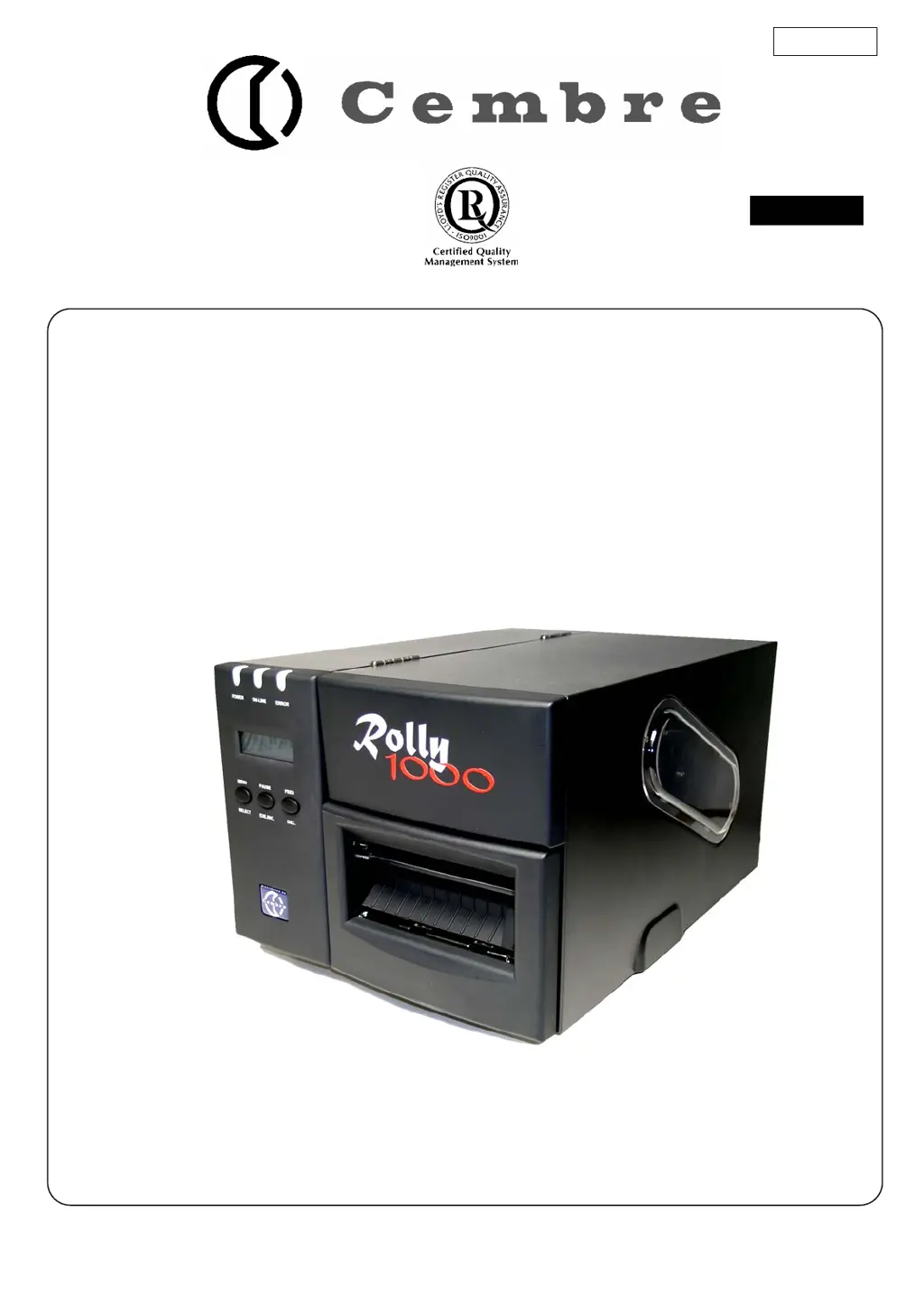
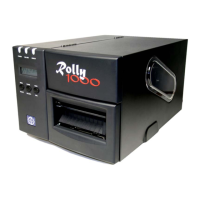
Cembre Rolly 1000 - User Manual

Cembre Rolly 1000
22 pages
Print Icon
To Next Page IconTo Next Page
Loading...
THERMAL TRANSFER PRINTER
ROLLY 1000
OPERATION AND MAINTENANCE
MANUAL
ENGLISH
07 M
037
E

Other manuals for Cembre Rolly 1000

Questions and Answers

Summary

PRODUCT INTRODUCTION

Directives 2002;95;CE and 2002;96;CE

Information regarding EU directives on hazardous substances and waste disposal for electrical equipment.

Printer Specification

Details printer specifications including mode, resolution, print length, width, and speed.

Printer Specifications

Environment Specification

Specifies operating and storage environment conditions for temperature and humidity.

Hardware Components

Lists hardware components including sensors, memory, interfaces, and power supply.

Barcode Support

Lists supported barcode formats for the printer.

Supplies and Options

Optional Items

Mentions optional accessories available for the printer, such as a cutter module.

Media Specification

Details specifications for media including width, thickness, roll diameter, and black mark width.

Ribbon Specification

Details specifications for ribbon including width and length.

GETTING STARTED

Unpacking and Inspection

Provides instructions for unpacking and inspecting the printer for damage upon receipt.

Equipment Checklist

Lists all items included in the printer package for verification.

Printer Components Overview

Identifies and labels the main external components of the printer via diagrams.

Controls and Indicators

Details the printer's buttons, indicators (Power, On-Line, Error), and adjustment knobs for operation.

SET UP

Setting Up the Printer

Step-by-step guide for physically setting up the printer on a surface and connecting it.

Ribbon Installation

Instructions for opening the printer and installing a new ribbon correctly.

Loading Media Reels

Detailed steps for mounting a media reel and feeding the leading edge through the printer.

Sensor Positioning

Explains how to align the sensor based on media type for correct media advance.

Self-test Procedure

Describes how to initiate and perform a self-test to check printer settings and print head performance.

Dump Mode Operation

Explains how to enter dump mode for viewing raw ASCII data and hexadecimal values for debugging.

USING THE PRINTER

Power-on Utilities

Introduces two utilities activated on power-up: sensor calibration and printer initialization.

Gap;Black Mark Sensor Calibration

Details procedures for calibrating the gap/black mark sensor for accurate media detection.

Printer Initialization

Explains how to perform printer initialization to restore default settings and the steps involved.

Troubleshooting Guide

Lists common problems, their reasons, and solutions for the printer.

PRINTER CLEANING

Print Head Cleaning

Step-by-step guide for safely cleaning the printer's print head using dilute alcohol.

Printer Cover Cleaning

Instructions for cleaning the printer cover using a lint-free cloth and mild detergent.

Internal Parts Cleaning

Guide for cleaning internal printer parts, including the rubber roller.

APPENDIX: LCD Control Panel Map

Print Setup Menu

Details the printer setup options accessible via the LCD control panel, including speed and density.

Sensor Calibration Menu

Lists sensor calibration options available on the LCD control panel, such as Auto Gap and Manual Ribbon.

File Management Menu

Covers file management functions on the LCD, including listing and deleting files.

Printer Test Menu

Details printer testing options on the LCD, including self-test and mileage information.

Cembre Rolly 1000 Specifications

General IconGeneral
Printing MethodThermal Transfer
Printing TechnologyThermal Transfer
Resolution300 dpi
ConnectivityUSB, Ethernet
Material TypesPolyester
Supported Media TypesContinuous Media

Related product manuals