EasyManua.ls Logo

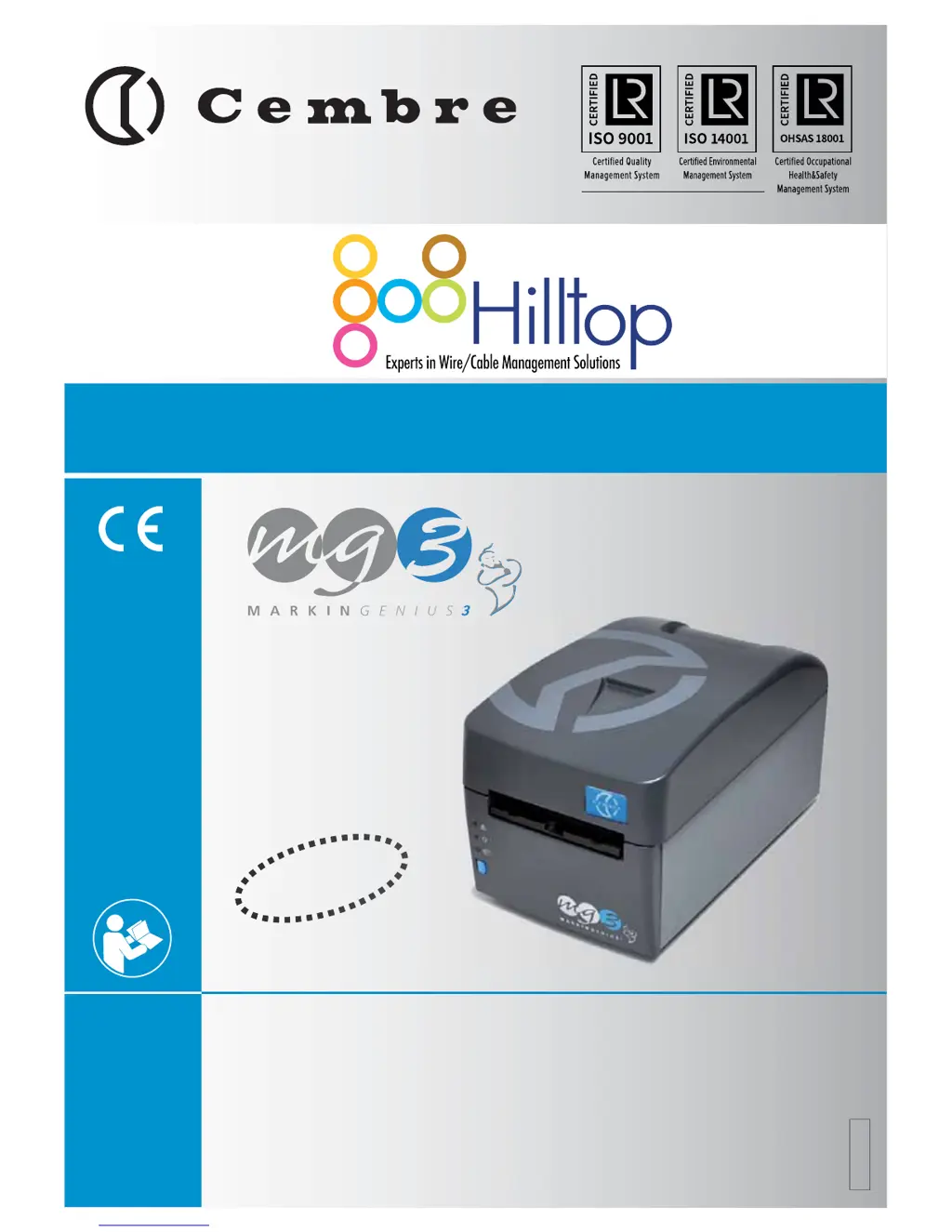
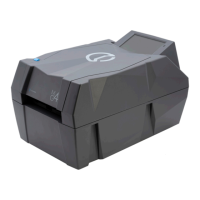
Cembre Markingenius MG3 - User Manual

Cembre Markingenius MG3
12 pages
Print Icon
To Next Page IconTo Next Page
Loading...
. 1 .
PLUG & PLAY
PLUG & P
LA
A
Y
ENGLISH
FRANÇAIS
DEUTSCH
ESPAÑOL
ITALIANO
OPERATION AND MAINTENANCE MANUAL .............................................3
NOTICE D’UTILISATION ET ENTRETIEN .................................................... 13
BEDIENUNGSANLEITUNG ............................................................................ 23
MANUAL DE USO Y MANTENIMIENTO .................................................... 33
MANUALE D’USO E MANUTENZIONE ...................................................... 43
18 M 046
MG3

Questions and Answers

  • R
    Rebecca JohnsonAug 18, 2025
    What to do if system software or printer driver malfunction on Cembre Markingenius MG3 Printer?
    • A
      Amanda GriffithAug 18, 2025
      If you suspect a system software or printer driver malfunction on your Cembre printer, verify that the printer driver and system default settings are correct. You can also try switching the MG3 off and then on again after a few seconds.
  • K
    Kurt LopezAug 21, 2025
    What to do if Cembre Printer system software or printer driver malfunction?
    • T
      tonyapattersonAug 21, 2025
      If you're experiencing a system software or printer driver malfunction with your Cembre printer, first verify that the printer driver and system default settings are correct. Then, switch the MG3 OFF and then ON again after a few seconds to see if that resolves the issue.
  • T
    thompsonfeliciaAug 23, 2025
    What to do if the Cembre Markingenius MG3 Printer carriage is not in the correct starting position?
    • K
      kloganAug 23, 2025
      If the carriage of your Cembre printer is not in the correct starting position or is out of position, try switching the MG3 off and then on again after a few seconds. Also, press the BLUE button (4) to move the carriage and ensure it is operating correctly. Make sure to remove any obstacles preventing full movement of the carriage.
  • G
    Gwendolyn SimpsonAug 26, 2025
    What to do if the Cembre Markingenius MG3 Printer carriage is not moving correctly?
    • D
      Destiny Davidson MDAug 26, 2025
      If the carriage of your Cembre printer is not moving correctly or is in the wrong position, switch the MG3 off and then on again after a few seconds. Press the BLUE button (4) to move the carriage and ensure it is operating correctly.
  • B
    Brittany TylerAug 27, 2025
    What to do if the print head is not lowered on Cembre Printer?
    • A
      Angela NelsonAug 27, 2025
      If the print head is not lowered on your Cembre printer, try switching the MG3 off and then on again after a few seconds. Also, press the BLUE button (4) to move the carriage and ensure it is operating correctly.
  • M
    moodytimothyAug 29, 2025
    What to do if the print head is not raised on Cembre Markingenius MG3?
    • K
      Karen MartinezAug 30, 2025
      If the print head is not raised on your Cembre printer, try switching the MG3 off and then on again after a few seconds. Also, press the BLUE button (4) to move the carriage and ensure it is operating correctly.
  • C
    Cameron WilcoxSep 1, 2025
    What to do if Cembre Printer support template is not identified?
    • R
      rhernandezSep 1, 2025
      If the support template is not being identified by your Cembre printer, ensure that you are using the correct template. If the issue persists, switch the MG3 OFF and then ON again after a few seconds.
  • D
    Daniel BishopSep 4, 2025
    What to do if Cembre Markingenius MG3 carriage is not in correct starting position?
    • M
      Melissa StoneSep 4, 2025
      If the carriage is not in the correct starting position or is out of position on your Cembre printer, switch the MG3 OFF and then ON again after a few seconds. Press the BLUE button (4) to move the carriage and ensure it is operating correctly. Also, remove any obstacles preventing full movement of the carriage.
  • M
    matthew79Sep 6, 2025
    What to do if Cembre Printer carriage is not moving correctly?
    • M
      melissasmithSep 6, 2025
      If the carriage on your Cembre printer is not moving correctly or is in the wrong position, switch the MG3 OFF and then ON again after a few seconds. Then, press the BLUE button (4) to move the carriage and ensure it is operating correctly.
  • L
    Laura MartinezSep 8, 2025
    What to do if Cembre Markingenius MG3 print head is not lowered?
    • K
      kenneth53Sep 8, 2025
      If the print head is not lowering on your Cembre printer, switch the MG3 OFF and then ON again after a few seconds. Press the BLUE button (4) to move the carriage and ensure it is operating correctly.

Summary

Safety Warnings

General Characteristics

Technical Specification

Product Description

Layout

Diagram and explanation of the printer's physical components and their labels.

Initial Setup Guide

Install Printer Ribbon

Step-by-step instructions for loading the printer ribbon correctly.

Load Media Sheets

Guide to positioning various types of media sheets onto support templates for printing.

Mount Support Templates

Instructions for selecting and placing correct support templates onto the printer carriage.

Printing Cycle

Procedure for initiating and managing the printing process and removing printed media.

Maintenance Procedures

Clean Print Head

Procedure for cleaning the printer head using a dedicated cleaning kit.

Routine Cleaning

Guidelines for regular cleaning of the printer's exterior and internal parts.

Replace Fuses

Instructions for replacing internal fuses for overcurrent protection.

Troubleshooting Guide

Overhaul and Service

Available Accessories

Cembre Markingenius MG3 Specifications

General IconGeneral
Printing TechnologyThermal transfer
Resolution300 dpi
ConnectivityUSB
MaterialPlastic, metal components
TypePortable printer
BatteryLi-ION
Operating System CompatibilityWindows

Related product manuals