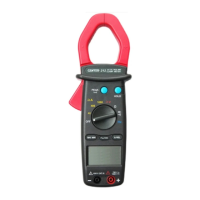
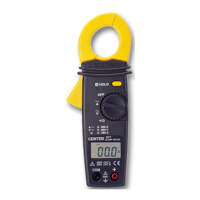
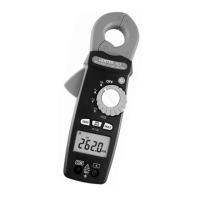
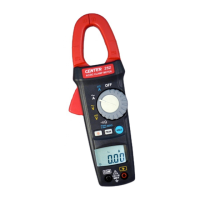
Clamp Meter
6
5. BUTTON INSTRUCTION
5-1 HOLD Function
It is possible to freeze the value displayed by pressing on the
"HOLD" button. To deactivate this function, press the "HOLD"
button a second time.
5-2 PEAK Function
If you press on the "PEAK" button , the display will show "PEAK"
symbol. When there is a value input that value will be indicated
frozen in the display. If a bigger peak value is input, the peak value
will be updataed and indicated frozen in the display. When you
press on the button again, the function will return to the normal
mode.
5-3 Zero Function
If you press and hold the "PEAK" button for 2 seconds or longer, the
display will show " " symbol.
When you turn on this function, the reading will become zero.
When you press on the button again, the function will return to
the normal mode.
5-4 BACKLIGHT Function
If you press on the “
" button, it will turn on the backlight
function.(The backlight is blue light. When you turn on this function,
it will light for 15 seconds)
If you press on the“ "button again, the function will be turned
off.
6. MEASURING INSTRUCTION
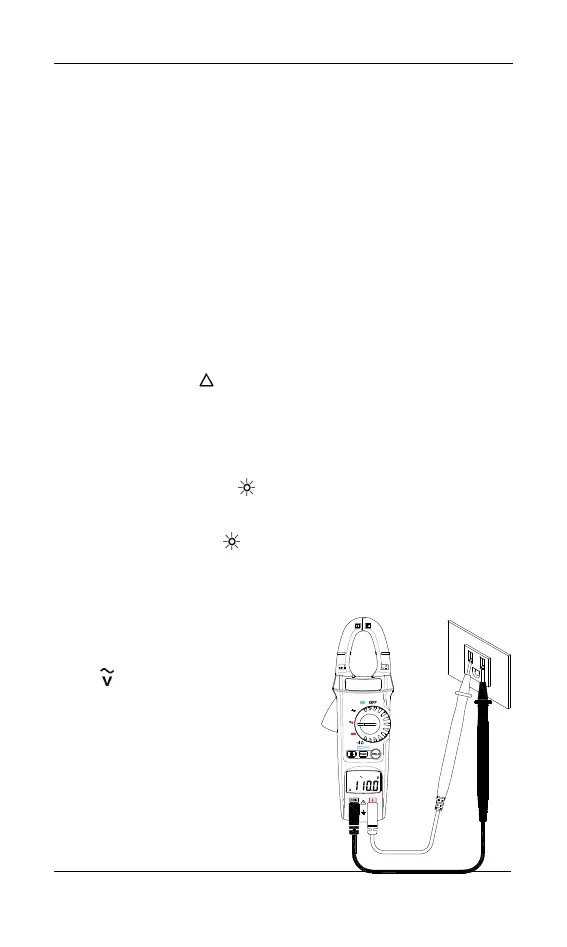
6-1 AC Voltage Measurement:
Switch the main function selector
to
range.
Connect red test lead to “ + "
terminal and black one to the
“COM"terminal.
Measure the voltage by touch the
test lead tips to the test circuit
where the value of voltage is
needed.
Read the result from the LCD
panel.
ICAT I
600V
I
V
AC/DC CLAMP METER
A
A
V
600
600


 To Next Page