Page 4SKU 37555
OPERATION
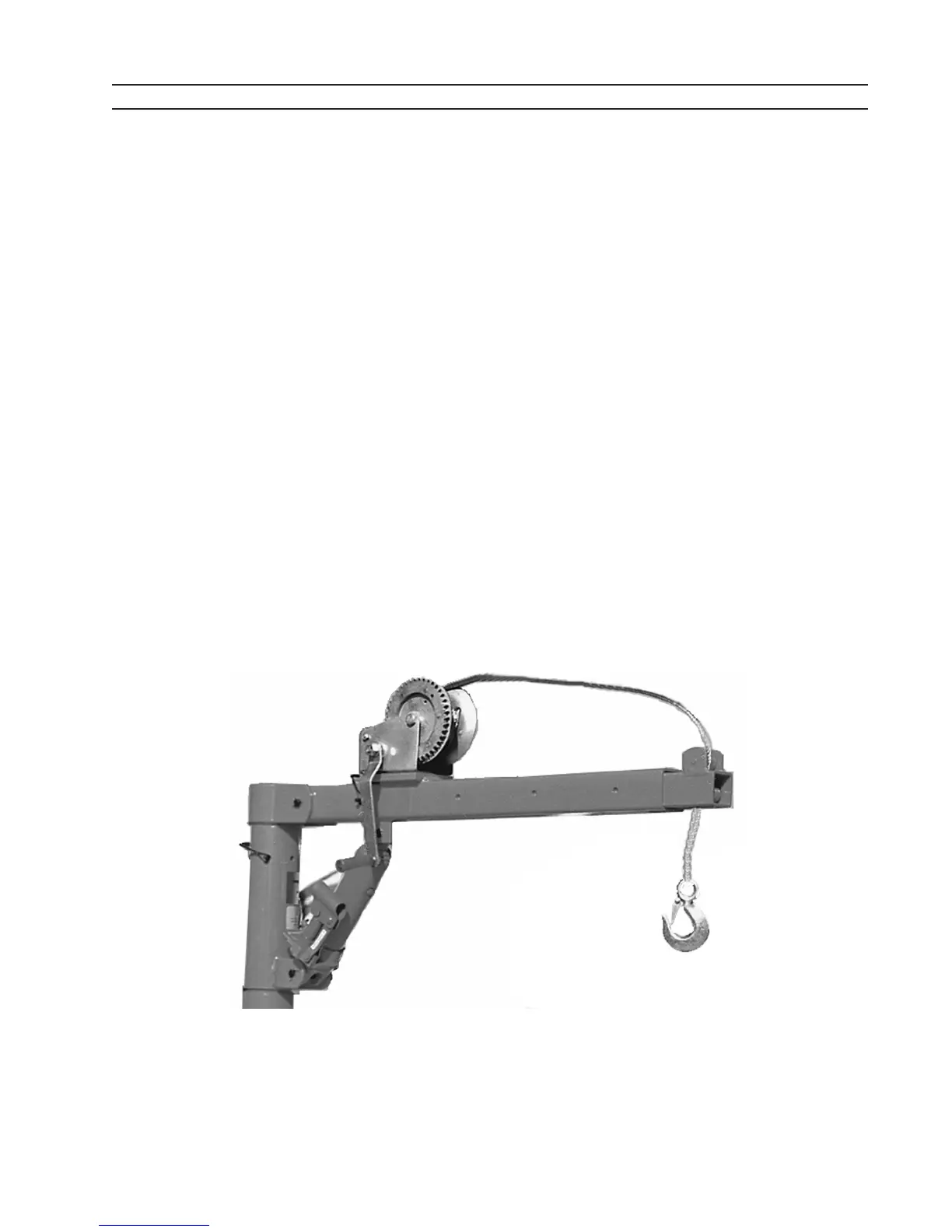
1. ReleasetheLockPin(20)locatedonthePost(02),andswivelthePostsothatthe
Boom(04)ispointingtowardstheobjecttobelifted.
2. PositiontheHookandSteelCable(10)overthearticletobemovedbyadjustingand
lockingtheExtendibleBoom(07)inplaceusingtheBoomExtendiblePin(08).
Do not exceed the weight limits of the lift (See specication table).
3. Hook around the article so that its weight is centered.
4. PlacetheslottedendoftheJackHandle(21)overtheJackreleasevalve,andcloseit
by turning it in a clockwise direction.
5. Insert the Jack Handle into its connector and lift the Boom by pumping the handle in
an up and down motion.
6. When the article has been lifted to the desired height, it may be moved over the truck
bedbyslowlyswivelingthePost(02)untilthearticleisdirectlyoverthetruckbed.
Do not attempt to extend the Boom further while the article is still attached. If
the article needs to be moved further out, lower it, then adjust the Boom and re-
lift it.
7. LowerthearticleontothetruckbedbyusingtheJackHandle(21)toslowlyturnthe
pump release valve in a counterclockwise direction.
8. Reverse previous steps to remove article from truck bed.
9. SecureboomovertruckwheelwellusingtheLockPin(20).


 To Next Page