Page 14SKU 45656 For technical questions, please call 1-800-444-3353.
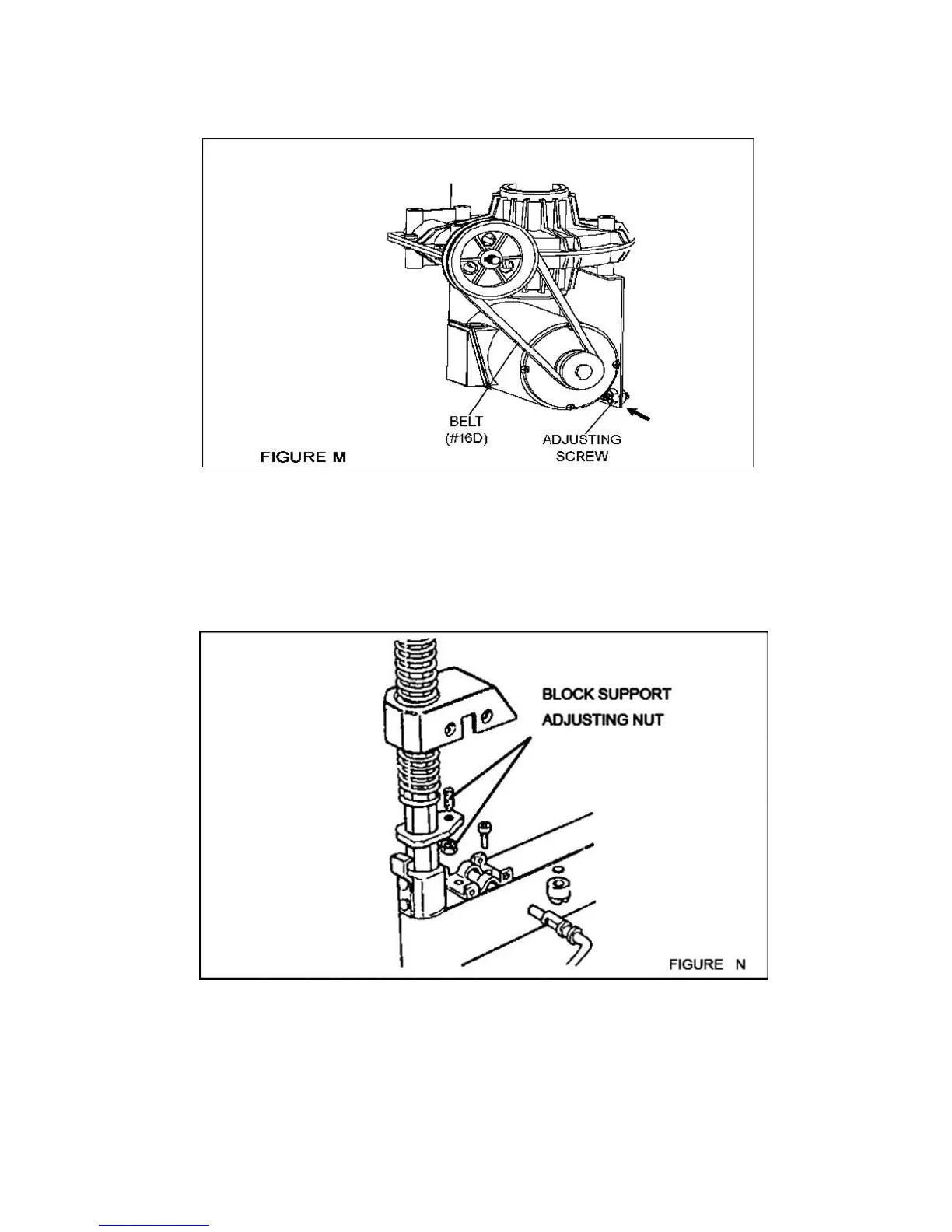
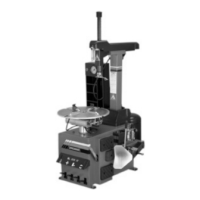
6. In the event of a loss of power, check to see if the Belt (16D) is tight. To do
so, remove the Side Cover (33B), which is located on the left side of the Body
Assembly, by unscrewing the four Screws. Tighten the Belt, using the Adjusting
Screw located on the Motor Support. (See Figures F, M, and Assy. Diagram D.)
7. In the event the Block Support (7A) doesn’t lock the Tools Shaft (13A) in place, or
the Mounting Head (15A) doesn’t rise at least 1/8” above the wheel rim which is
necessary for working, adjust the Nuts as shown in Figure N.



 To Next Page