Revision: 02/1015 DOK 1643-us 13 of 28
7 Operating Instruction
7.1 Change of the battery
7.1.1 Change of the battery – CT-Multi PTT Bluetooth
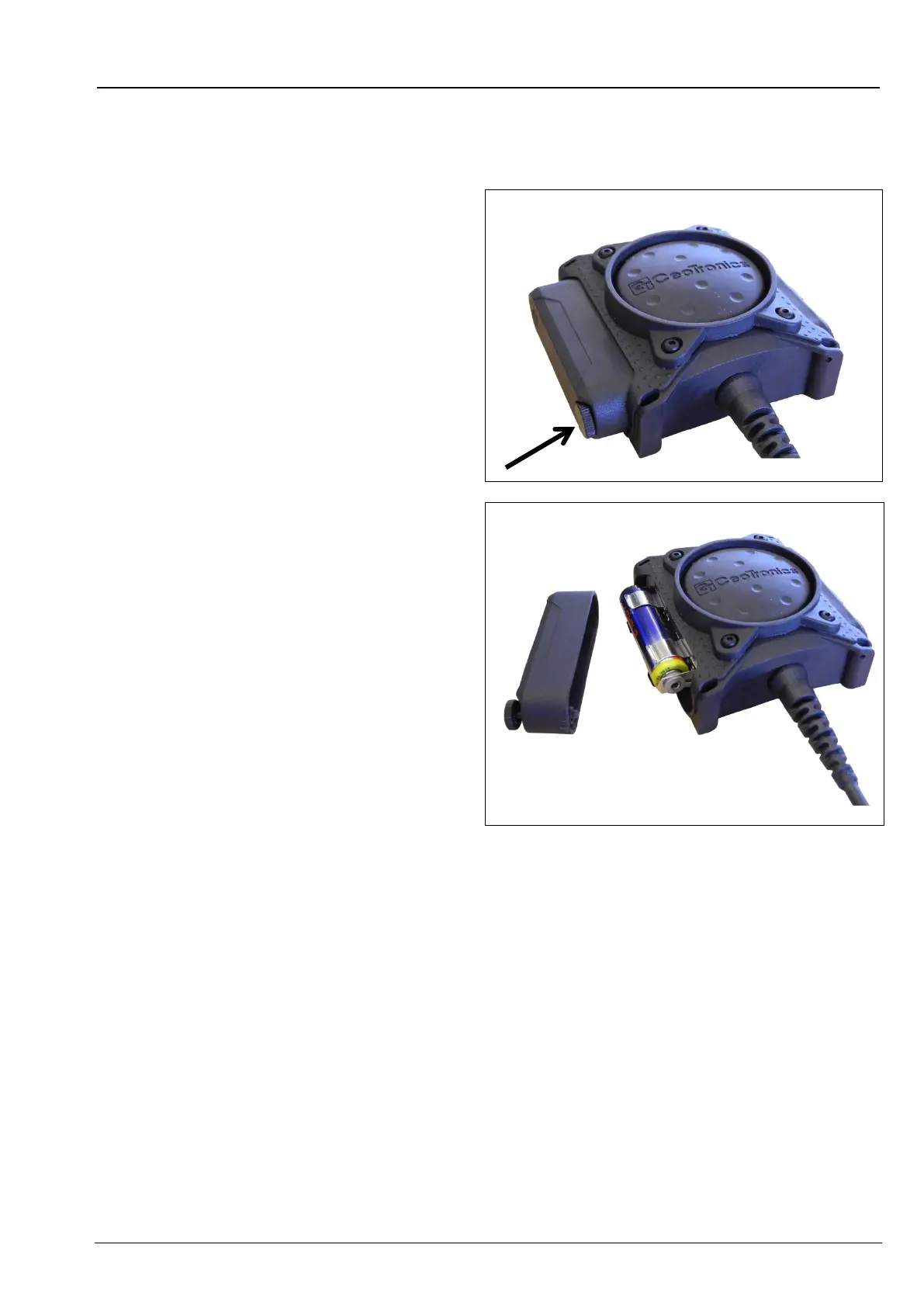
1. Open the battery compartment by loosening
the knurled screw.
Figure 13
2. Remove and replace the rechargeable
battery / battery from the battery
compartment.
When inserting observe polarity.
3. Fix the cover of battery compartment again at
the PTT-button.
Figure 14


 To Next Page