5 Battery Installation
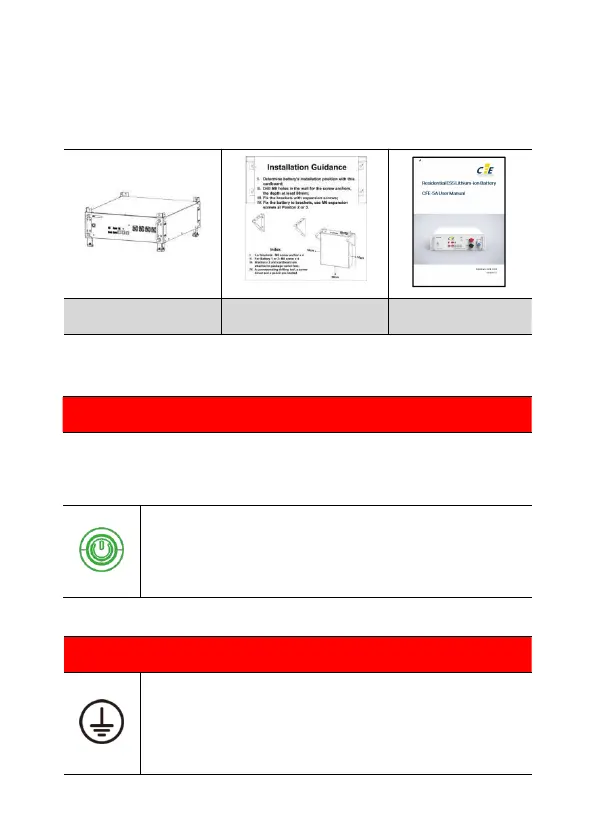
5.1 Package items
These items are included in the package.
5.2 Checks before installation
Check the battery voltage.
If this checking process is executed for any reason after the battery is fully installed,
make sure that the inverter is turned off or disconnected from battery while checking
the battery.
Press and hold the panel button for about 4s, release it after the two
LED lights on, and then measure the voltage at the terminal interface
with a voltmeter. If the voltage is lower than 44 V, do not use the
battery and contact customer careline or your distributor.
5.3 Installation of the battery
The symbol is located on the front of battery. For parallel or series
connection, the earth wire must be installed.
Apply silica gel or paint around the earth terminal after the earth cable
is connected.



 To Next Page