CP30 User Manual
3.6.5 RFID Calibration
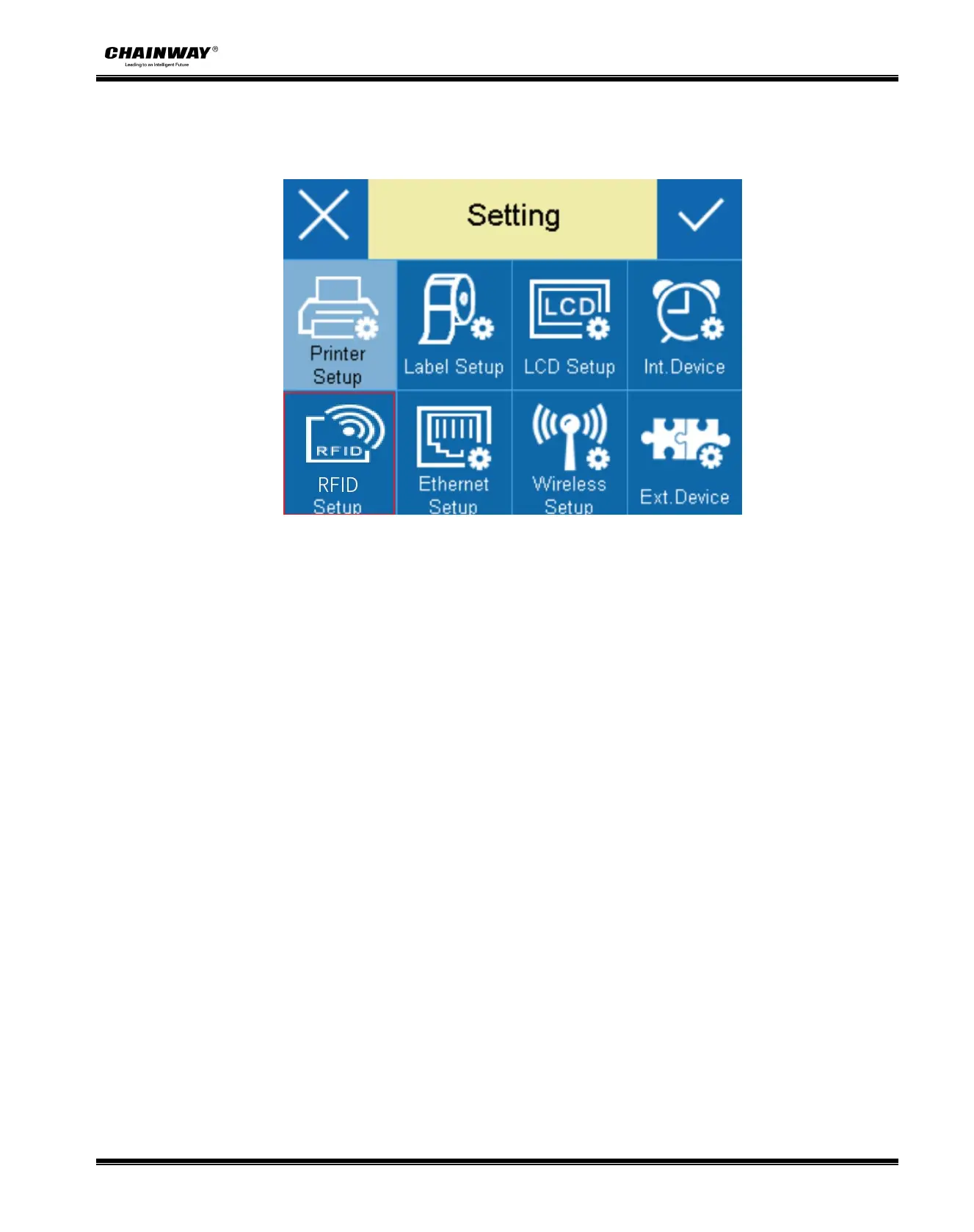
Click “RFID” Setup,then enter parameter setting:
● RFID Calibration
① Choose “RFID Calibration”->“Open”;
② Screen display (calibration), then the printer starts to calibrate the RFID tag antenna
position and the antenna power at the same time;
③ After the calibration is successful, the screen displays and returns to the menu setting
interface;If the calibration fails, the screen displays "RFID calibration error", and the [ready]
light and the [paper] light flash at the same time.
● Read RFID data
① Choose “RFID data”;
② Enter RFID data reading mode,choose EPC or TID;
③ Release the print module, move the RFID tag,when the RFID tag antenna is within the
readable and writable range of the RFID printer antenna, the printer will read the RFID tag data
and display the data on the screen;


 To Next Page