CP30 User Manual
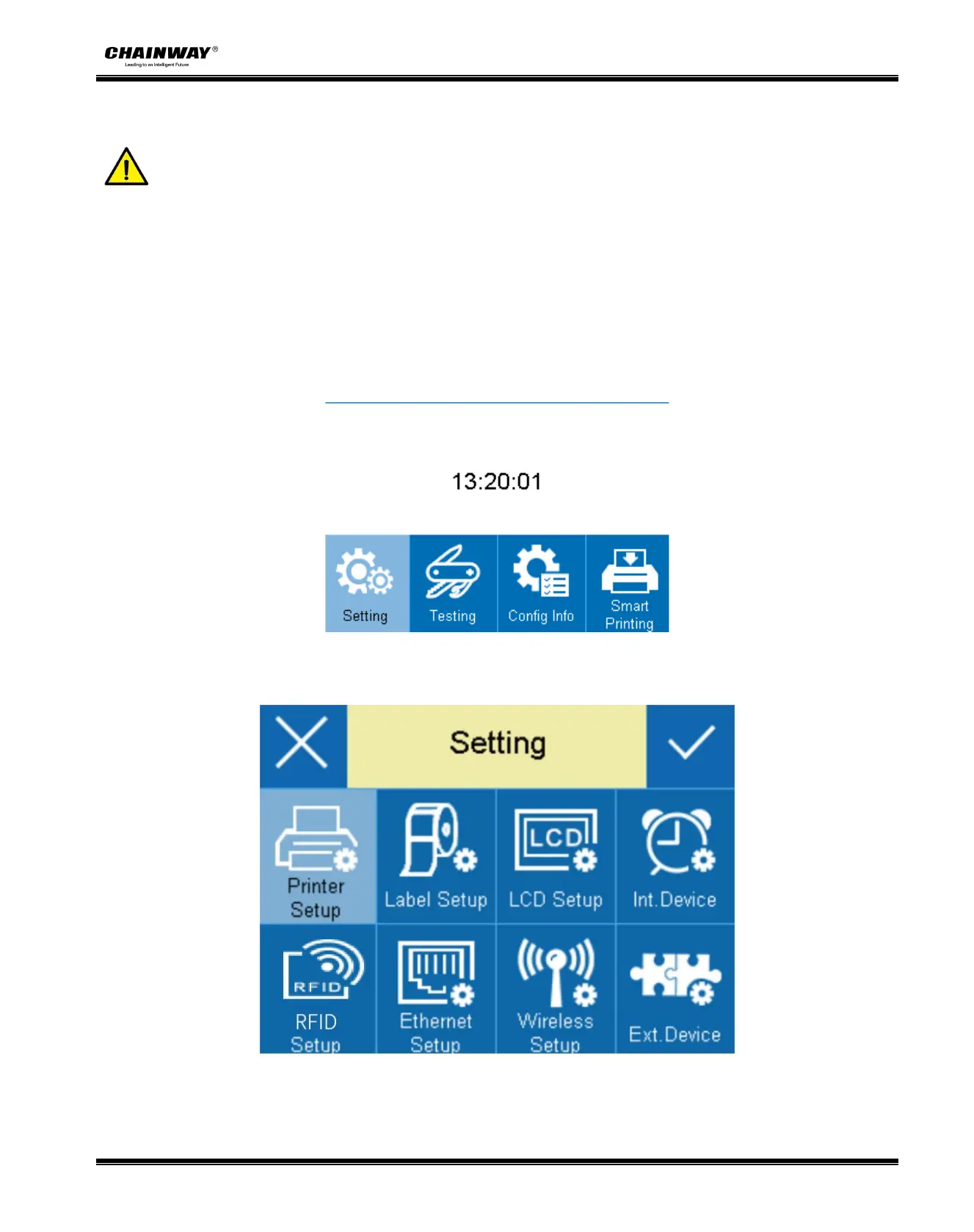
3.5.2 Display Operation
Note
:
User can confirm the printer status through the display screen.
The highlighted item represents that user has chosen the item needed.
In the following instructions, the example will be taken to show user how to operate the printer.
Changing the speed of the printer:
1.Make sure the printer is connected to the power supply and the paper roll is installed correctly.
2.Press the power button to open the printer and enter the main menu interface.
3. Enter the setting menu, then choose the “Printer Setup” item.


 To Next Page