4
FOR SERVICE DIAL OUR TOLL FREE NUMBER:
1-800-528-9131
Feature Settings
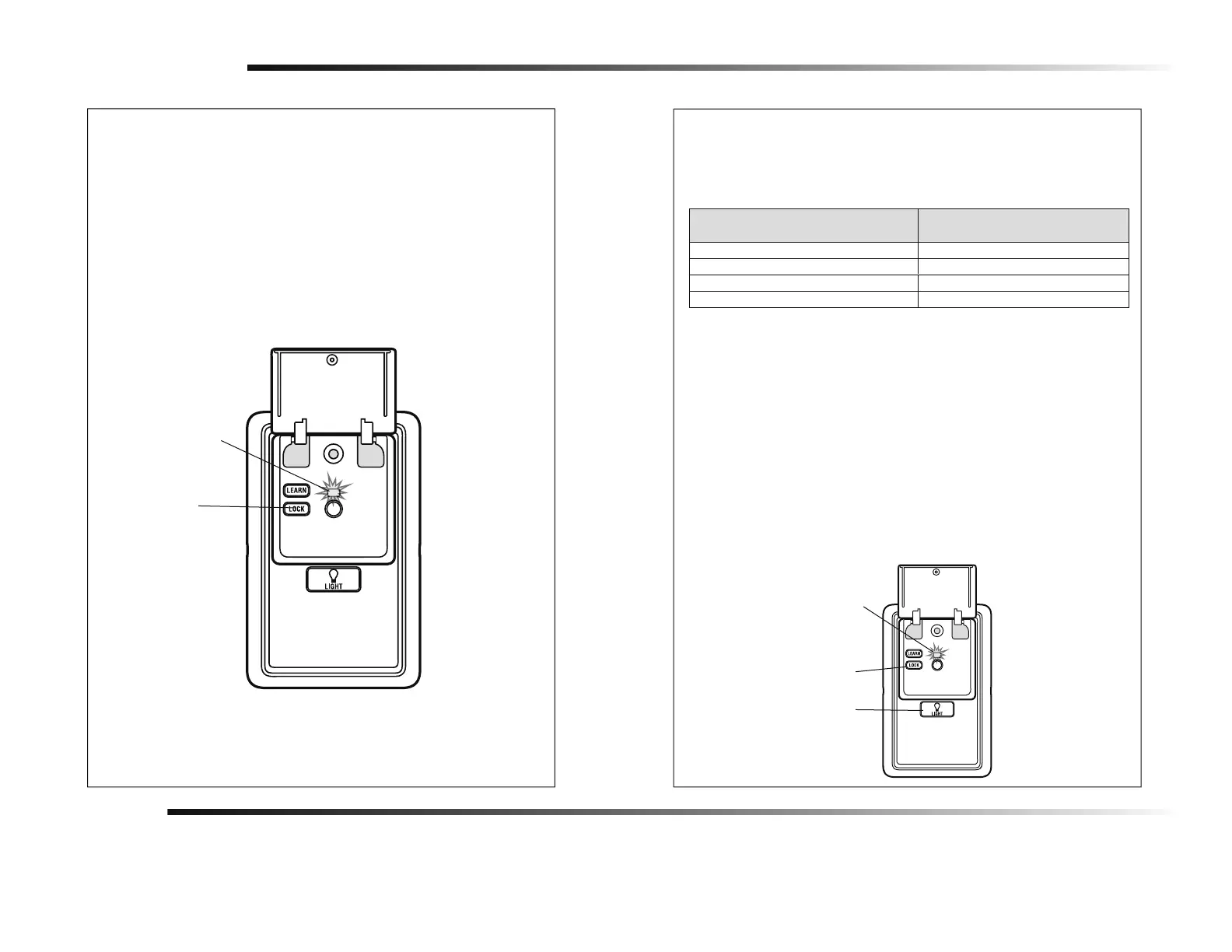
LOCK
Activate:
NOTE: Your remote controls will NOT work when LOCK mode is active however
your keyless entry will still allow access to your garage.
Press and hold the LOCK button for 2 seconds. The command LED will flash as
long as the lock feature is activated and your handheld remote control will not
operate your door at this time.
Deactivate:
Press and hold the LOCK button again for 2 seconds. The command LED will
stop flashing and normal operation will resume.
LIGHT
To change the amount of time the garage door opener lights will stay on
(default time is 4-1/2 Minutes):
Press and hold the LOCK button until the garage door opener lights flash.* The
garage door opener lights will then indicate the current light duration by
flashing up to 4 times (see table below).
NUMBER OF TIMES GARAGE DOOR OPENER
LIGHTS FLASH
TIME THE GARAGE DOOR OPENER LIGHT
STAYS ON
1 1 ½ Minutes
2 2 ½ Minutes
3 3 ½ Minutes
4 4 ½ Minutes
Warranty
ONE YEAR LIMITED WARRANTY
The Chamberlain Group, Inc. warrants to the first consumer purchaser of this product that it is
free from defect in materials and/or workmanship for a period of 1 year from the date of purchase.
To change the light duration time repeat the steps above until the lights flashes
indicate your desired time frame.
Light Feature
NOTE: Factory setting is on.
This feature will turn on the garage door opener lights when the safety
reversing sensors beam has been broken.
Deactivate:
Start with the garage door opener lights off. Press and hold the LIGHT button
to turn on the light, continue to hold until the light turns off.*
Activate:
Start with the garage door opener lights on. Press and hold the LIGHT button
to turn off the light, continue to hold until the light turns on.*
* Approximately 10 seconds
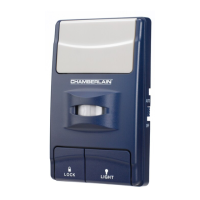
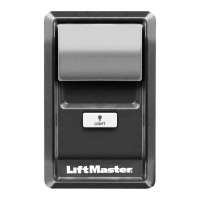
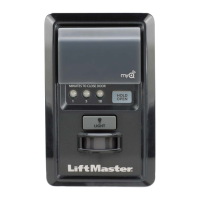
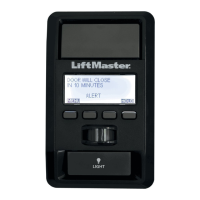
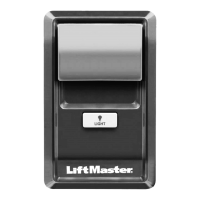
LOCK Button
Command LED
LOCK Button
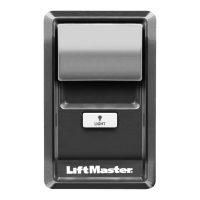
LIGHT Button
Command LED



 To Next Page